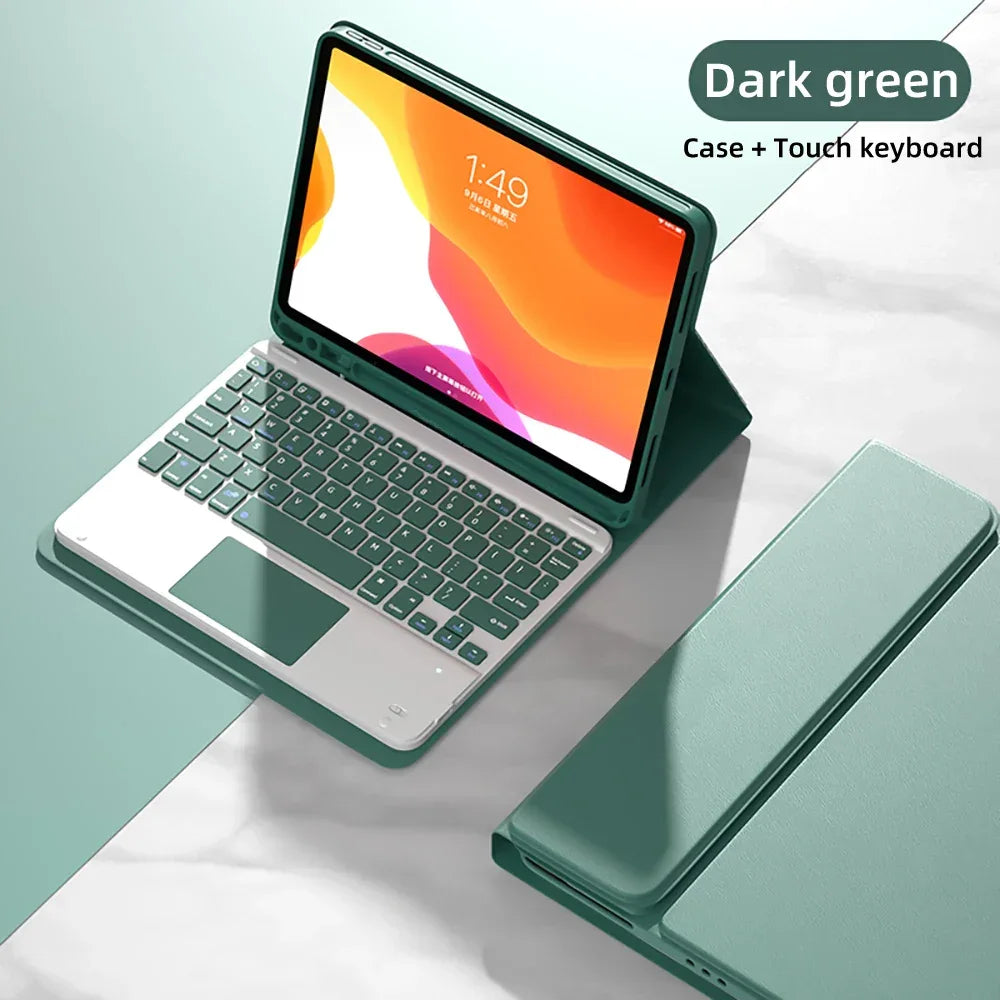
PDG ibma
Spanish Keyboard Case For iPad Air Pro 11 13 2024,iPad 10.2 7/8/9th 10th 2022 Gen Air 3 4 5 10.9 Pro 12.9 Funda Cover For iPad
Spanish Keyboard Case For iPad Air Pro 11 13 2024,iPad 10.2 7/8/9th 10th 2022 Gen Air 3 4 5 10.9 Pro 12.9 Funda Cover For iPad
Impossible de charger la disponibilité du service de retrait
SPECIFICATIONS
Application Laptop Size: 11"
Battery Included: Yes
Brand Name: PULUZ
Compatible Brand: For Apple iPad
Feature: Shockproof,Drop resistance,Soft
For IPad Model: iPad Pro 11 inch
High-concerned chemical: None
Length: 26
Material: PU
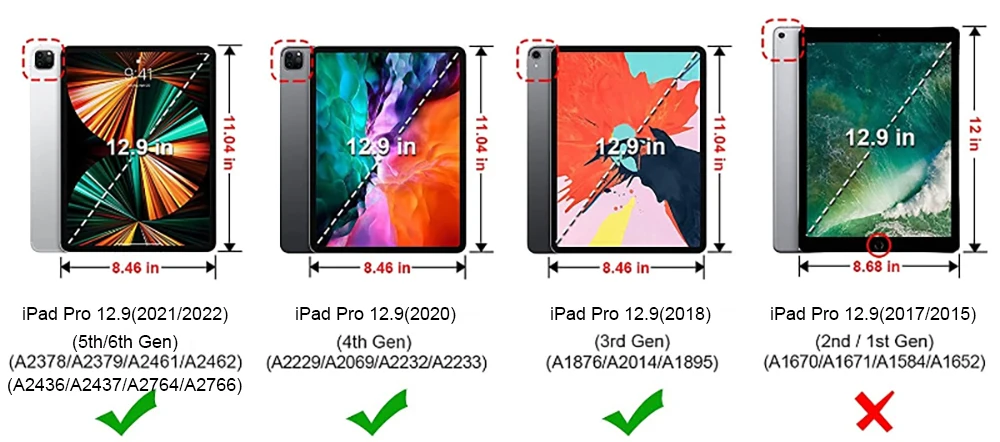
Model Compatibility: 2024IPadAir11-inch(M2),2024IPadAir13-inch(M2),iPad Pro 12.9" 3rd(2018),2024IPadPro11-inch(M4),ipad 8th(2020),2024IPadPro 13-inch(M4),iPad Pro 12.9" 6th(2022),iPadAir13(M3 2025),iPadAir11(M3 2025),iPad Pro 11" 3rd(2021),iPad11(A1 62025),iPad10th 2022,iPad Pro 12.9" 4th(2020),iPad Air 4th(2020),iPad Pro 11" 2nd(2020),iPad Pro 11" 1st(2018),iPad 10th(2022),iPad 9th(2021),iPad Air 3rd(2019),iPad Air 5th(2022),iPad Pro 11" 4th(2022),iPad Pro 12.9" 5th(2021),iPad 7th(2019),iPad Pro 10.5" (2016)
Origin: Mainland China
Package: Yes
Pattern Type: Solid
Style: Casual
Type: With Keyboard
Width: 18
Check the correct model number in the back of iPad before making orders.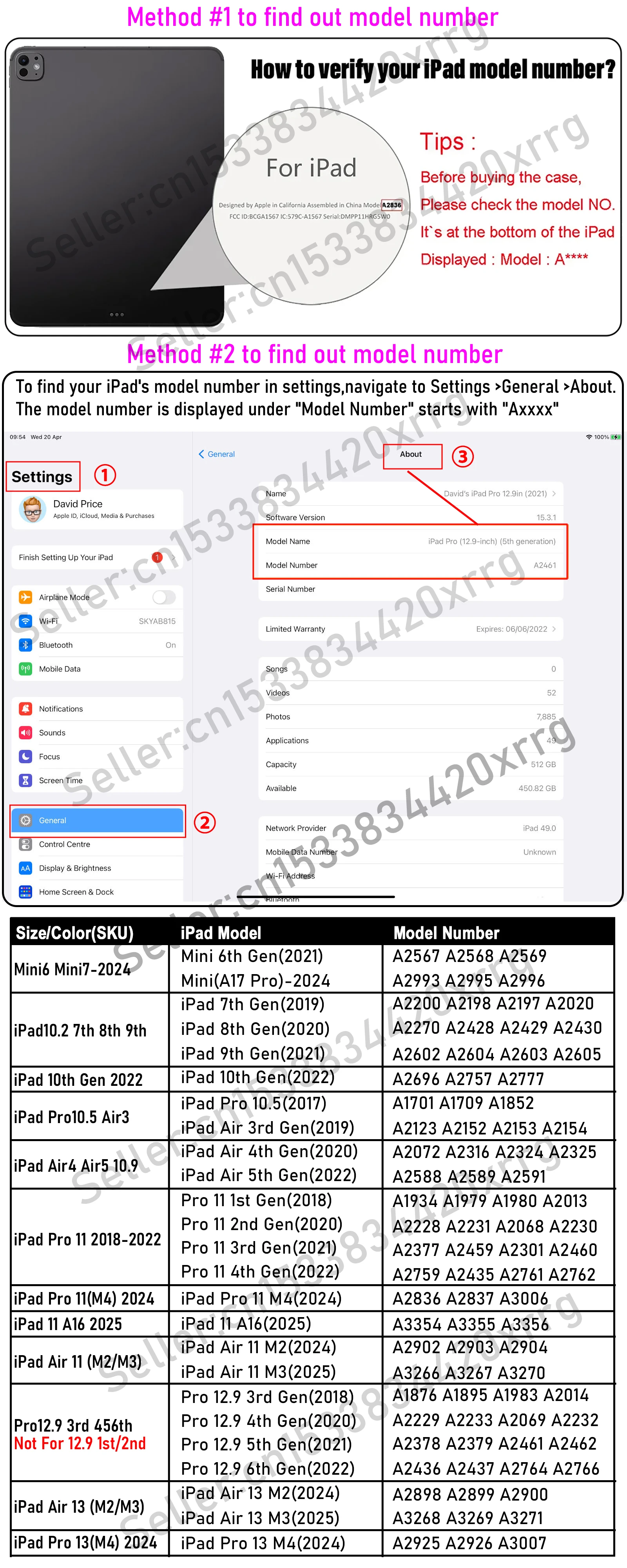 Attention Please:
Spanish keyboard with ñ for iPad.The Keyboard default English input ,if you want to input Spanish languages,you need to add Spanish keyboard first.Open "General"--"Keyboard"--"Keyboards"--"Add Spanish Keyboard".
Touch pen not for sale,not include in the parcel, (we don't accept such a dispute)
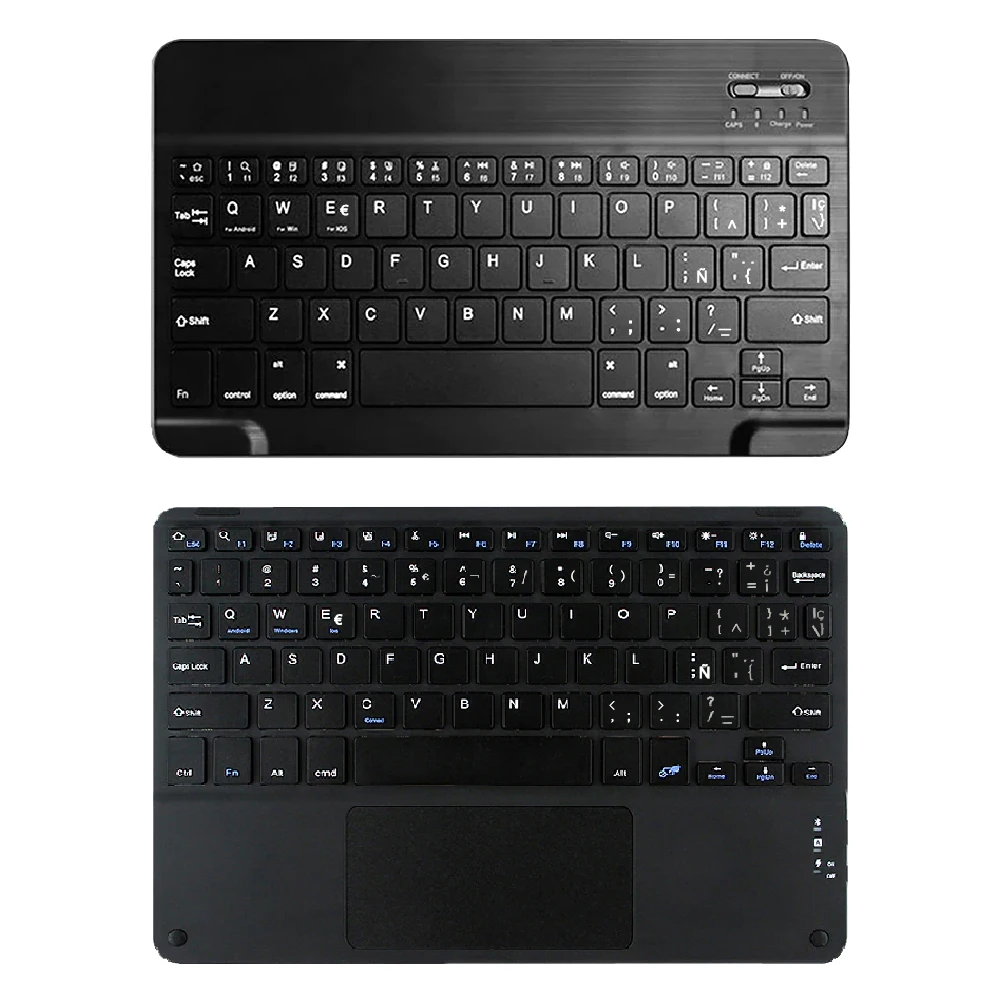

Detachable Wireless Bluetooth Keyboard with Touchpad
The Bluetooth keyboard is easy to attach and remove from the magnetic cover. With the U S Chipset helping you to type stable and fast.


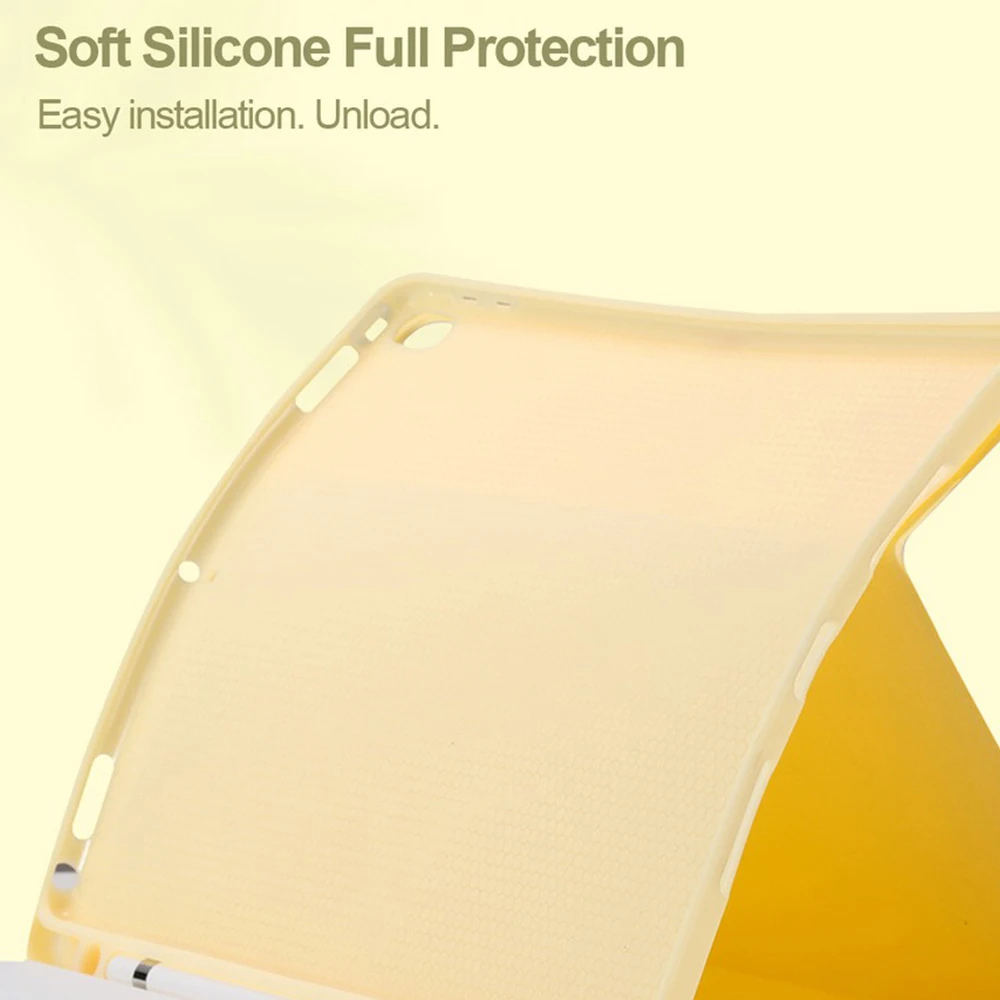
Built-in Apple Pencil holder & adapter slot easily to carry your for iPad pencil with your device.
Pen or iPad NOT included .Touch pen not include in the parcel(we don't accept such a dispute)

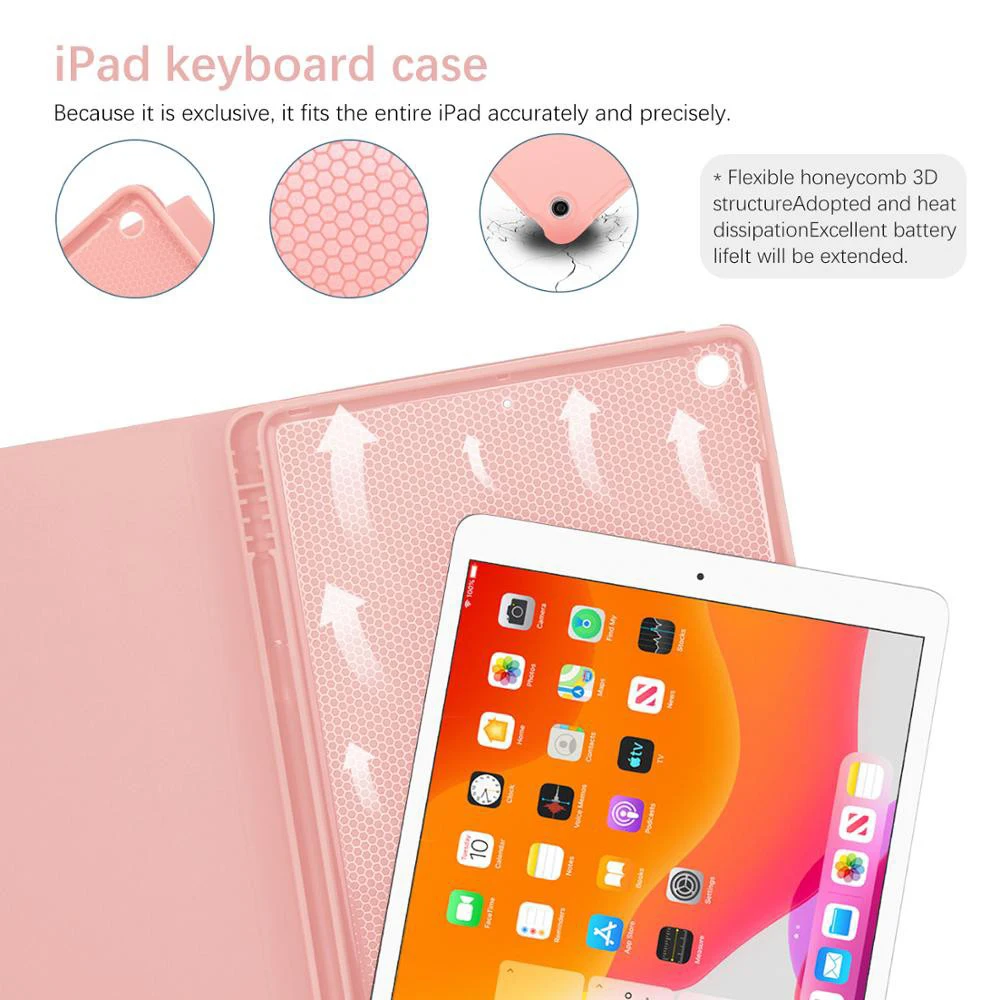
Auto Sleep & Wake & Heat dissipation
Precise cutouts allow full access to all features (buttons speakers cameras). Moreover the case is honeycomb grid pattern design which is better for thermal dissipation.


Support multi-system compatibility
Fn + Q Fn + W Fn + E quick switch
Ultra-thin design and convenient travel, new office experience ,switch office /entertainment needs anything ,anywhere.

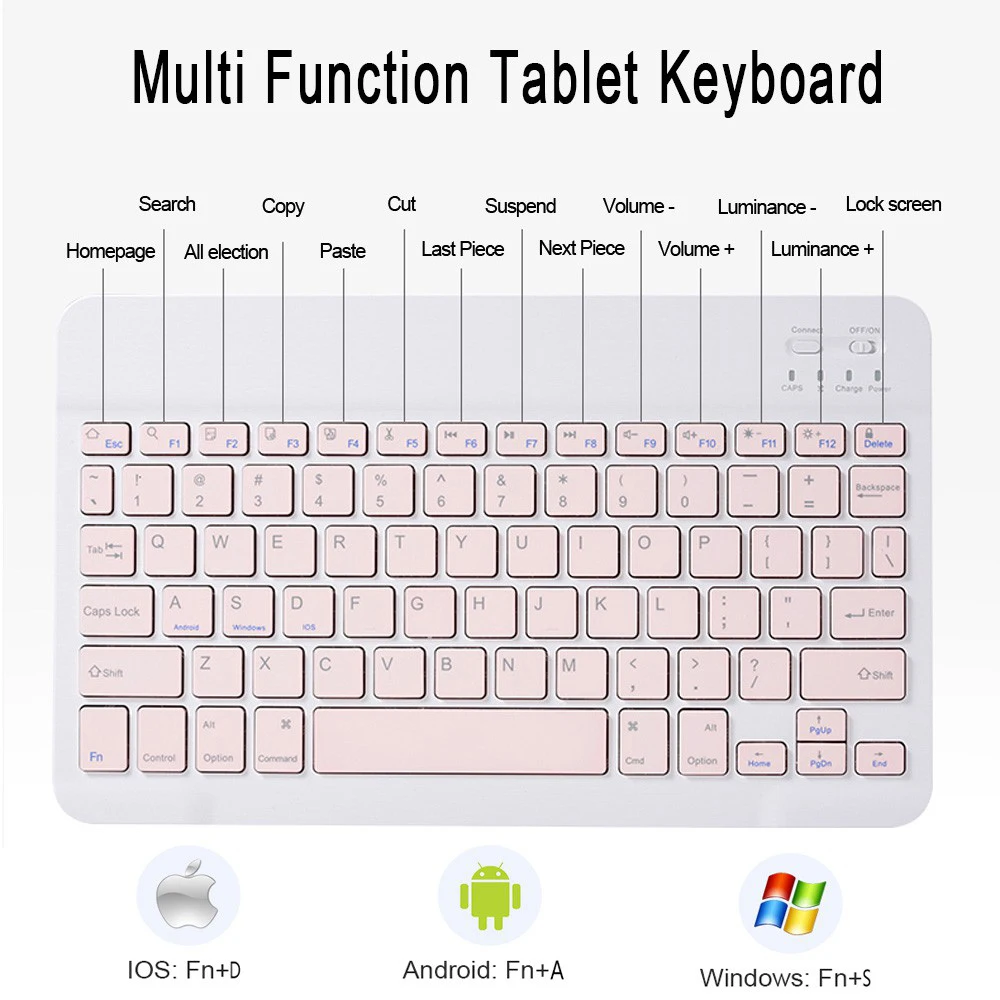
 Multi-function Shortcut Keys Let you operate iPad more conveniently
Basic key combination
Switch apple system: FN+E
Chinese and English input method switching: FN+Space
Show physical keyboard: FN+Control
Switch software: Conmmand+Tab
Case switching: Capslock (If the iPad cannot be set first: Set one +
general + keyboard + physical keyboard + turn off the caps lock key
to switch the Latin keyboard)
Note: If you need to use various countries (Korean, Japanese,etc.), please set the system to
add a keyboard (IPAD Settings-General-Keyboard-Add Keyboard)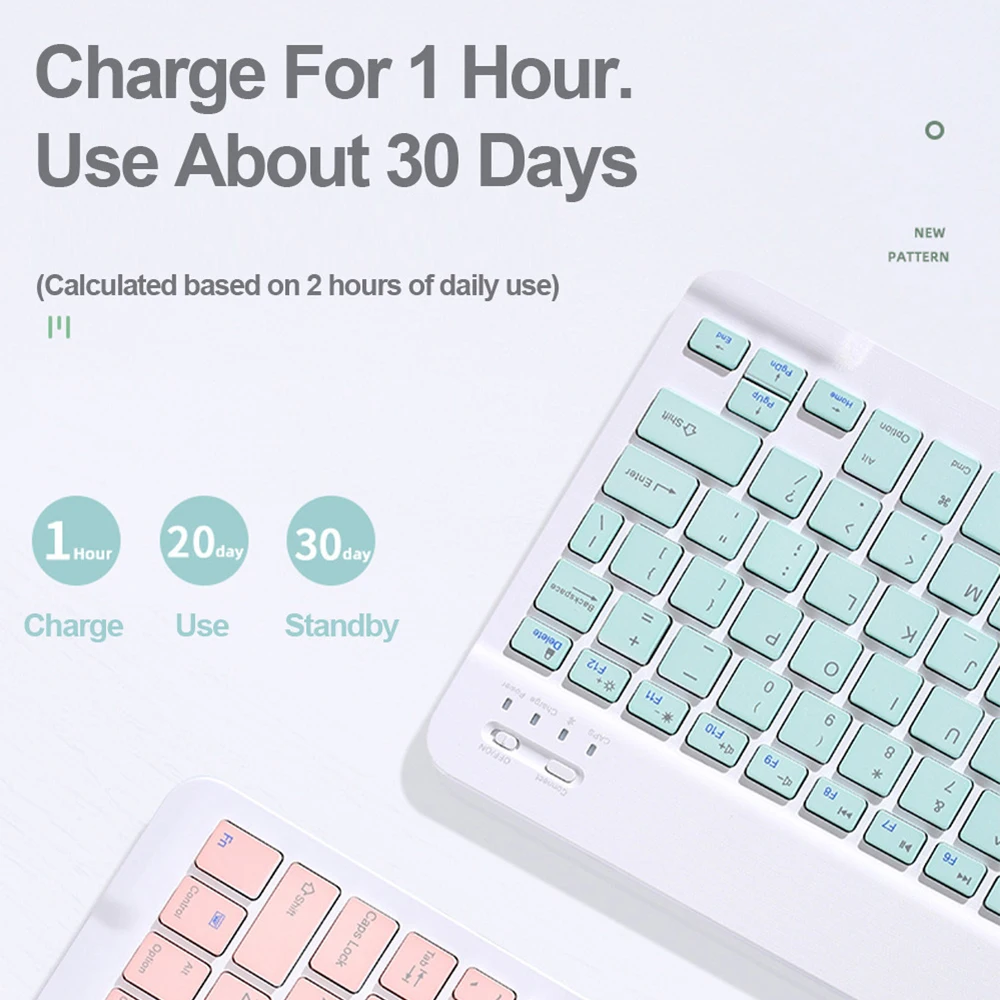


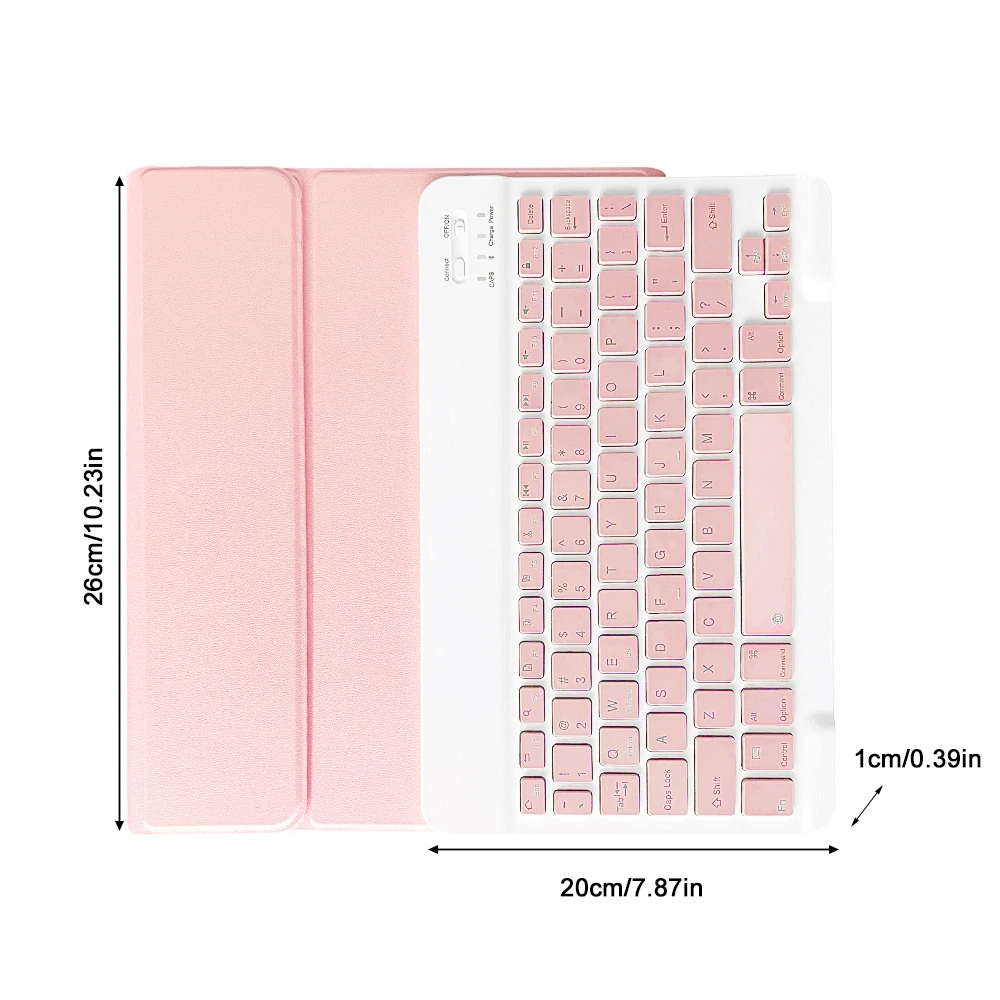
Keyboard is easy to use, please charge it when Power indicator flashing Red. Charge indicator will be red when charging and will Turn Off after full charged(not turn green).

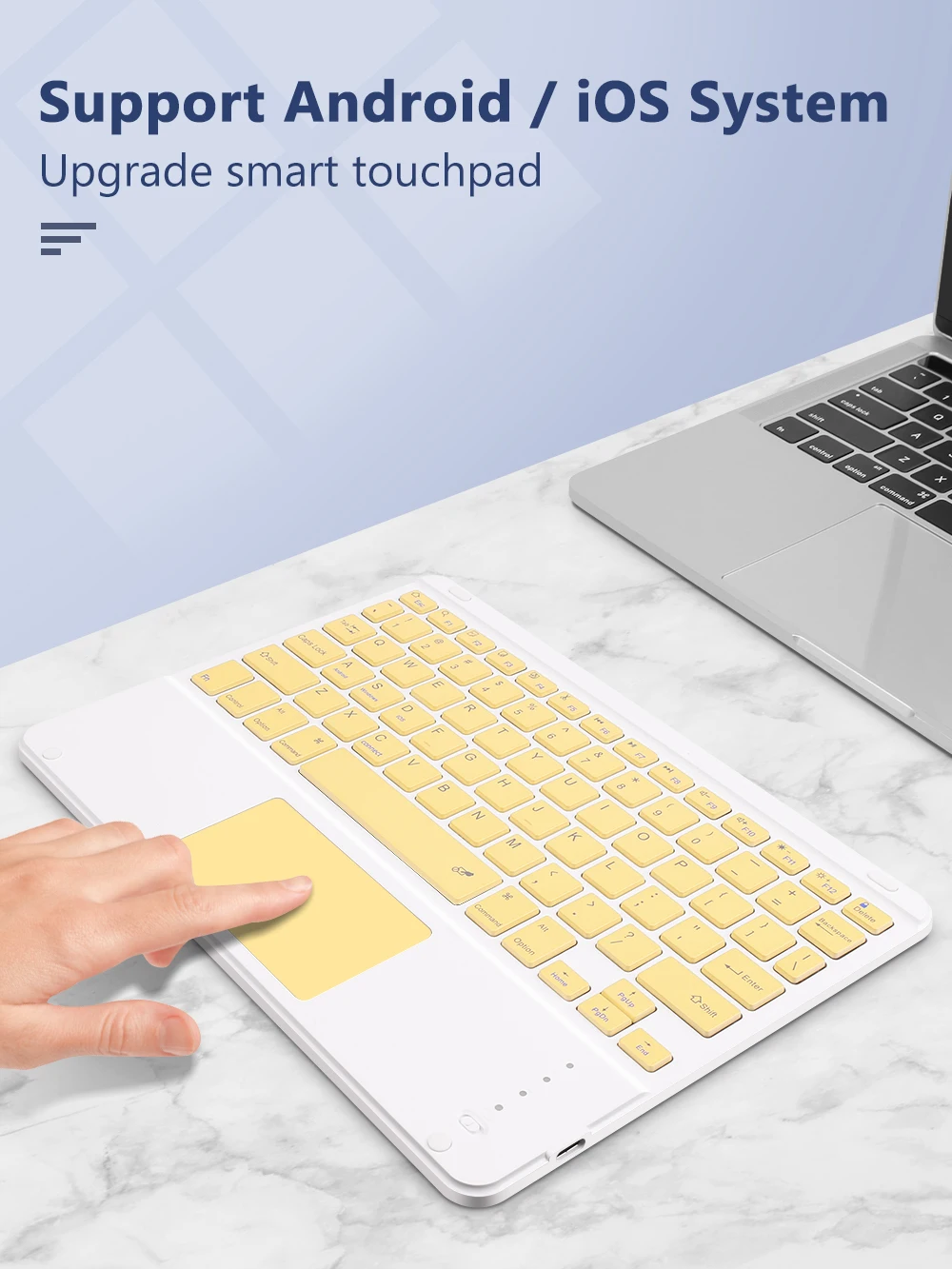
Touchpad only available while your ipad system is above ios13 (ipad air 1 can not use touchpad).
You can use touchpad directly while your tablet is andriod or window system.
Rechargeable Bluetooth Keyboard and Mouse

Charge for one hour
Life time exceeds 30 days
Long battery life,fast charging and power saving
1 hour charge, use 30 days(Based on 2 hours of daily use)

Fast Bluetooth Connection
Keyboard Bluetooth connects to ipad,
4 steps to open a new era of office.
1.Push the button to on power light is on
2.press the connect button ,the bluetooth light is on
3.ipad select keyboard bluetooth
4.After the first connection,the next time you start using the keyboard, it will automatically connect

Multi-function Shortcut Keys
Let you operate iPad more conveniently
Basic key combination
Switch apple system: FN+E
Chinese and English input method switching: FN+Space
Show physical keyboard: FN+Control
Switch software: Conmmand+Tab
Case switching: Capslock (If the iPad cannot be set first: Set one +general + keyboard + physical keyboard + turn off the caps lock key to switch the Latin keyboard)