PDG ibma
Nvarcher 3.2 inch TEF6686 Full Band Radio Dual speaker Stereo Medium wave short FM with 5000MAH lithium battery
Nvarcher 3.2 inch TEF6686 Full Band Radio Dual speaker Stereo Medium wave short FM with 5000MAH lithium battery
Impossible de charger la disponibilité du service de retrait

TEF6686-5.0-LNA-D-T
1. The upgrade method for burning system firmware is in any flashing mode. Connect the computer and turn on the radio switch to flash any suitable system firmware at will.
2. Upgrade to more powerful audio chips. Upgrade the sound mode to a single speaker with a passive diaphragm in the sound chamber. The sound is better and more energy-efficient than the dual speaker version. nine
3. Adopting a fully shielded LCD color display screen to eliminate interference. Continue to improve the compatibility between the body casing and motherboard.
4. Improve the testing method before welding the encoder and fix the problem of the encoder getting stuck and freezing the system interface.
5. Add touch screen version (optional. The current firmware version is 1.20B1 touch firmware developed by If You Are the One, which is not yet complete but very fun)
6. Comes with a reinforced version of the rod antenna to prevent root breakage issues
7. Adjusted the lighting during charging and turned on the red light when charging. Full of green lights.
TEF6686 full-band finished radio
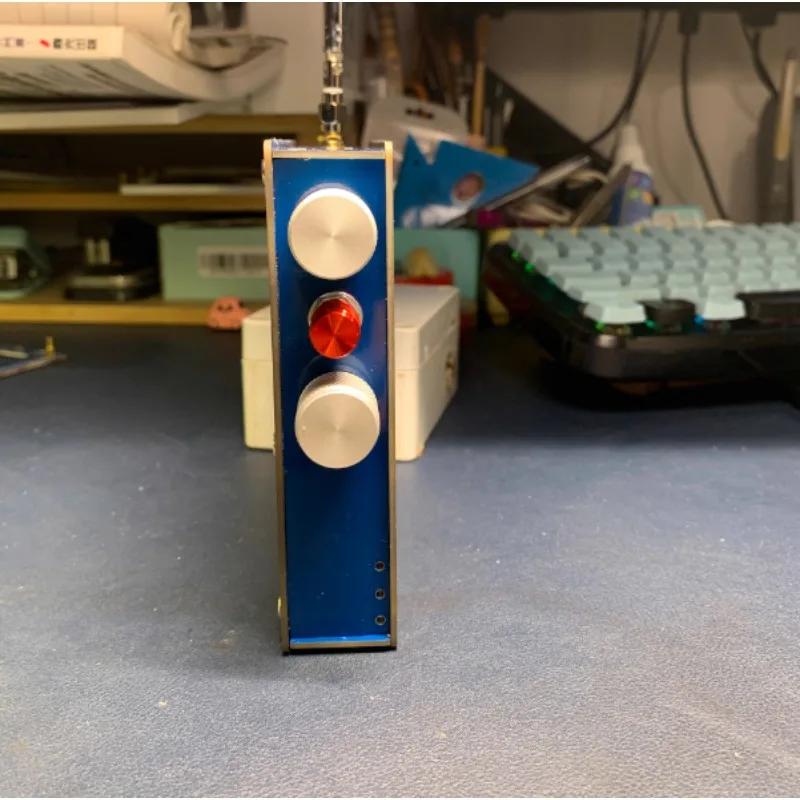
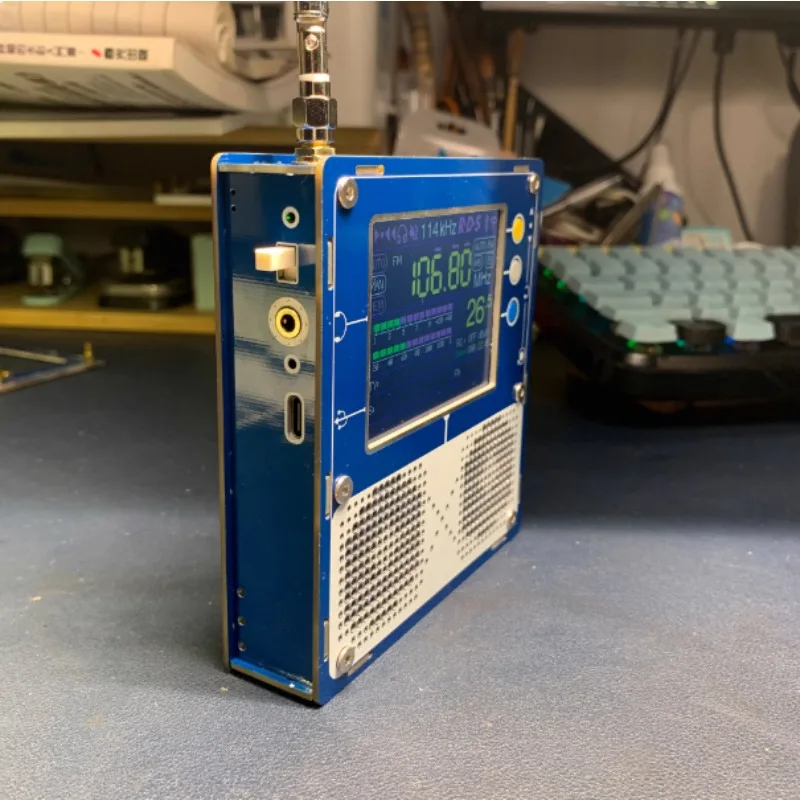
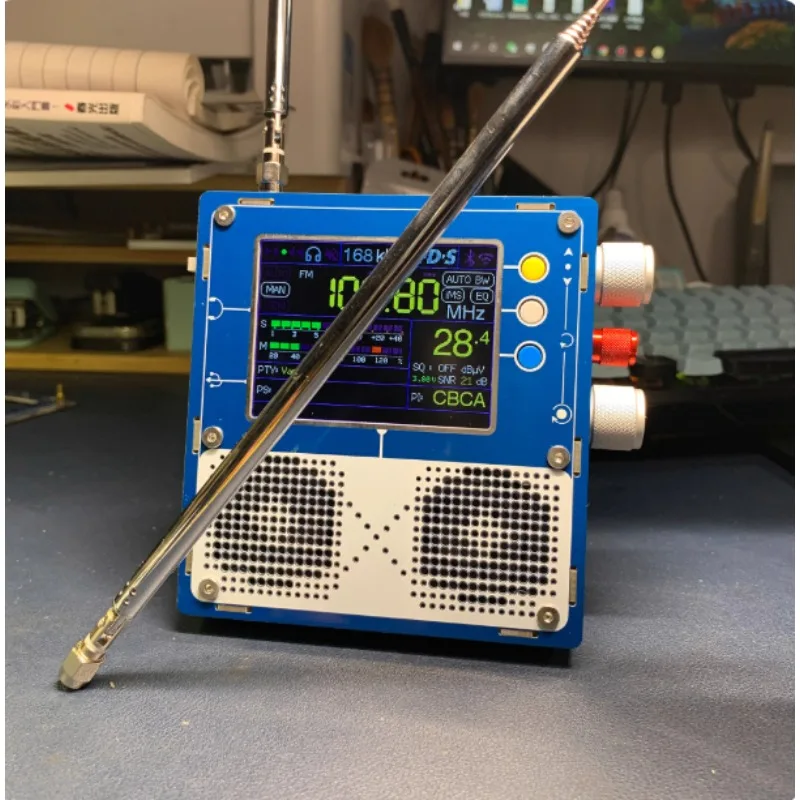
3.2 inch large screen. Dual speaker stereo! Strong anti-interference! PCB double-sided full copper! The pcb case is sturdy and durable.
Latest firmware: 1.15
There is no save function.
Increase the voltage display (please pay attention to charging below 3.3v) the charging voltage is 5v
It is not recommended to update the flash firmware by yourself.
(Remove the 6 hexagon socket screws in the rear case and use an M3 hexagon screwdriver to disassemble)
Brush
(1. Hold the boot button of the motherboard 2. Insert the typec data cable and connect to the computer. 3. Turn the power-on knob to power on)
Use the corresponding software to flash the firmware of the host computer. Disconnect the data cable after successful flashing. Reboot. Brush is complete!
Chinese translation of system settings:
-Volume (audio level)
A converter offset (local oscillator frequency of any converter used)
A low frequency band edge (lowest frequency that can be selected)
- High frequency band edge (highest frequency that can be selected possible)
A level offset (signal table deviation due to cable loss or antenna amplifier/converter gain)
- Stereo sp. threshold (adjust channel separation if signal strength is below this)
- High chamfer frequency (cutoff frequency for high points of low signal strength)
A high cut threshold (belonging to the previous option, this is the signal value below which should activate the previous option)
A low level threshold (if the signal becomes very weak, the data crosstalk of the whole circuit can be heard in the sound. With this option you can delay the data stream of low signal strength, ideal for DX)
- Display Brightness (TFT Contrast)
SMA Male Inner Pin Antenna
It is recommended to use with lna amplifier when the outdoor signal is weak
Medium wave, short wave, FM.
5000MAH lithium battery.
Size:115x106x20mm
Weight:334g