PDG ibma
Mini PC SOYO Intel Twin Lake N150 Procesador LPDDR5 12GB RAM 512GB ROM Windows 11 Pro MiniPC WiFi 5 Desktop Computer
Mini PC SOYO Intel Twin Lake N150 Procesador LPDDR5 12GB RAM 512GB ROM Windows 11 Pro MiniPC WiFi 5 Desktop Computer
Impossible de charger la disponibilité du service de retrait
SPECIFICATIONS
Brand Name: SOYO
Graphics Card Type: Integrated Card
Hard Drive Capacity: 512GB
Memory Capacity: 12GB
Model Number: M4 MINI
Origin: Mainland China
Processor Brand: Intel
Processor Model: N150
Type: Pocket PC,Mini PC
Use: Household
SOYO M4 Mini PC
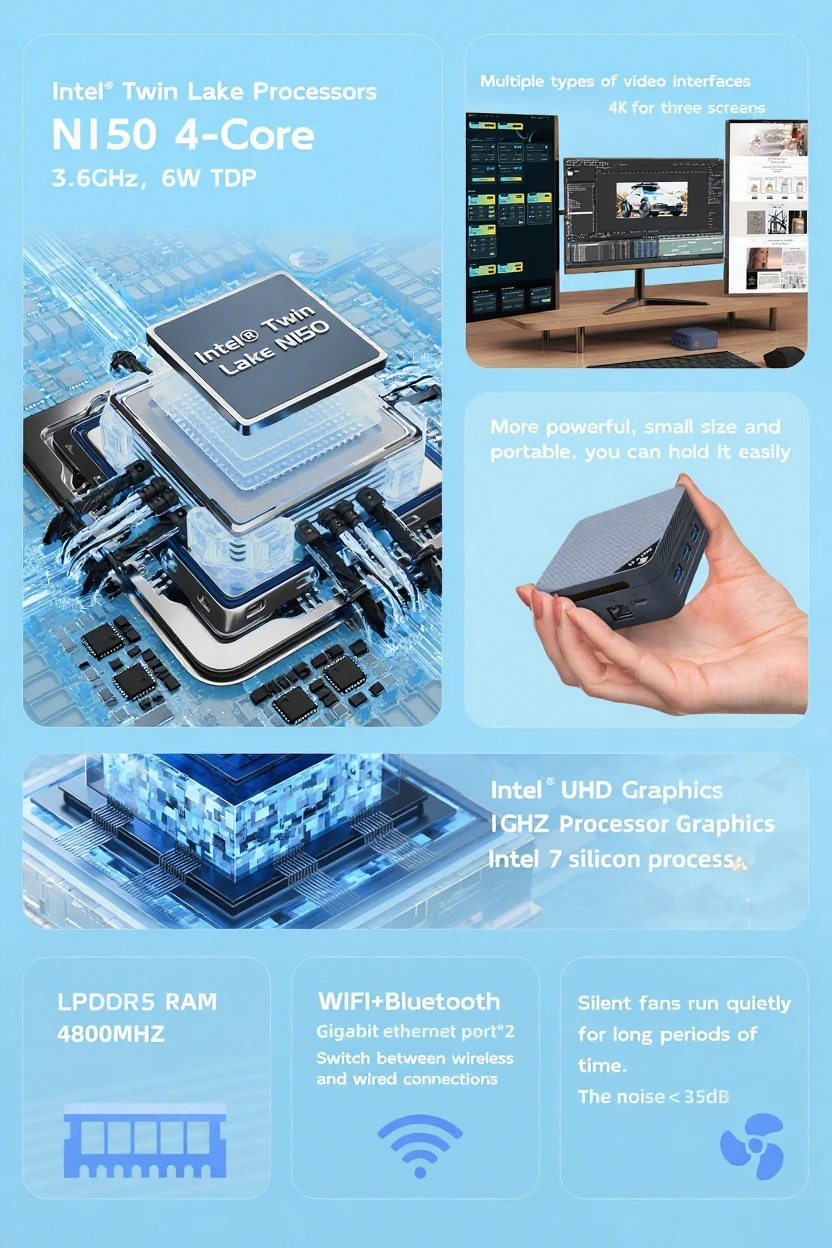
• Processor: Intel® Twin Lake N150, 4 cores, 4 threads, up to 3.6GHz, 6W TDP (Thermal Design Power), 6MB Smart Cache, manufactured with Intel 7 process technology
• Graphics Card: Intel® UHD Graphics, up to 1GHz core frequency
• Memory: LPDDR5 4800MHz, 12GB
• Storage: M.2 2242 512GB SSD
• Wireless Connectivity: WIFI - 5, Bluetooth 5.1
• Video Output Interfaces: 2 HDMI interfaces, 1 DP interface. Supports triple - screen 4K HD output and AVI video decoding
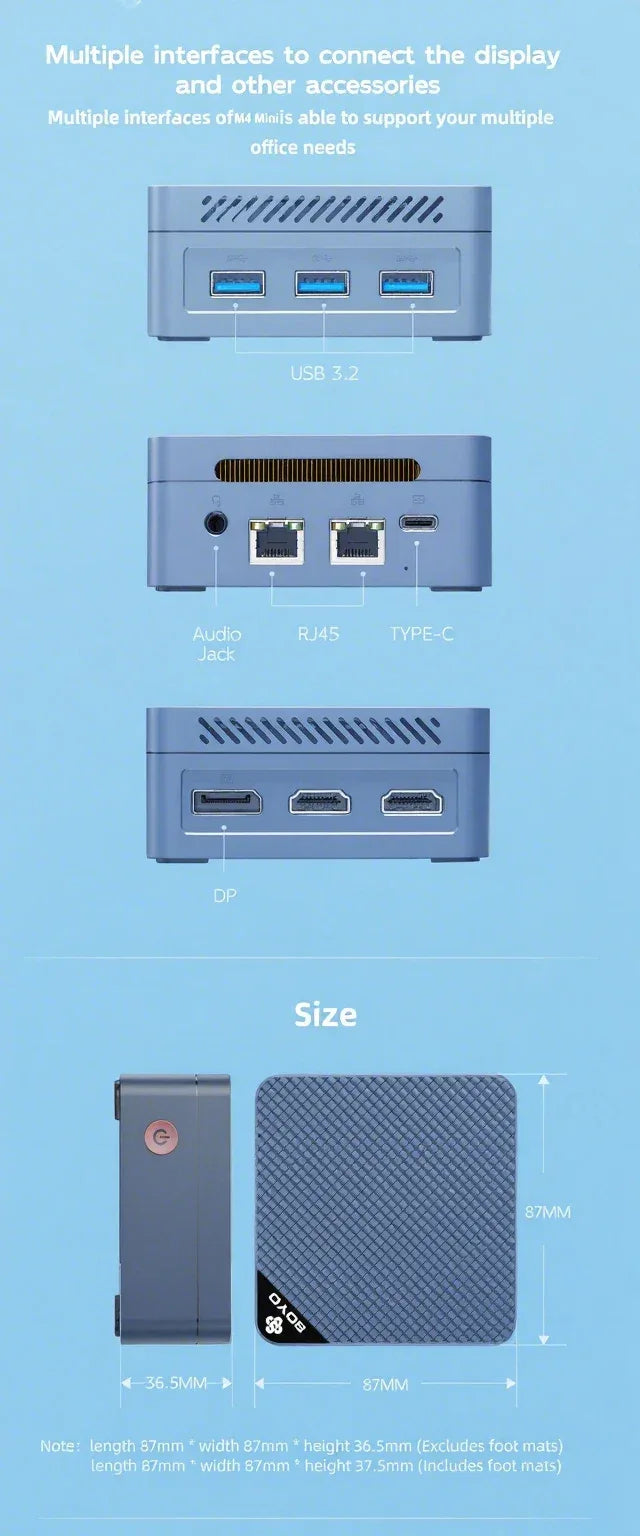
• I/O Interfaces: 3 USB3.2 interfaces, 2 RJ45 Gigabit Ethernet ports, 2 HDMI interfaces, 1 DP interface, 1 audio jack, 1 Type - C interface
• Power Supply: Type - C 12V/3A (including adapter)
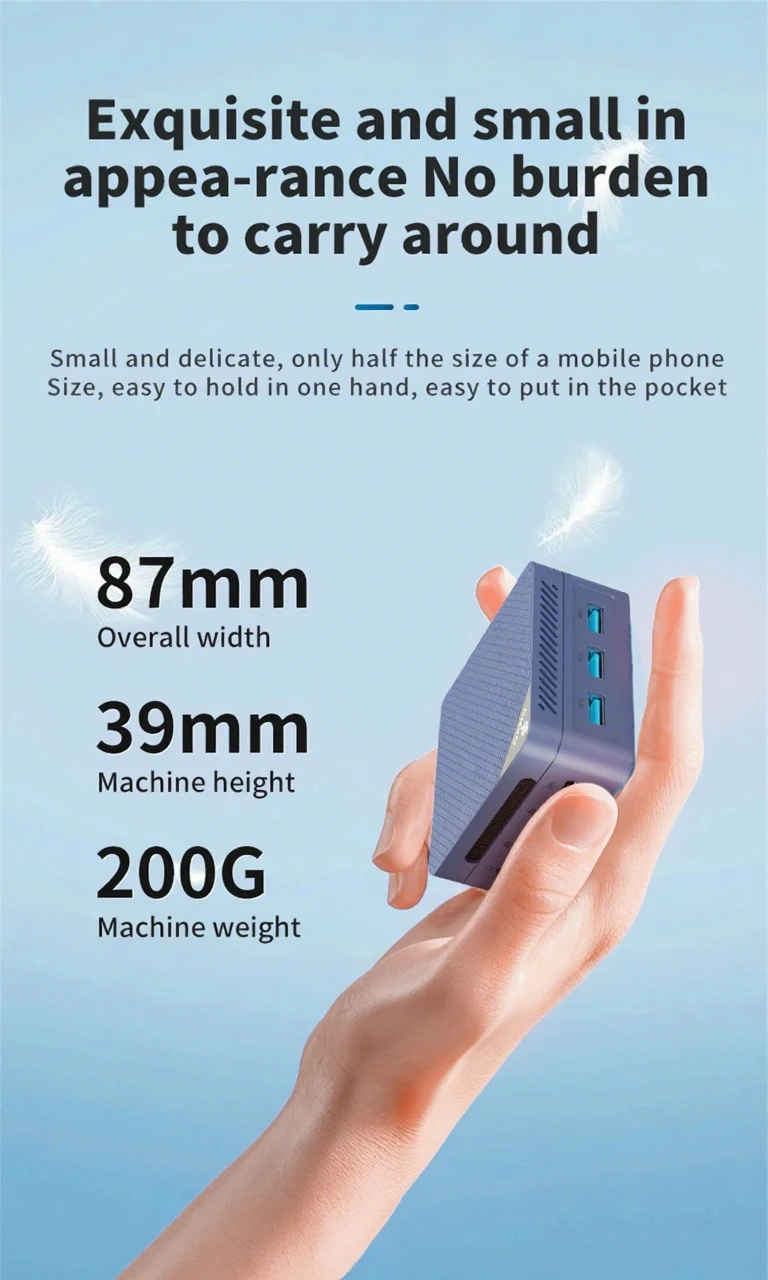
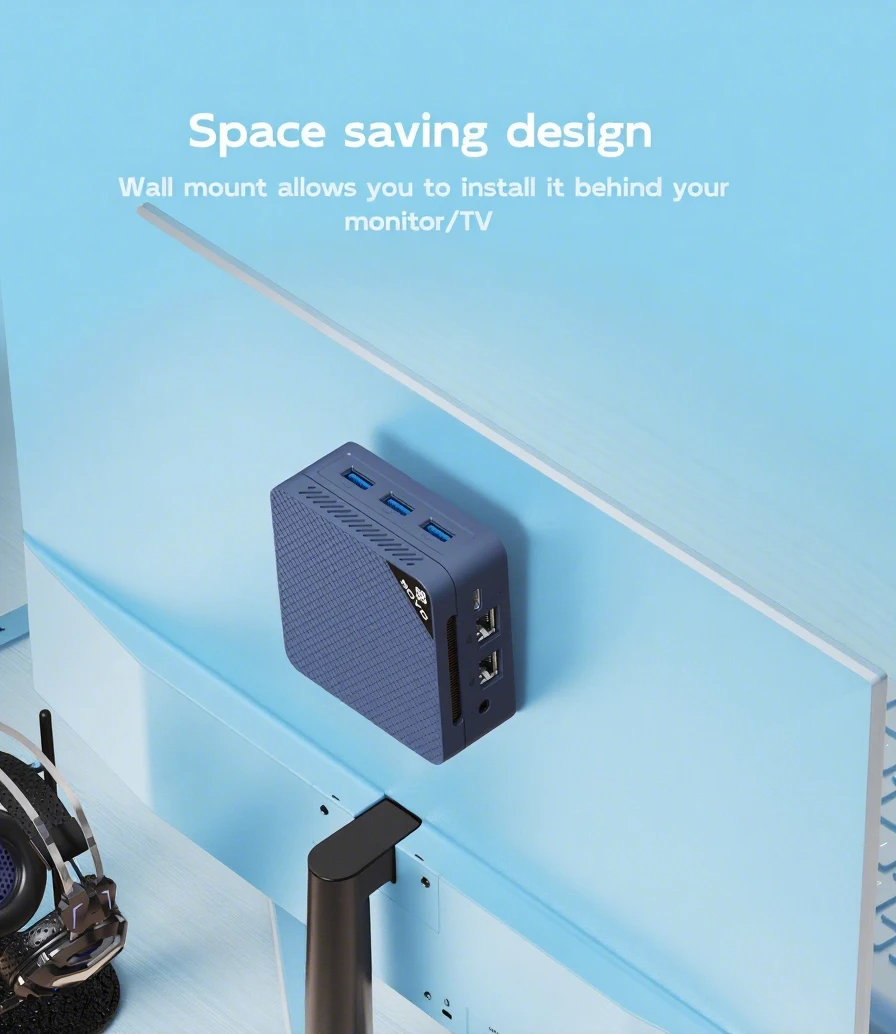
• Dimensions: Overall width 87mm, machine height 36.5mm (excluding foot pads)/37.5mm (including foot pads), weight 200G. Compact and portable, only 1/60 the size of a desktop computer. Can be wall - mounted behind a monitor or TV
• Package Contents: Mini PC host, power adapter, instruction manual
 Intel Twin Lake NI50 Processor
4-core 4-thread,3.60GHz
6W TDP,6MB Smart Cache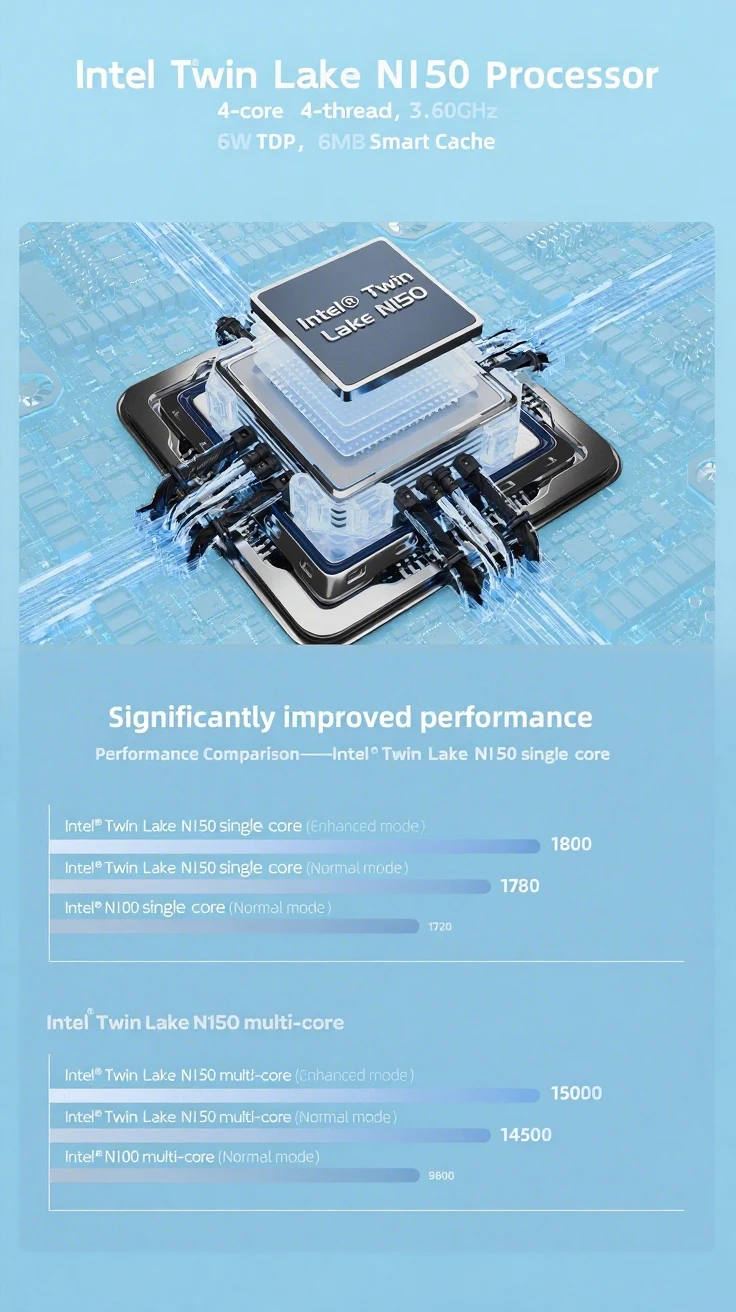 Exquisite and small in appea-rance No burden to carry around
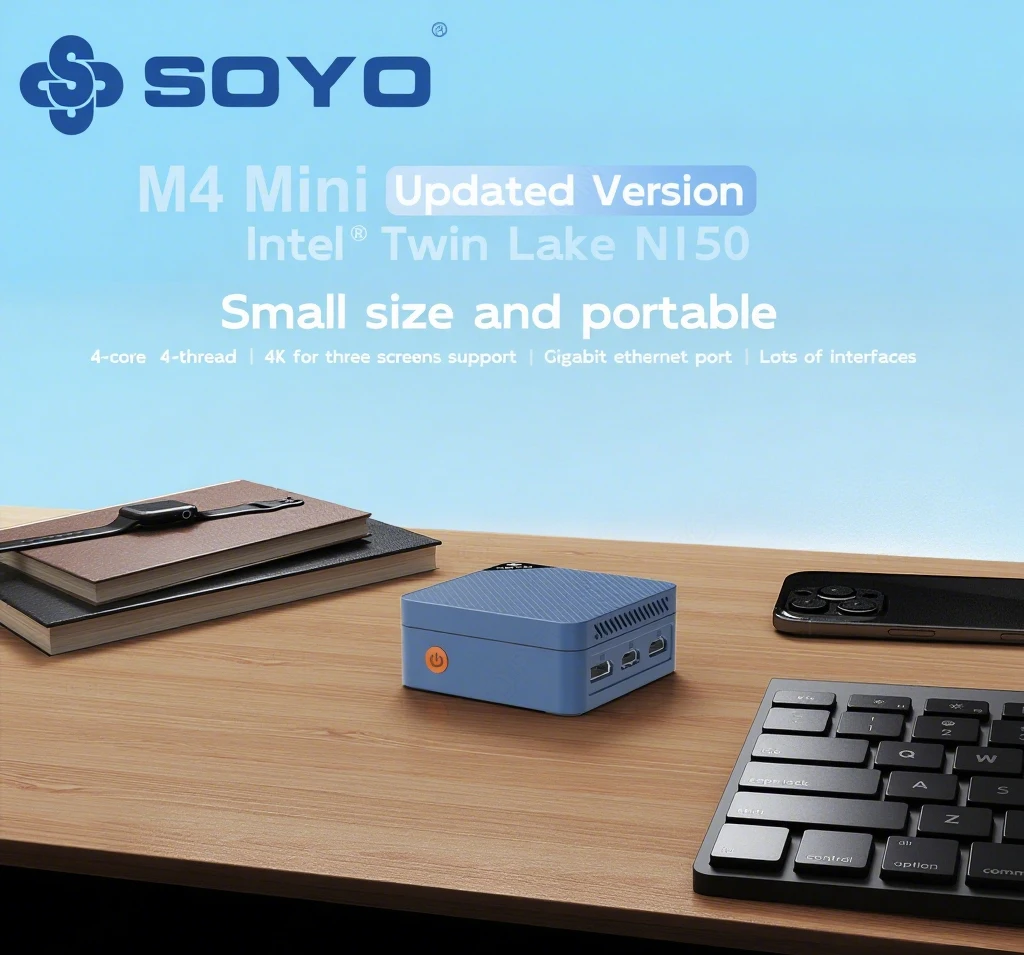
 Small size and portable
It's a 1/60th of the size of a desktop computer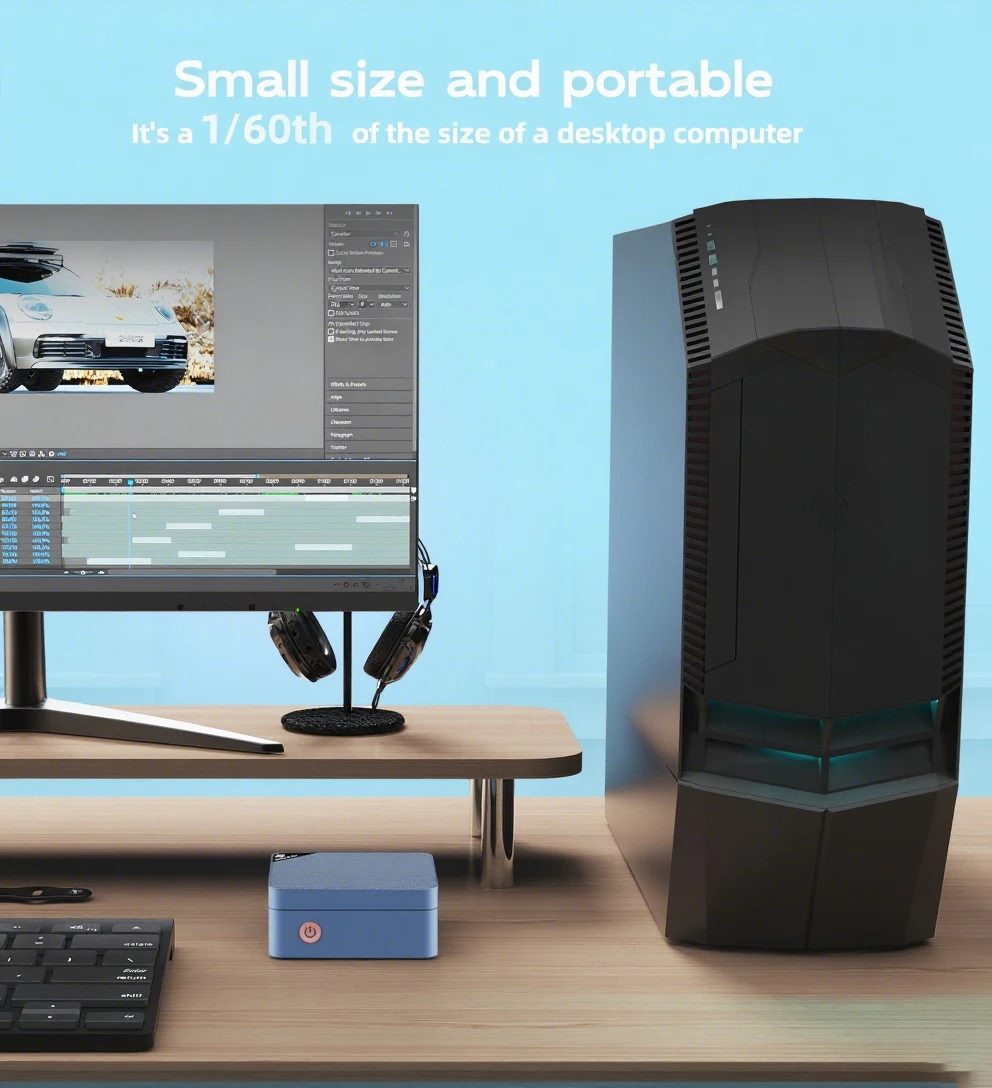 4K HD for three screens support DP ports can be connected to three 4K HD screens at the
same time, lncrease work efficiency more efficiently by Multi-tasking and multi-screen working. It can also support AVI video decode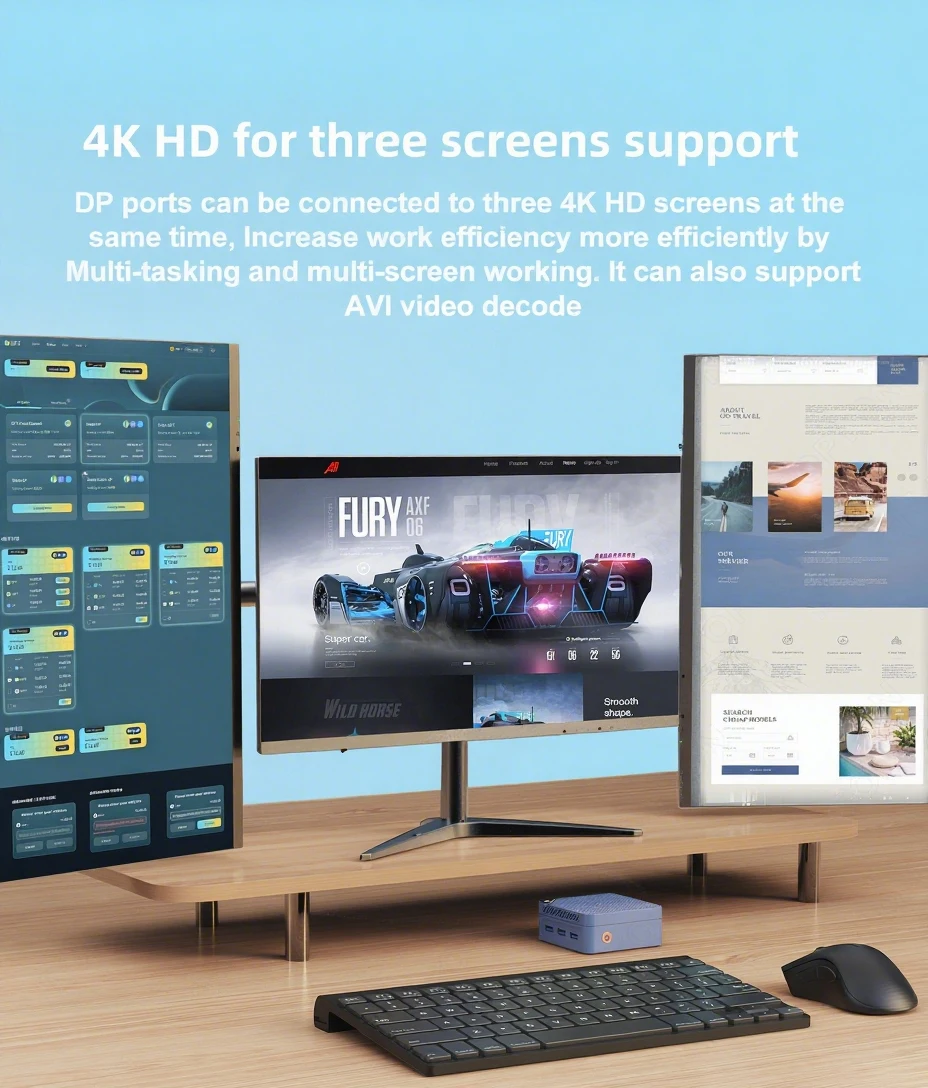 Space saving design Wall mount allows you to install it behind your monitor/TV
 ALDER LAKE technological manufacturing Extremely high technologyMultiple interfaces to connect the display and other accessories
Multiple interfaces ofm4 Miniis able to support your multiple office needs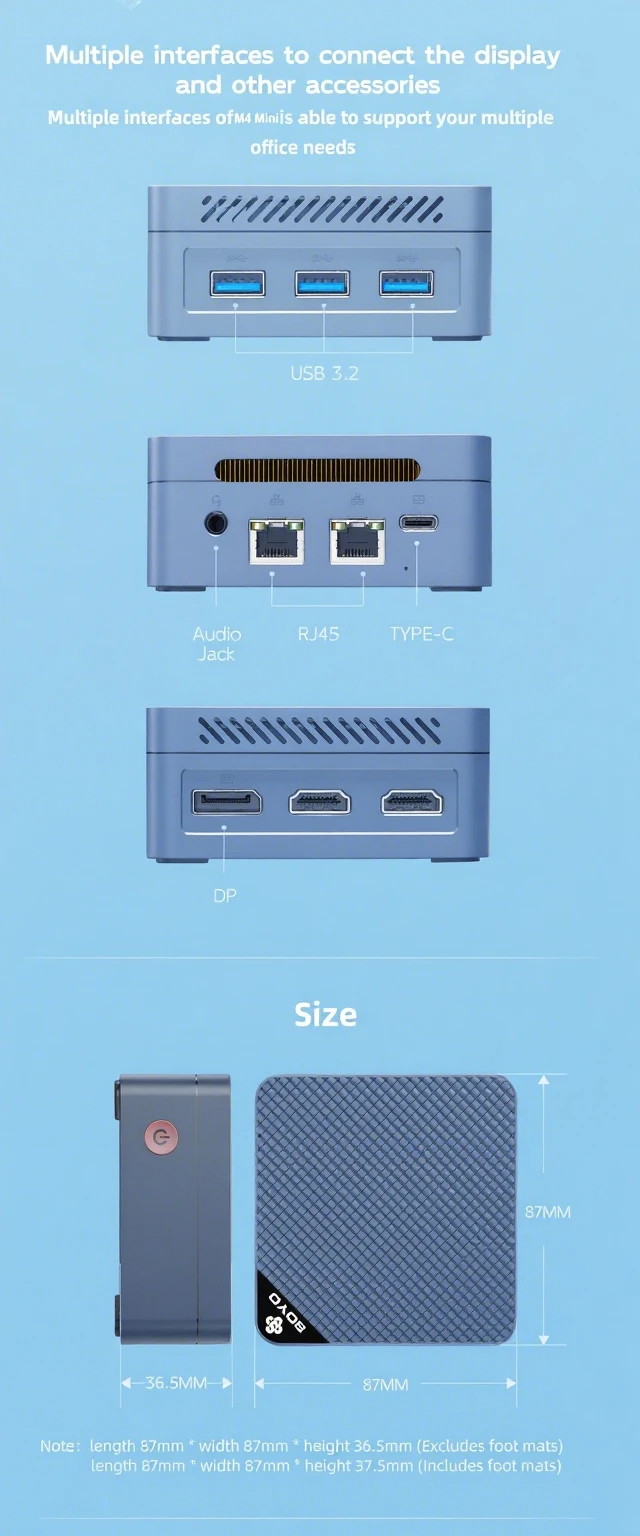
Q&A
Q: Don't turn on?
A: 1.Make sure the AC power adapter is connected to the computer and ithe power cable plugis plugged into a working power outlet.
2.The computer has been started (press the power button again to confirm whether it is started normally).
Q: When the computeris started,nothing is diasplayed?
A: 1.Check whether the HDMI and DP cables are properly connected diasplayed.
2.Check that the diaplay input mode is correct.
Q: A blank screen appears when the computer is running?
A: 1.Check whether the device is in hibernation mode by viewing the appears when the power
indicator status. Press the power button to wake up computer is running.
2.Check whether the monitor sleeps.
Q: Computer unrespensive?
A:1. To force off, press and hold the power button and turn it on again.
2.Check whether the monitor sleeps.
Q: There is no sound from the speaker or headset?
A:1.Check whether the mute function is disabled.
2. To check speakers or earphones are selected as playback