PDG ibma
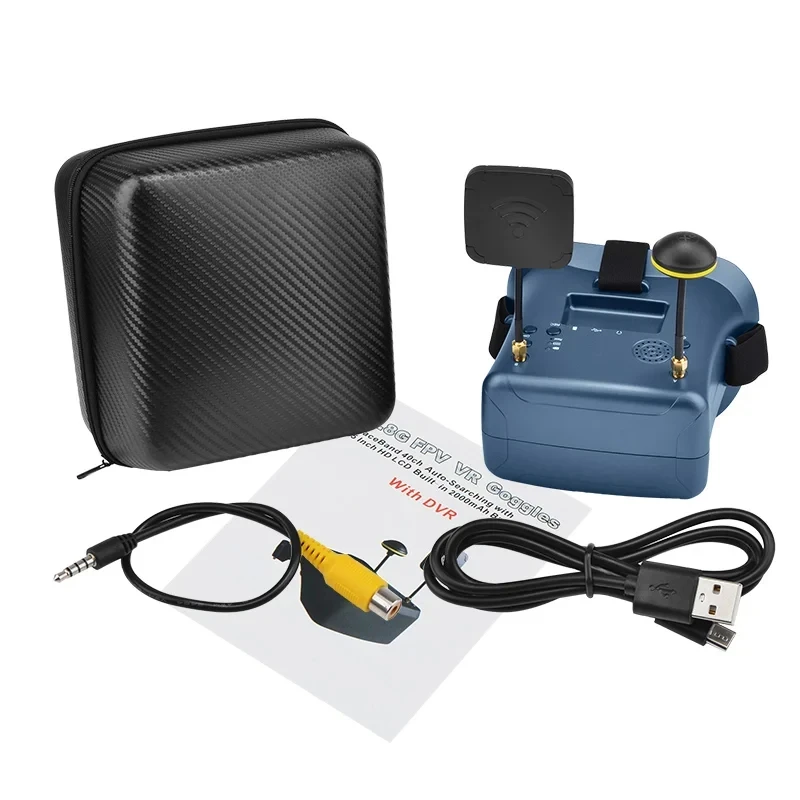
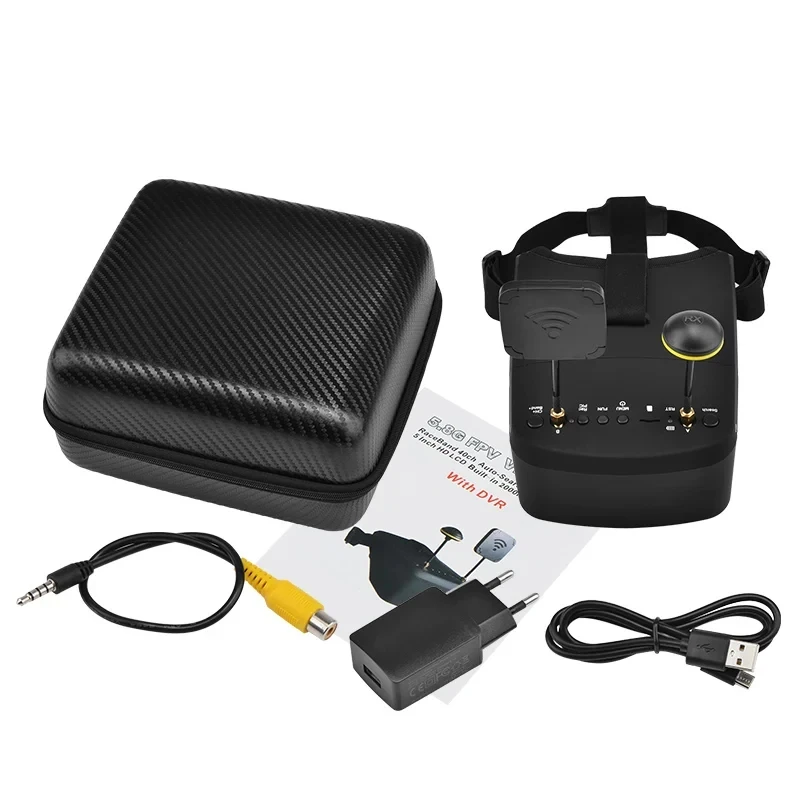
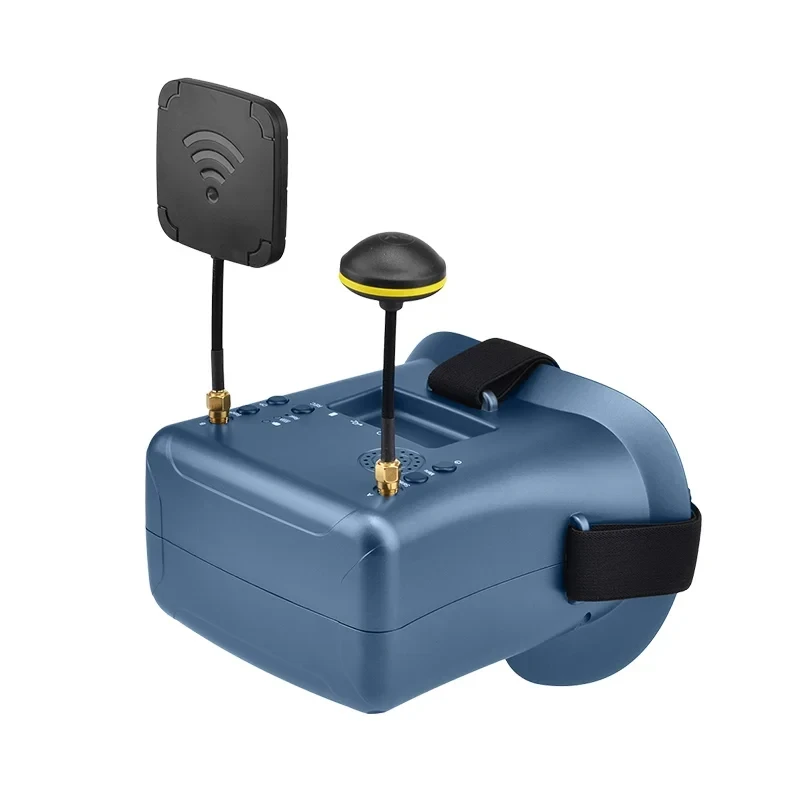
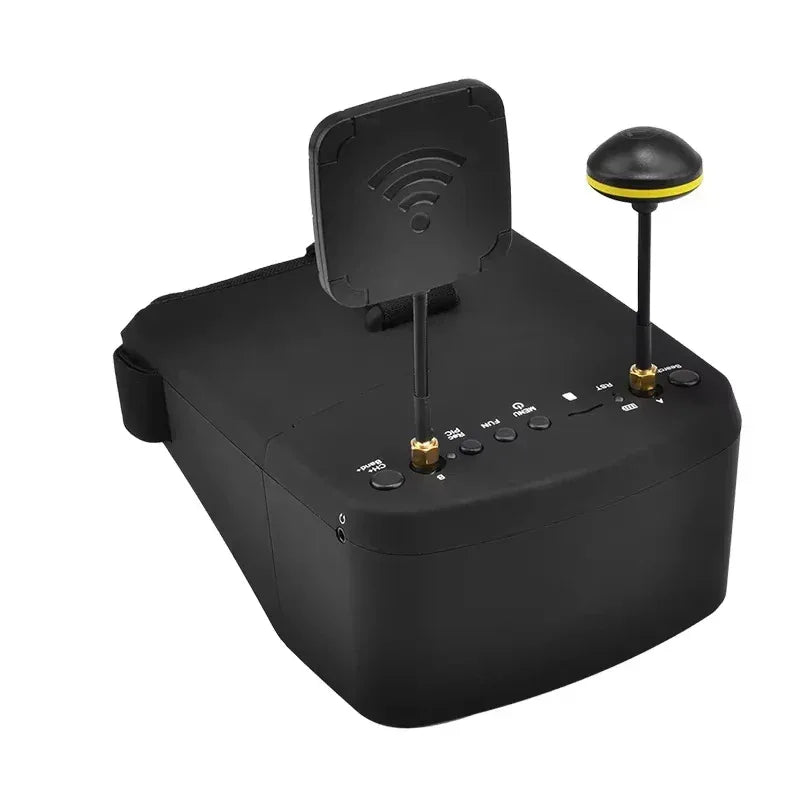
LS-800D FPV Goggles 5.8G 40CH 5inch 4.3inch HD DVR Video Glasses Headset Kit for FPV RC Racing Drone Quadcopter Multi-copter
LS-800D FPV Goggles 5.8G 40CH 5inch 4.3inch HD DVR Video Glasses Headset Kit for FPV RC Racing Drone Quadcopter Multi-copter
Impossible de charger la disponibilité du service de retrait
SPECIFICATIONS
Battery Capacity(mAh): 3.7V/2000mA battery
Battery Included: Yes
Brand Name: U-Angel-1988
Communication Frequency: 854*480px
Compatible Drone Brand: DJI
Fps: 5inch /4.3inch
High-concerned chemical: None
Interpupillary Distance Range: FPV Goggles
Item Weight: Goggles
Live View Mode: FPV Goggles
Model Number: LS-800D
Operating Temperature Range (°C): FPV Goggles
Origin: De(origin)
Package: Yes
Product Dimensions: LS-800D FPV Goggles
Resolution: 854*480px
Size: 4.3 Inch FPV Goggles
Supported Storage Card: LS-800D FPV Goggles
Transmitter Power (EIRP): 5.8G FPV Goggles
Video Format: DVR
Weight: 5.0 Inch FPV Goggles

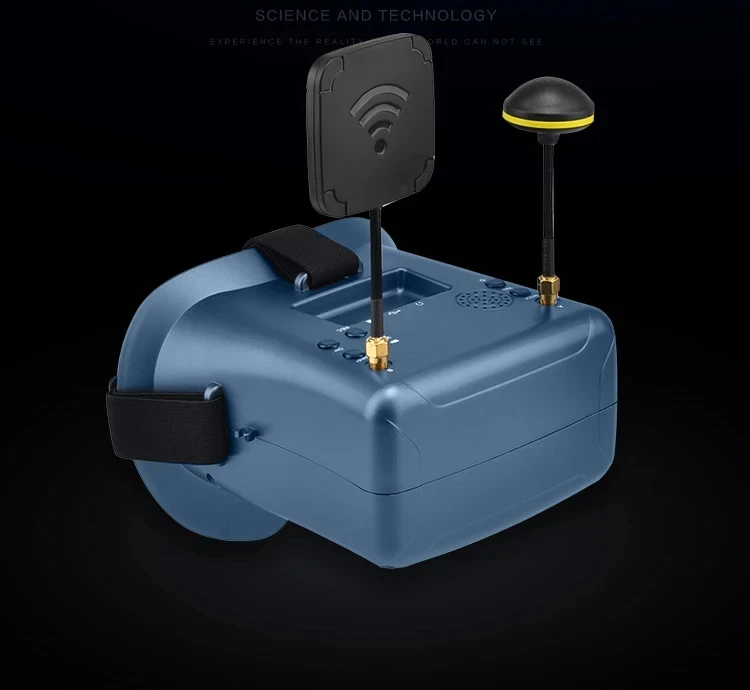
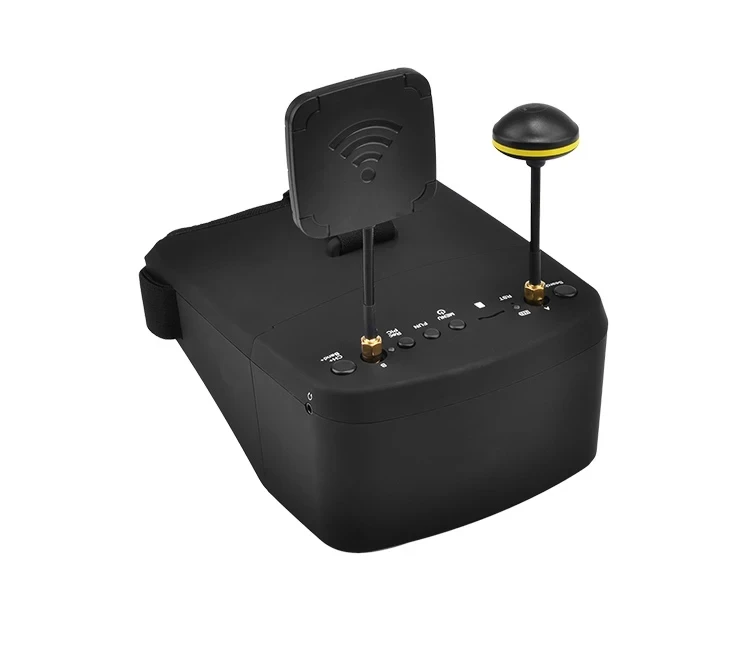
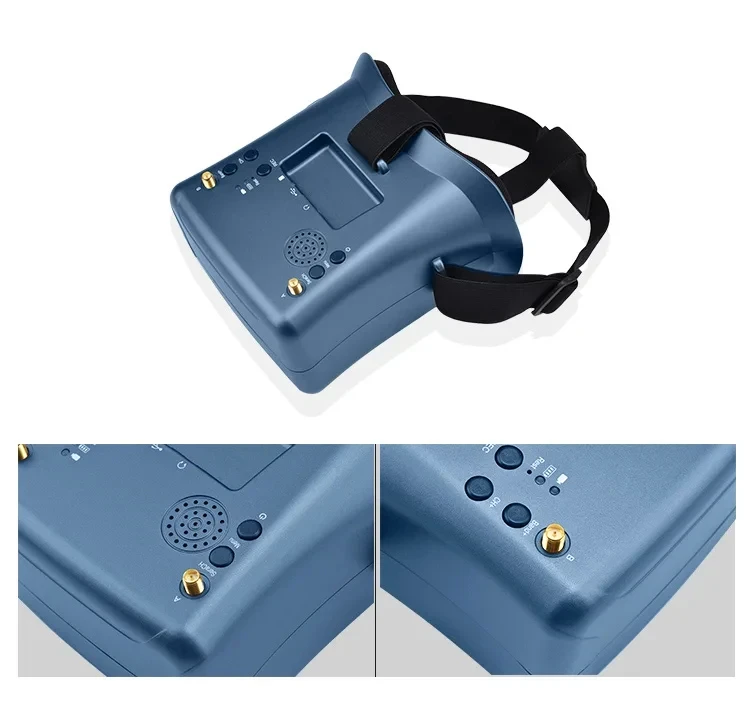
# Separable design ,5 inch screen canbe used as small monitor on radio controller or with tripod
# HD high brightness 5inch LCD specially tuned for FPV racing or Model airplane
# Buit-in super sensitiveness 5.8GHz 40ch receiver,especially with RaceBand.
# Come with advanced auto-searching function ad show yout the working frequency on screen
# Buit-in 3.7V/2000mA battery ,each full charge revive around 2 hours woking time
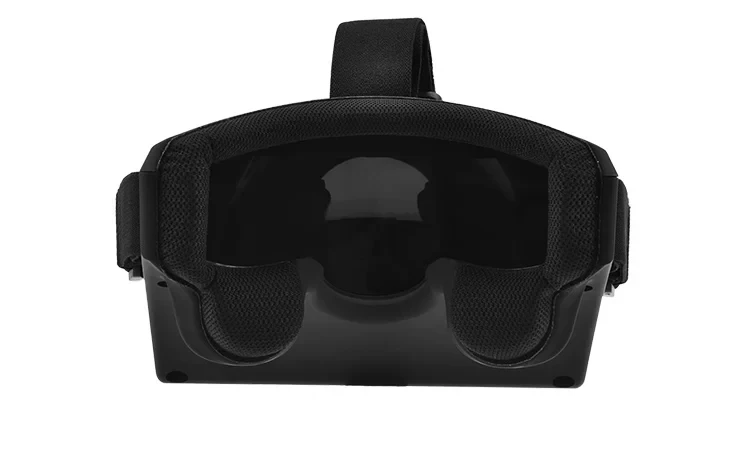
# Ergonomic design fit your faces
# super-wide visible angle up to 82 degree
# 92%transparent lens adopted ,no distort,no blur on the adage of screen;
# Light weight 375g with 2hr 2000mAh battery,RTF for any scale,racing ,Model airplane game
# 5inch 854*480px HD high brightness LCD
Product Specification:
Body
Dimension: CNT Size. 205*200*105, Product Size.180x146x87mm
Weight: N.W. 390g with 2hr 2000mAh battery, G.W. 690g
Belt: three-Ways adjustable belt
Screen
screen size: 5.0 inch
Screen resolution: 854*480(No blur after enlarge by the lens)
Screen brightness; 450cd/m2 with special high brightness backlight LED for outdoor FPV
View Angle: 6 O’CLOCK
Lens
3x boost of the video to acquire intense feel-in-there video
92% transparent rate no distort of light
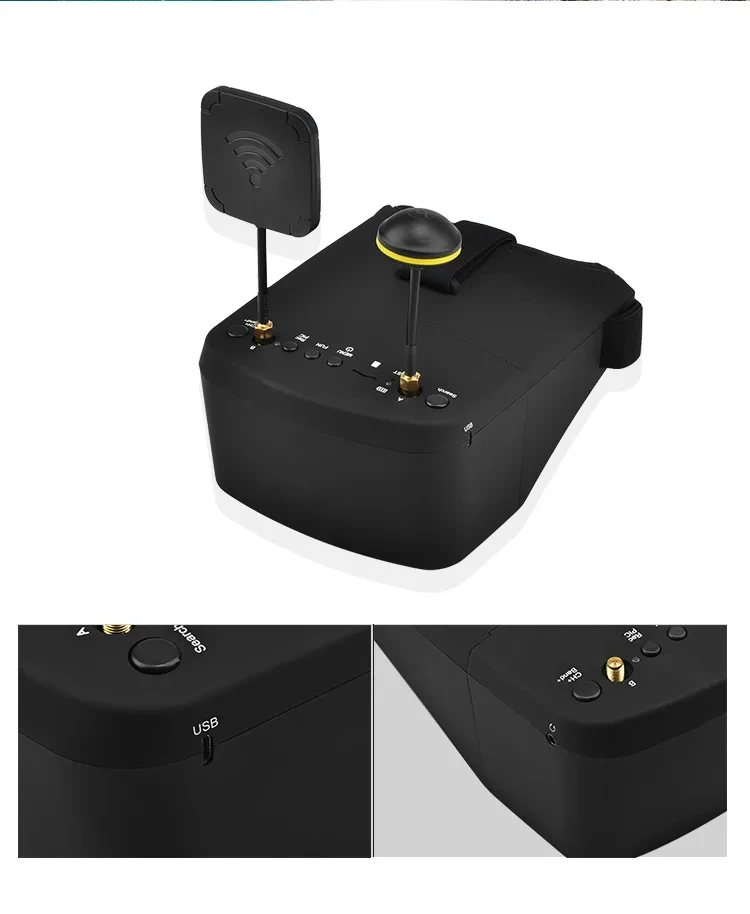
JACK
Input CVBS
Headphone sound output
TF Card(C10)
USB DC5V IN, the device operating current of 650mA@5V,built-in battery maximum charge current of 650mA@5V; if the device is working when charging, please pay attention to selecting the rated current greater than 2A/5V charging equipment.
Battery:
Built-in 3.7V/2000mAh high-capacity polymer battery, when the battery is charging, the device the red LED will light when charging is completed, here are bright green LED.
Band and Channel selection
CH |
CH 1 |
CH 2 |
CH 3 |
CH 4 |
CH 5 |
CH 6 |
CH 7 |
CH 8 |
GROUP | ||||||||
A |
5865 MHZ |
5845 MHZ |
5825 MHZ |
5805 MHZ |
5785 MHZ |
5765 MHZ |
5745 MHZ |
5725 MHZ |
B |
5733 MHZ |
5752 MHZ |
5771 MHZ |
5790 MHZ |
5809 MHZ |
5828 MHZ |
5847 MHZ |
5866 MHZ |
D |
5705 MHZ |
5685 MHZ |
5665 MHZ |
5645 MHZ |
5885 MHZ |
5905 MHZ |
5925 MHZ |
5945 MHZ |
E |
5740 MHZ |
5760 MHZ |
5780 MHZ |
5800 MHZ |
5820 MHZ |
5840 MHZ |
5860 MHZ |
5880 MHZ |
R |
5658 MHZ |
5695 MHZ |
5732 MHZ |
5769 MHZ |
5806 MHZ |
5843 MHZ |
5880 MHZ |
5917 MHZ |
Operation Instructions
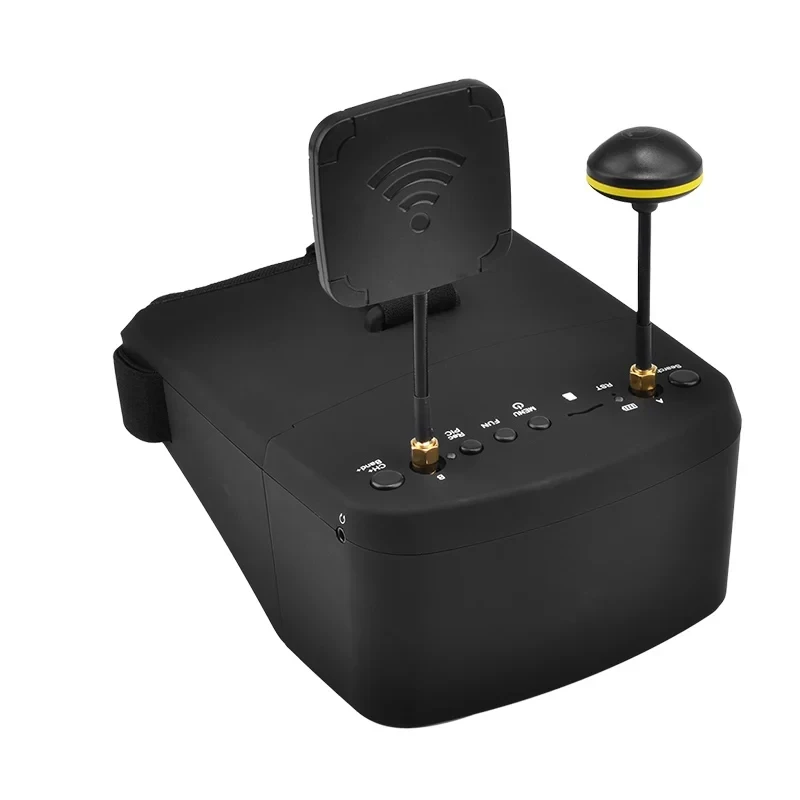
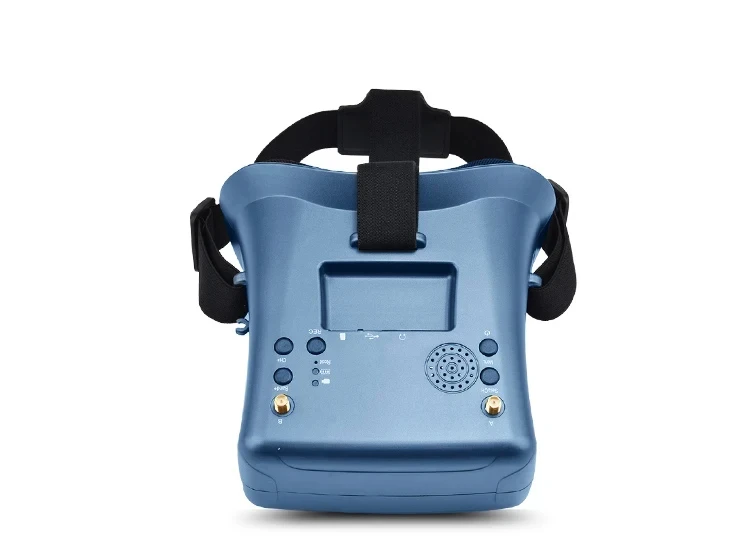
KEY
K1:MENU/Power
Default mode, Short press for MENU OSD; Long press 3S for Power OFF/ON; MENU pressed, this button is use as the Return.
K2:FUN
Default mode, Short press for switch RF MOD and AV MOD; MENU pressed, this button is use as the DOWN.
K3:REC/PIC
Default mode, Short press for recorder; Long press for stop recording; If recording Short press for catch pictures; MENU pressed, this button is use as the UP.
K4:CH+/Band+
Default mode, Short press for CH 1~8 cycles; Long press for Band+ option A,B,D,E,F,R cycle selection; MENU pressed, this button is use as the Enter.
K5:Search/VOL
Default mode, Short press for automatically search signals to a certain signal strength and stops on that channel; The signal is not found ,the screen show no signal; Long press for Volume control,K2->volume -,K3->volume +;
Playback
Call MENU and select Playback (Short Press K1 button to call menu, and use K4 button to select Playback mode )
Review/Replay in Playback mode
Buttons have different function in playback mode
Record file: MOV, PAL (720*576px) , NTSC (720*480px) progressive
Support up to 128G TF card (C10 recommend)
K1: Playback menu (volume control/file delete/protect)
K2: UP/ fast backward<<
K3: DOWM/ fast backward>>
K4: Select/Play/ Pause
K5: Quit Playback mode