PDG ibma
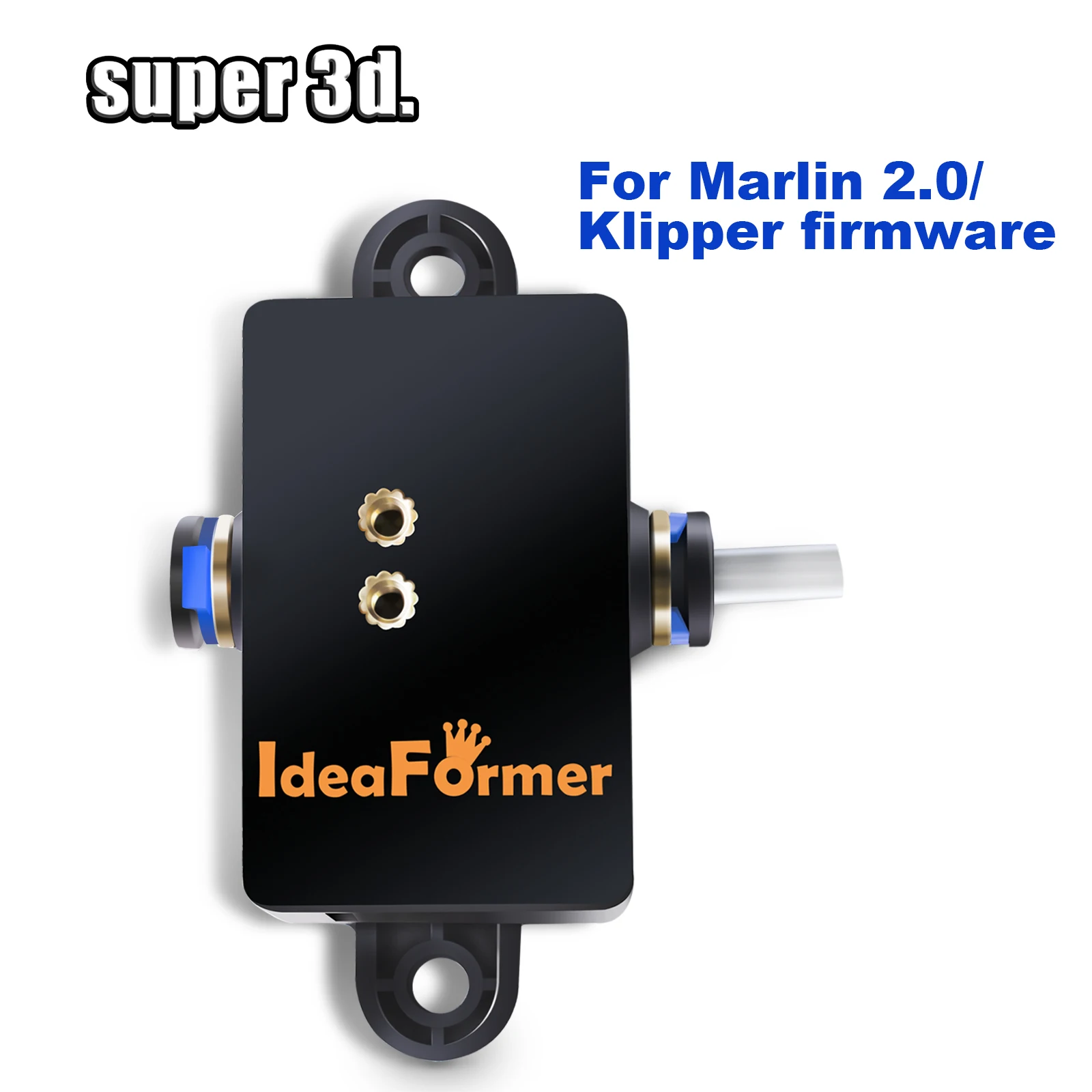
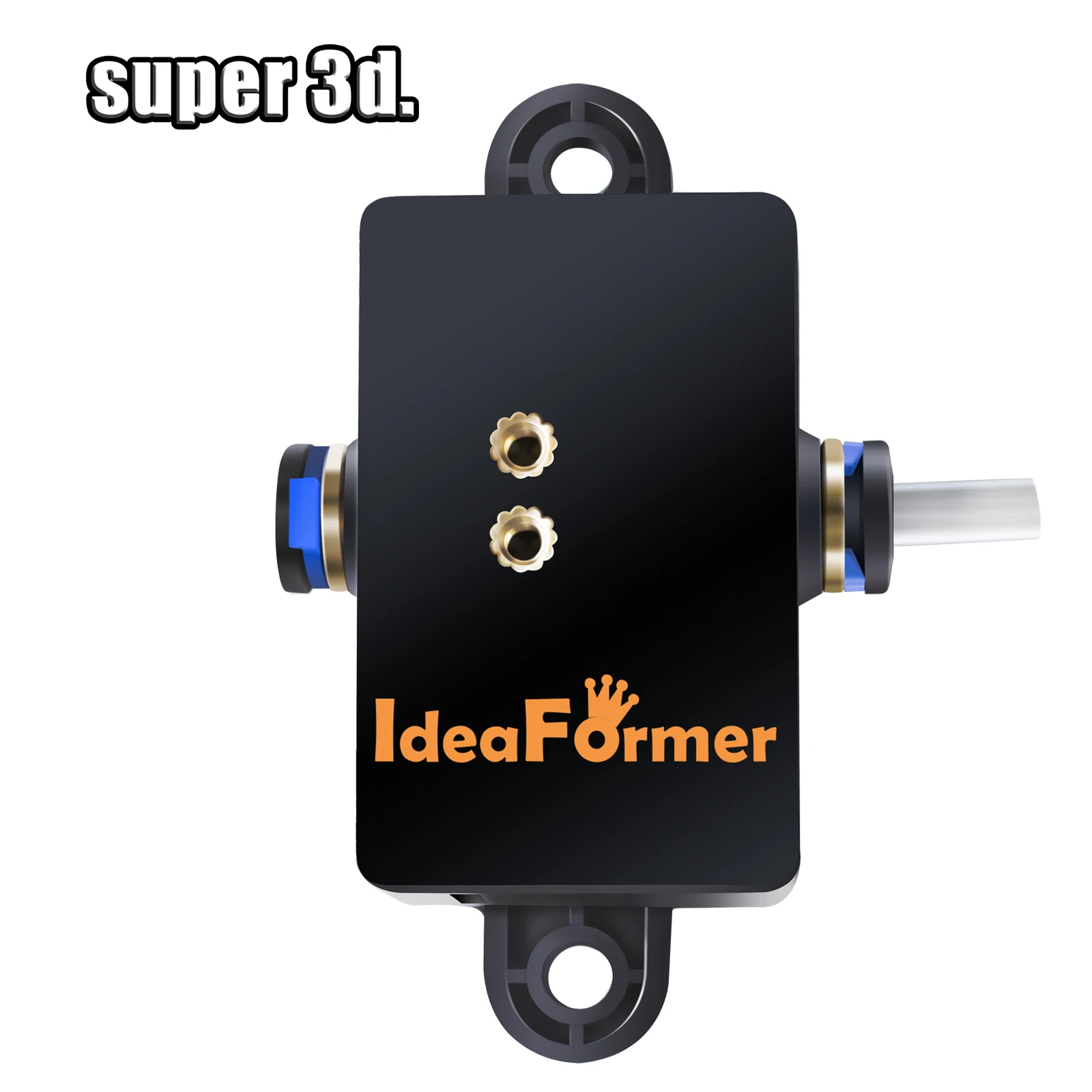
2025 Blockage Detection Sensor Filament Runout Detector Automatic Kit for Marlin 2.0/Klipper Firmware 3D Printer IR3 V2 Parts
2025 Blockage Detection Sensor Filament Runout Detector Automatic Kit for Marlin 2.0/Klipper Firmware 3D Printer IR3 V2 Parts
Impossible de charger la disponibilité du service de retrait
SPECIFICATIONS
Brand Name: IdeaFormer
Choice: yes
Color: Black
Diameter of test consumables: 1.75mm
High-concerned chemical: None
Item Type: Filament Detector Kit
Model Number: Filament Blockage Detection Module
Origin: Mainland China
Rated voltage: 5V
Suitable for: Marlin 2.0/Klipper Firmware
semi_Choice: yes
Item you may like

Product parameters
Rated voltage: 5V
Diameter of test consumables: 1.75mm
Wiring pins:
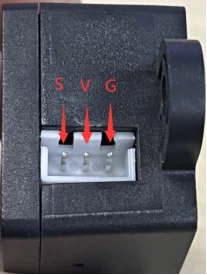
Product Features
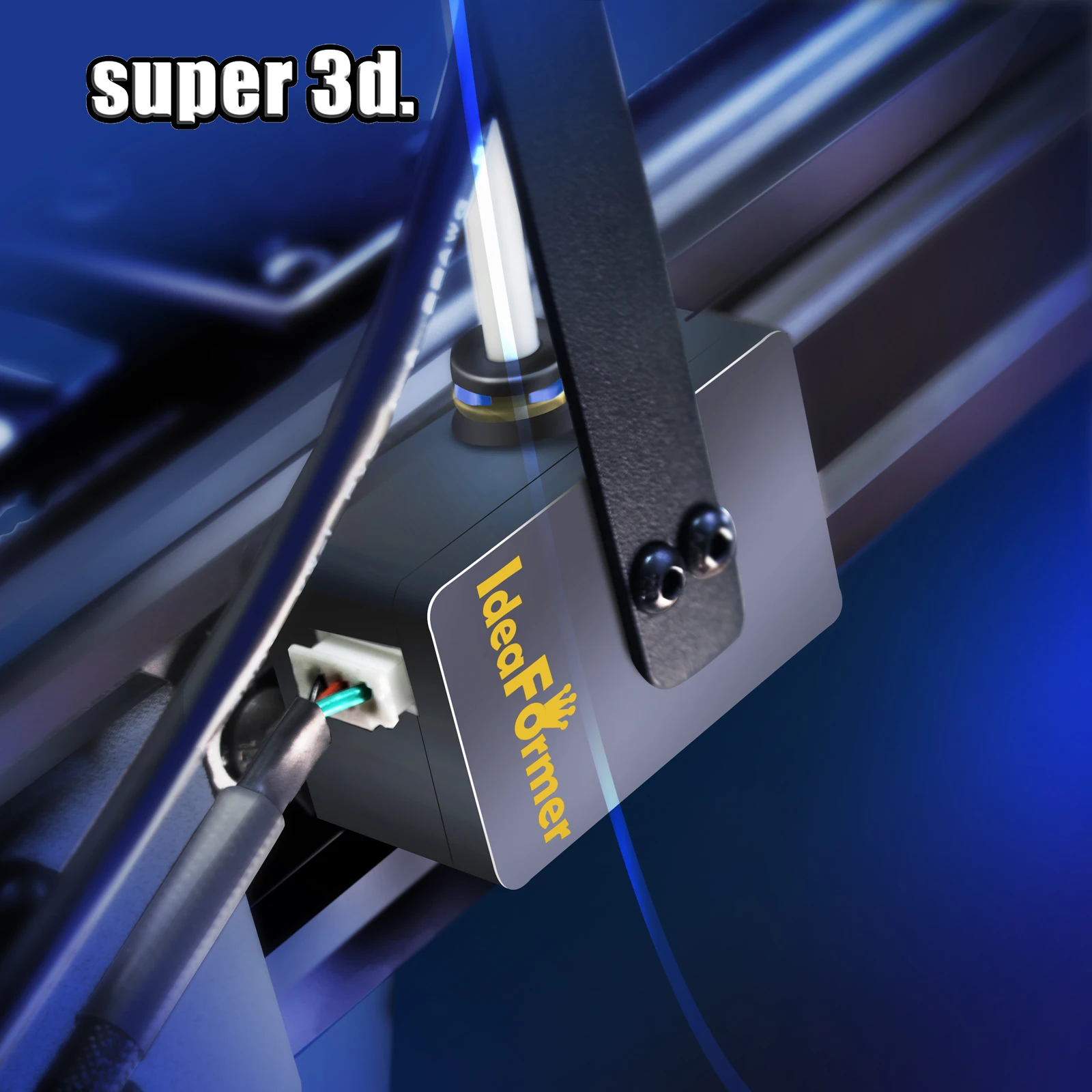
(1) It can detect abnormal extrusion of consumables caused by plugging, entanglement, extruder failure, etc.
(2) It can replace ordinary material break detection, such as consumable breakage and consumable exhaustion.
(3) It is suitable for open source firmware Marlin 2.0.x and Klipper
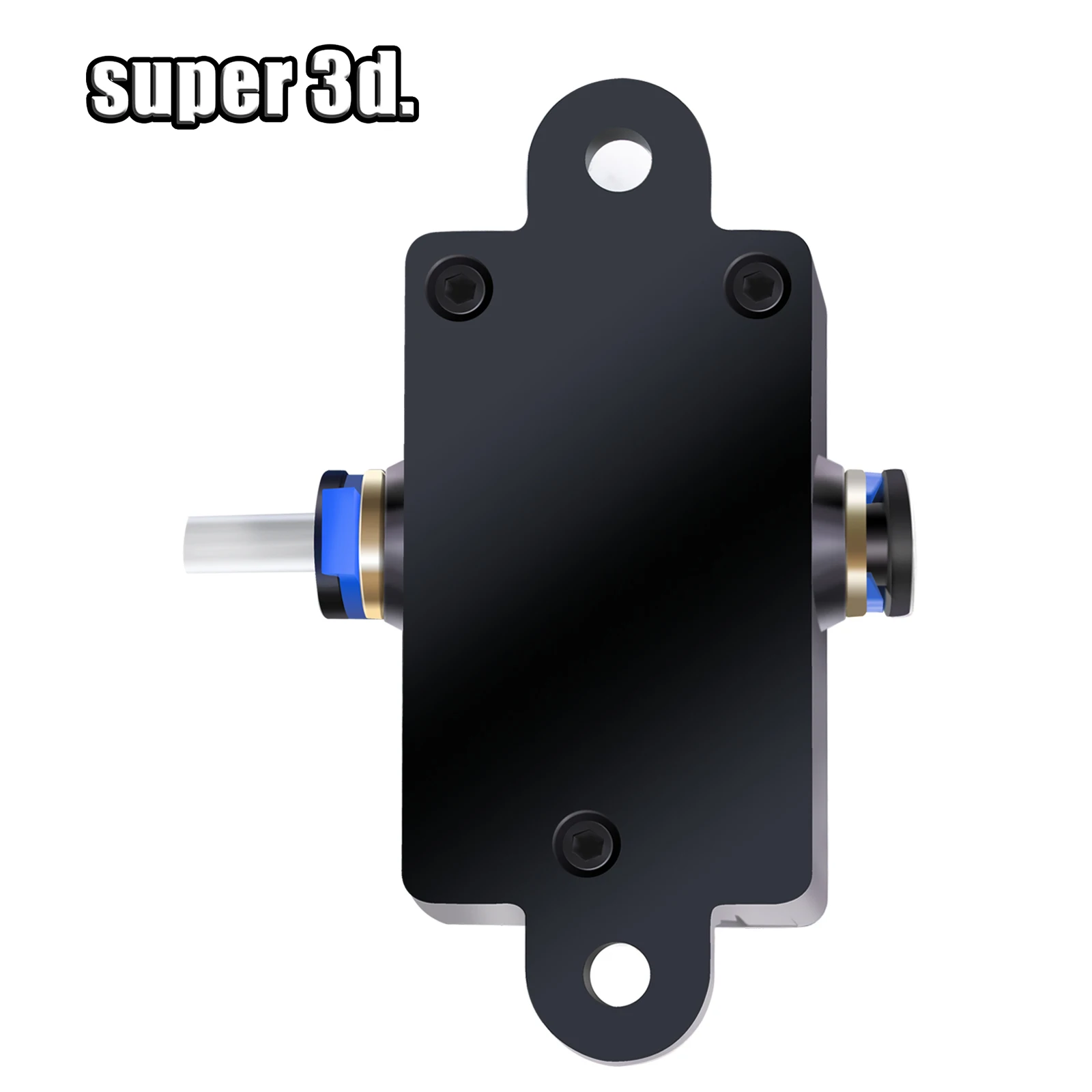
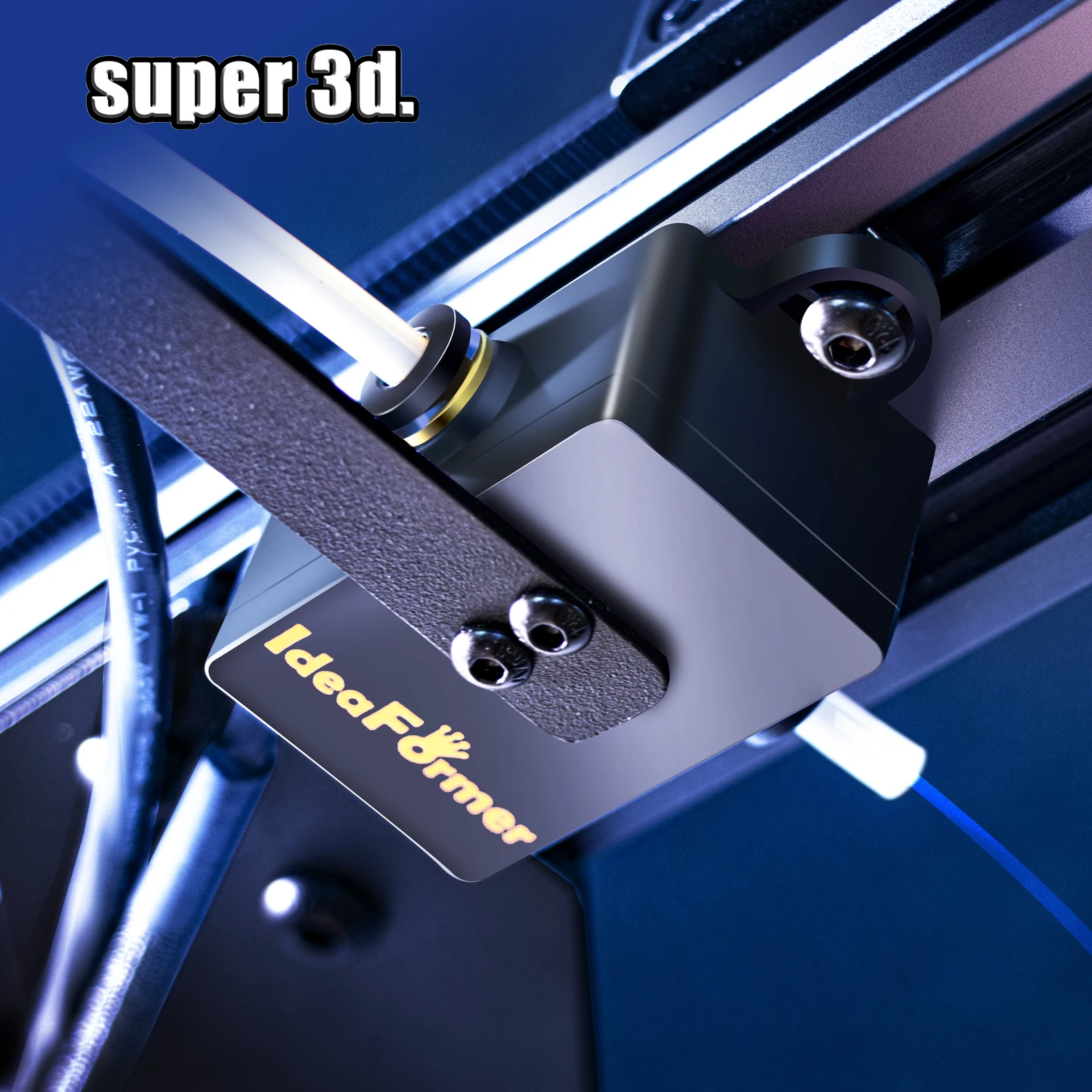
(4) The installation method can be freely selected.
Instructions for use
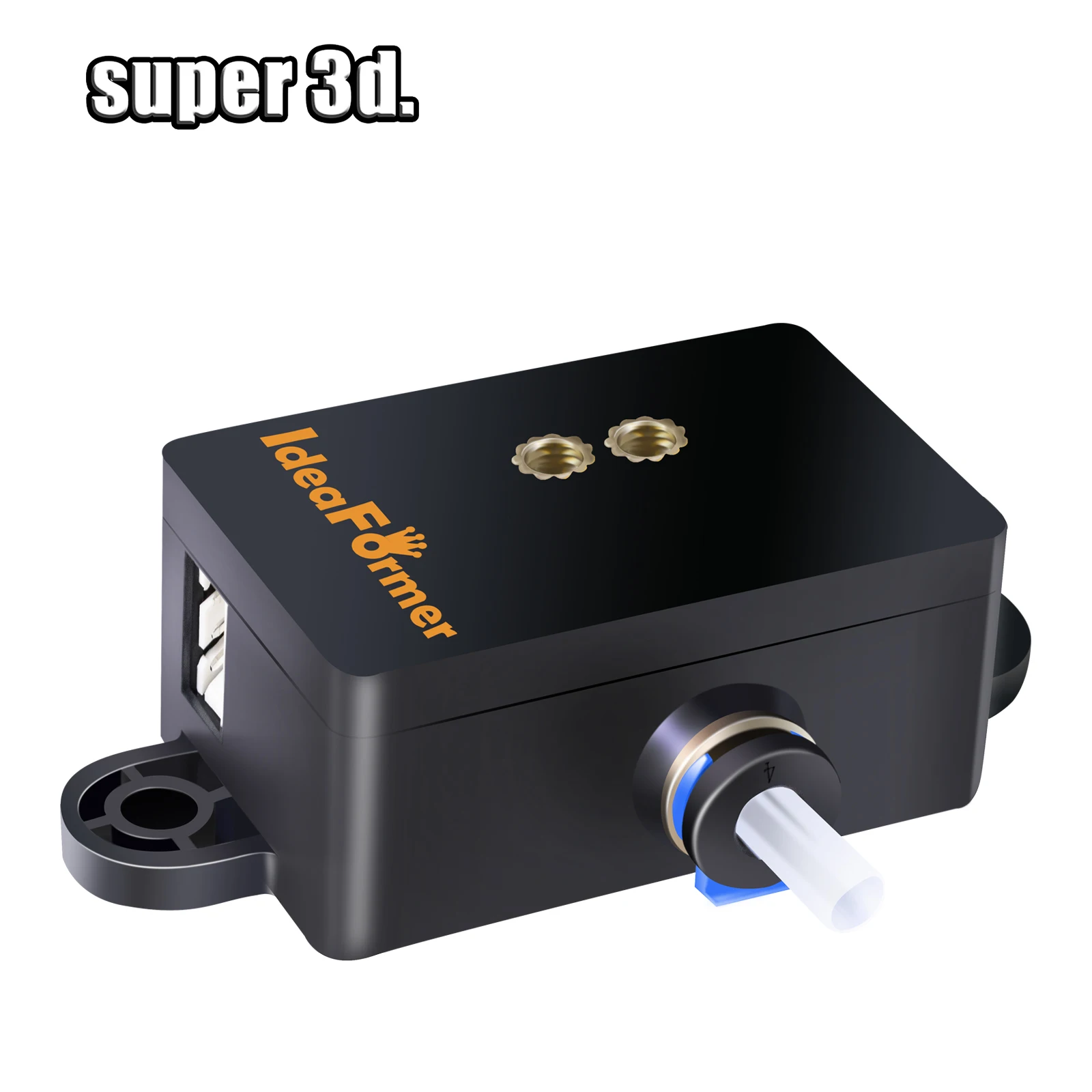
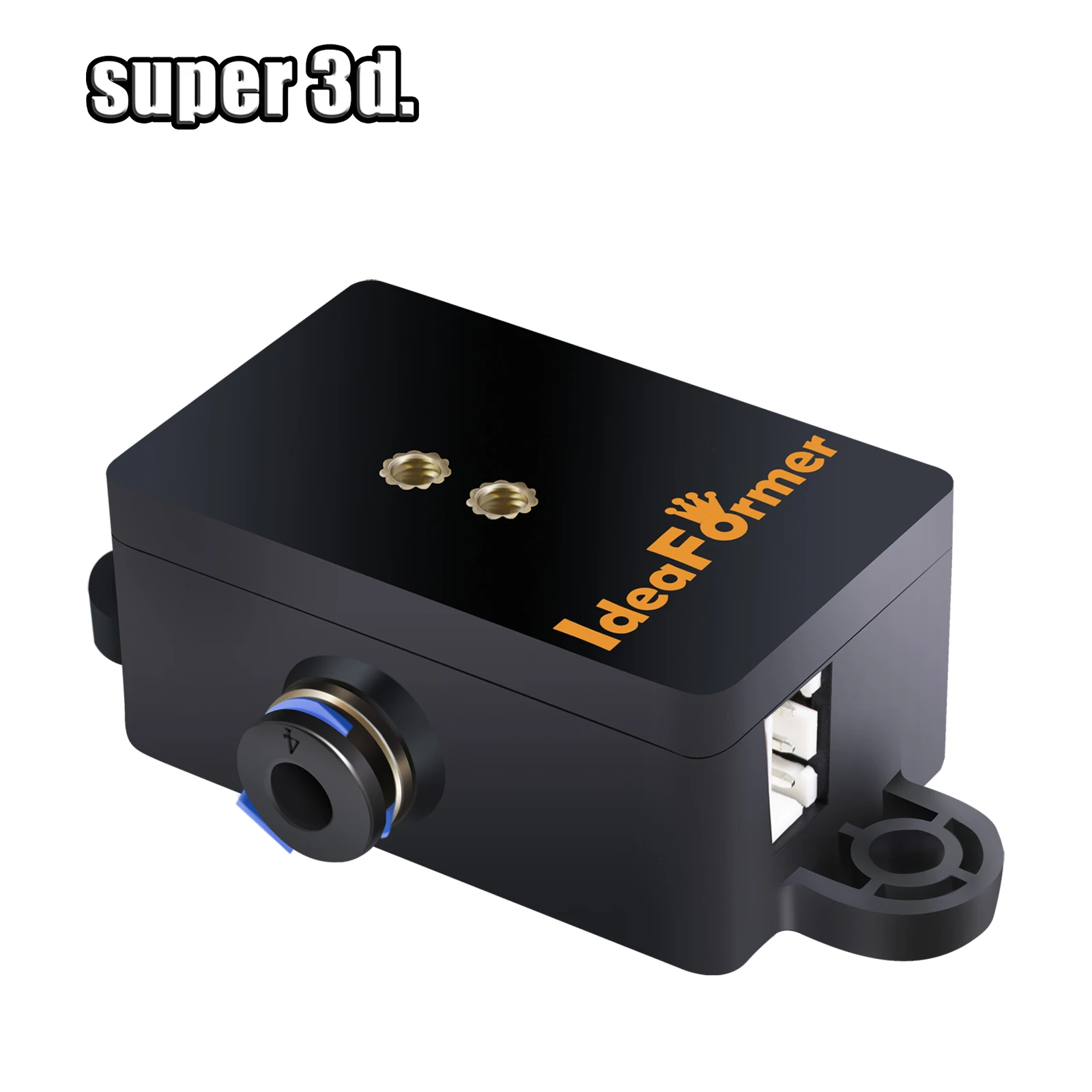
Insert the filament from the quick connector in any direction of the detection module;
When printing or discharging normally, the blue light on the module flashes. When the extruder is not working, the blue light on the module is always on or off.
Firmware Config for Filament blockage detection:
Marlin:
In configuration.h:
1. uncomment #define FILAMENT_RUNOUT_SENSOR.
2. uncomment #define FILAMENT_RUNOUT_DISTANCE_MM 7 and set it to 7mm
3. uncomment #define FILAMENT_MOTION_SENSOR
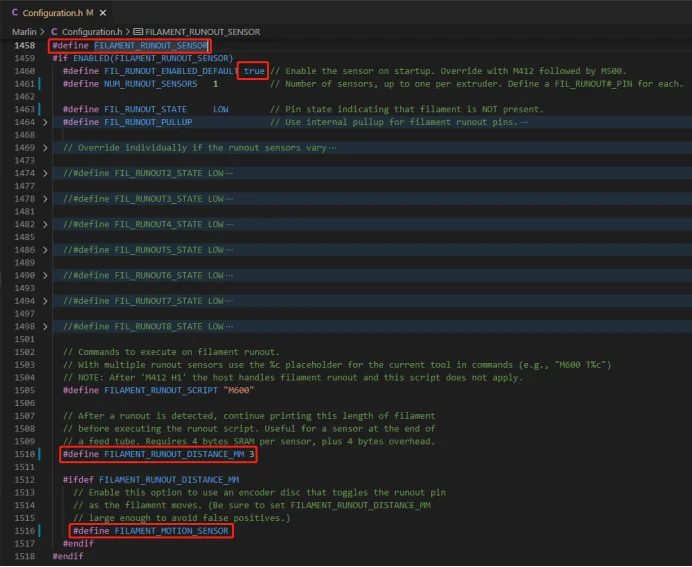
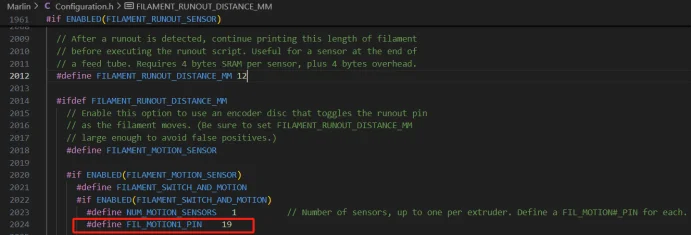
If your firmware The version is relatively new.Stil need set motion pin to actual GPlO of motherboard
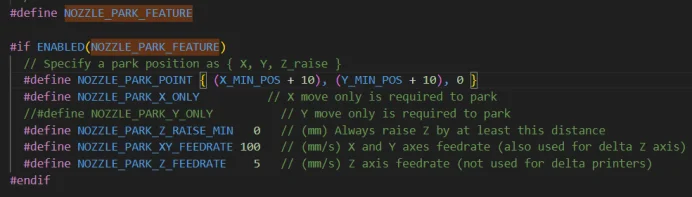
4.The filament sensor feature of Marlin also needs to enable #define NOZZLE_PARK_FEATURE
In configuration_adv.h:
uncomment #define ADVANCED_PAUSE_FEATURE

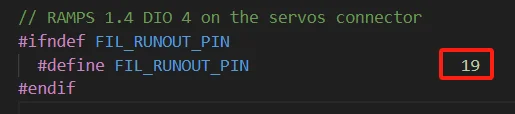
5.Check whether the FIL_RUNOUT_PINin the pin file of the used motherboard is same as theactual motion sensor connecting pin.
In Marlin/src/pin/find your pin file:
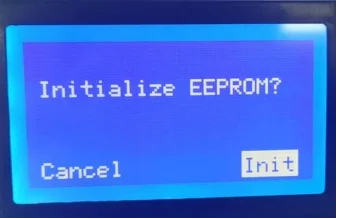
6.After uploading the firmware, it might be necessary to reinitialize the configuration in order to achieve the desired effect.
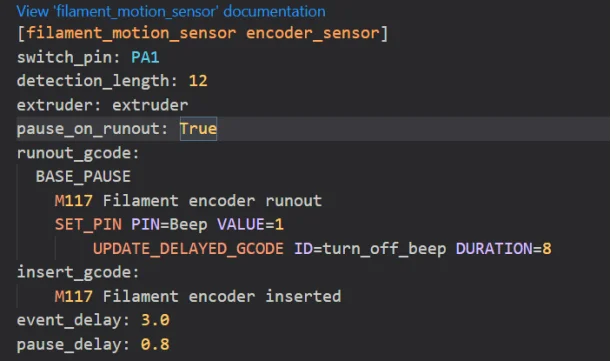
Klipper:
In printer.cfg:
Definition:
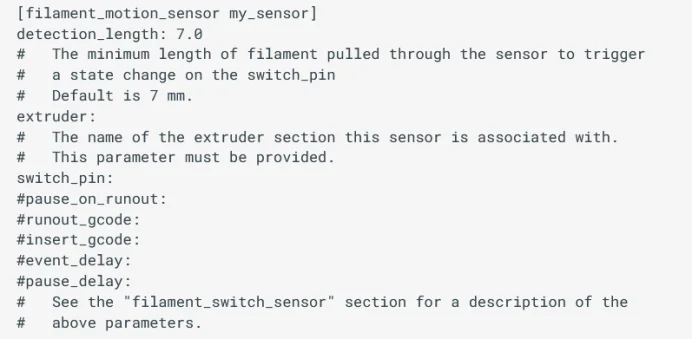
Example:Ideaformer IR3_V2