


PDG ibma
SOYO M4 PLUS2 Mini PC Intel Alder Lake N150 Windows 11 Pro Mini PC 16GB DDR4 512GB PCIe M.2 SSD WiFi 5 BT4.2 Desktop Computer
SOYO M4 PLUS2 Mini PC Intel Alder Lake N150 Windows 11 Pro Mini PC 16GB DDR4 512GB PCIe M.2 SSD WiFi 5 BT4.2 Desktop Computer
Couldn't load pickup availability
SPECIFICATIONS
Brand Name: SOYO
Certification: CE,FCC,UL
Graphics Card Type: Integrated Card
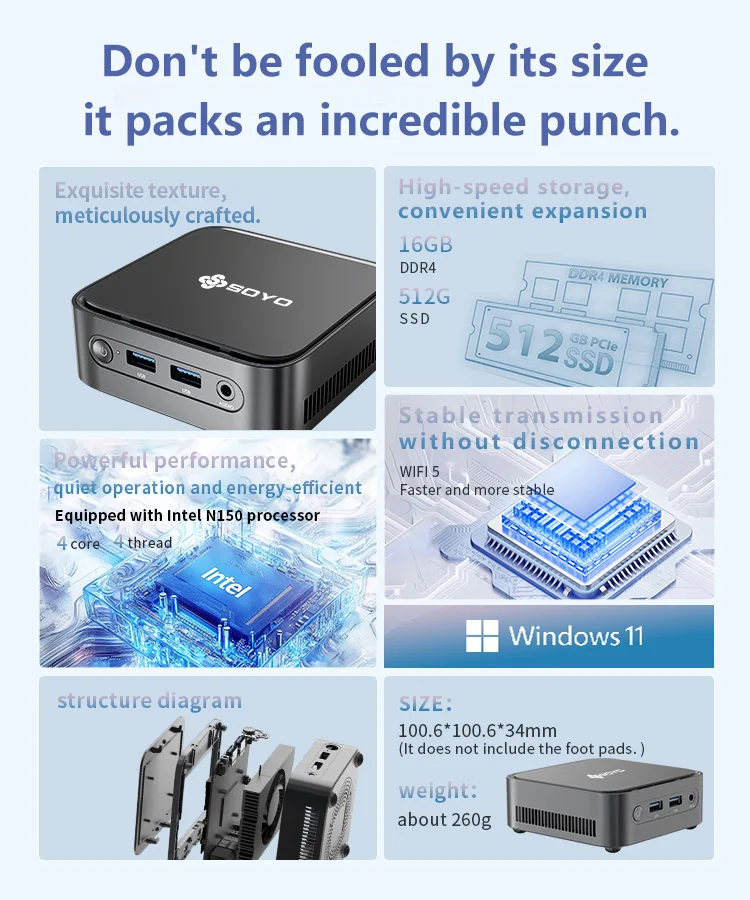
Hard Drive Capacity: 512GB
Memory Capacity: 16 GB
Model Number: M4 PLUS2
Origin: Mainland China
Processor Brand: Intel
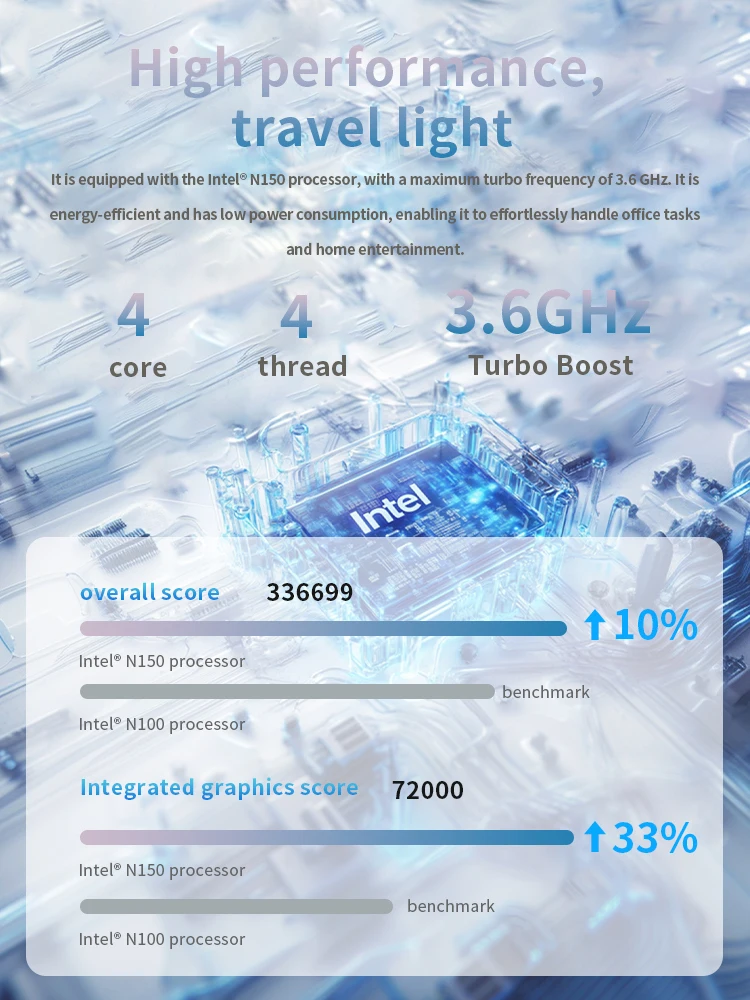
Processor Main Frequency: 3.6GHz
Processor Model: Intel Celeron N150
Type: Mini Desktop,Mini PC
Use: Commercial
•Intel Twin Lake N150
SOYO M4 PLUS2 Mini PC is engineered with the Intel Twin Lake N150 processor, clocking speeds up to 3.6GHz. Experience speedy performance and seamless multitasking.
•Enhanced Storage
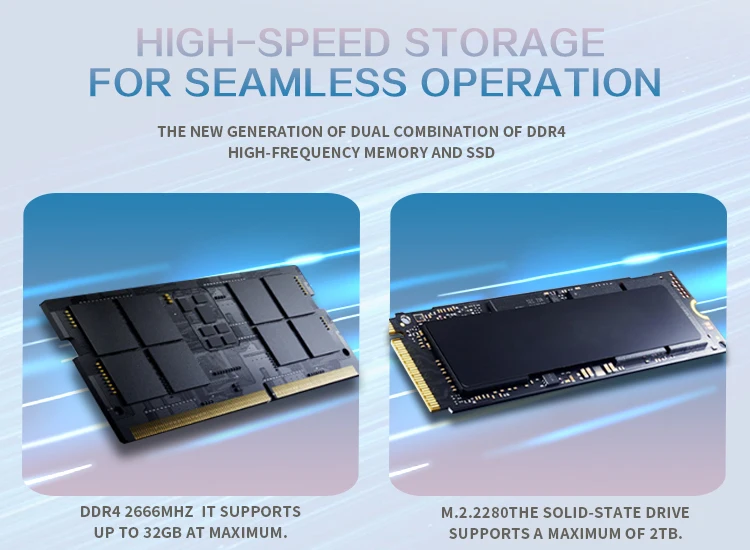
With 16GB RAM and a massive 512GB SSD storage, the SOYO M4 PLUS2 Mini PC guarantees a smooth and efficient computing experience, be it for work, study or gaming.
•Operating system: Windows 11Pro
Note: If you encounter any of the following issues with your M4 Pro, please contact me immediately and I will help resolve the issue. Contact email: szyy@mougol.net
1. System activation failure
2. Unable to access the system for an extended period
3. Driver issues, missing driversYour Mini Hub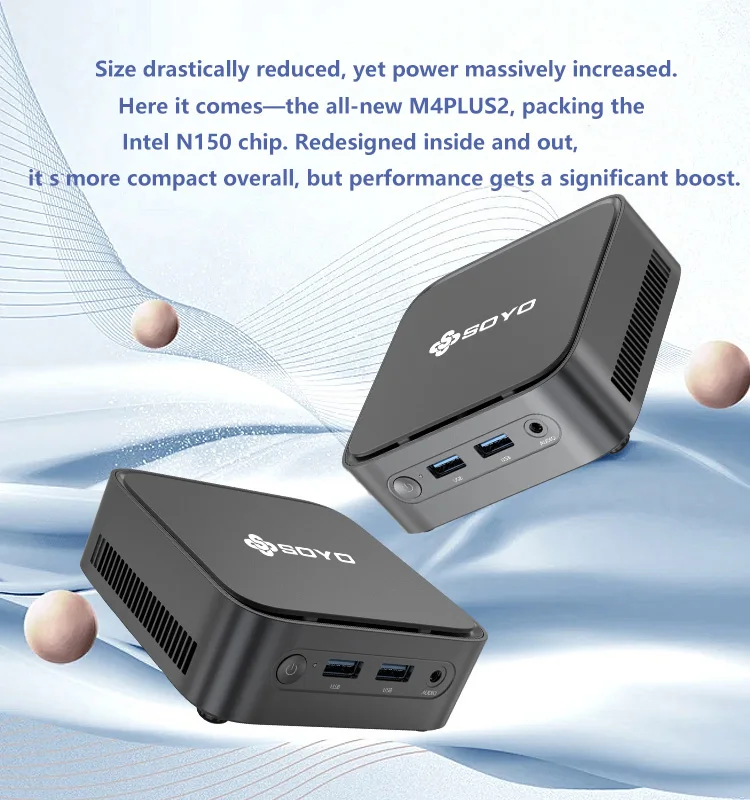

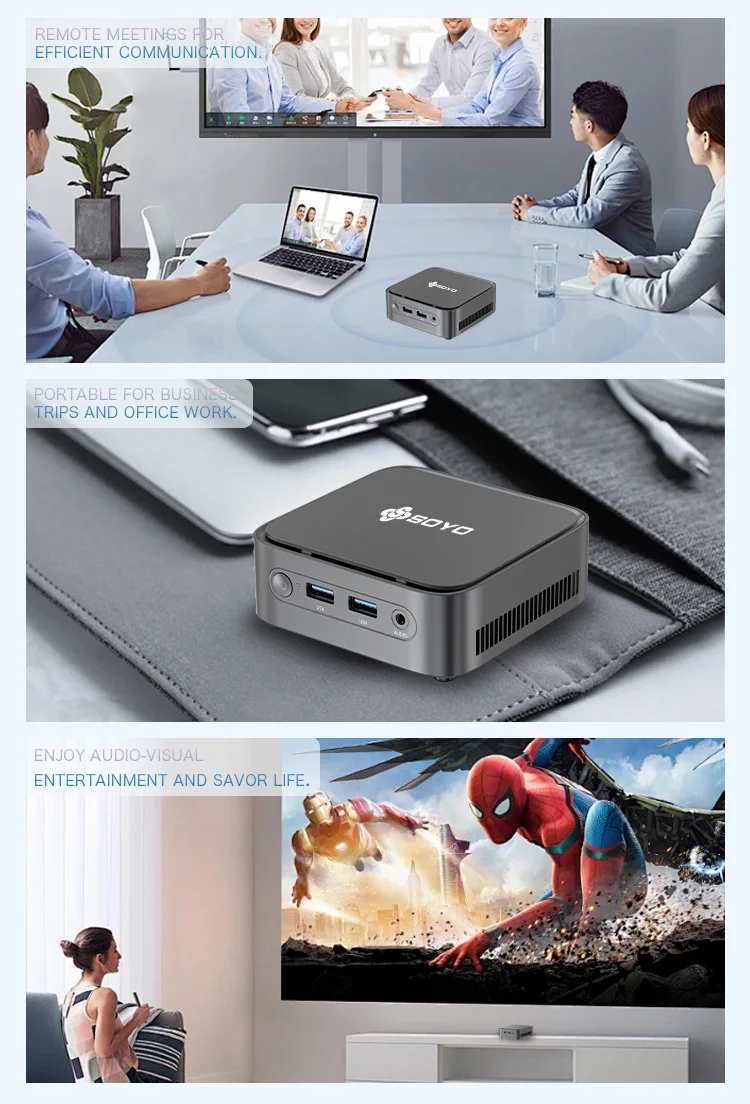
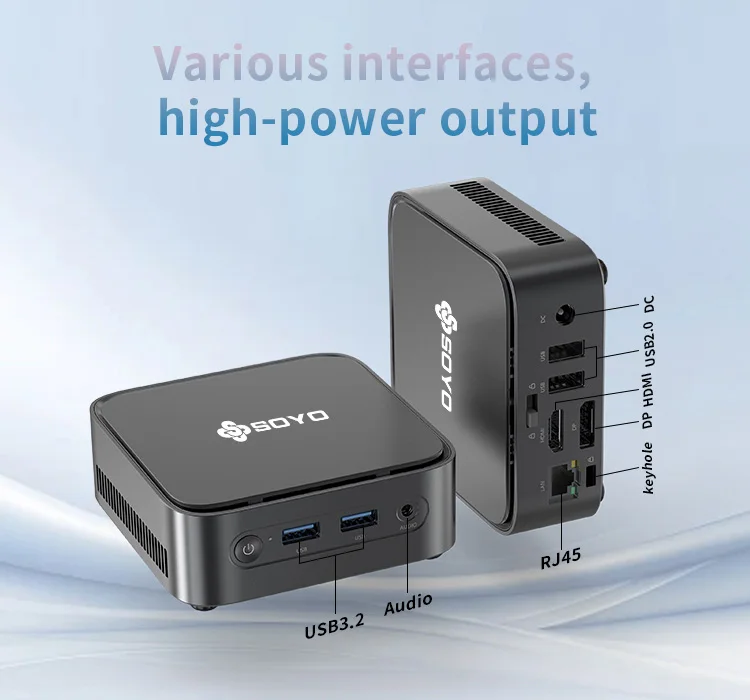
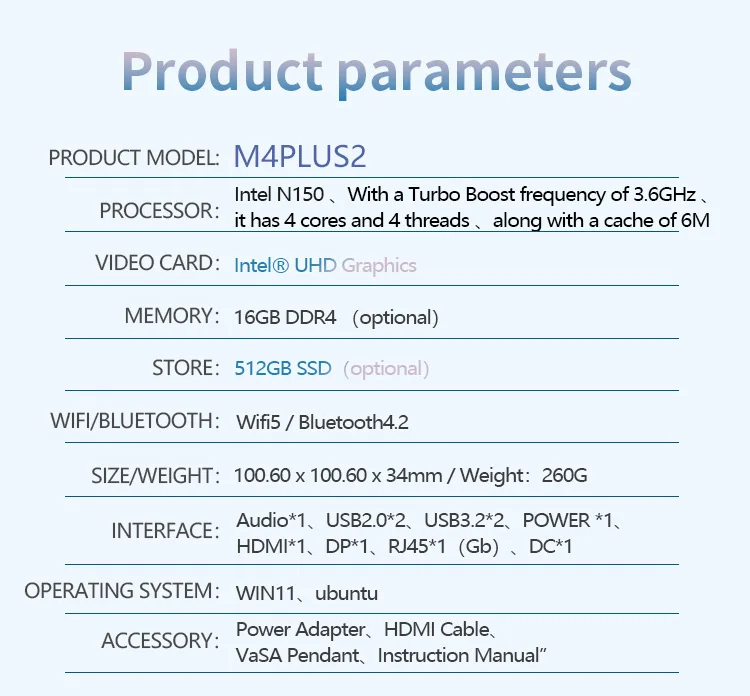
Tip:This product comes with Windows 11 Pro pre-installed, and all drivers are configured specifically for Windows 11 Pro.
If customers choose to replace the operating system with Linux/Ubuntu, they will need to resolve any driver issues independently.
Q&A
Q: Don't turn on?
A: 1.Make sure the AC power adapter is connected to the computer and ithe power cable plugis plugged into a working power outlet.
2.The computer has been started (press the power button again to confirm whether it is started normally).
Q: When the computeris started,nothing is diasplayed?
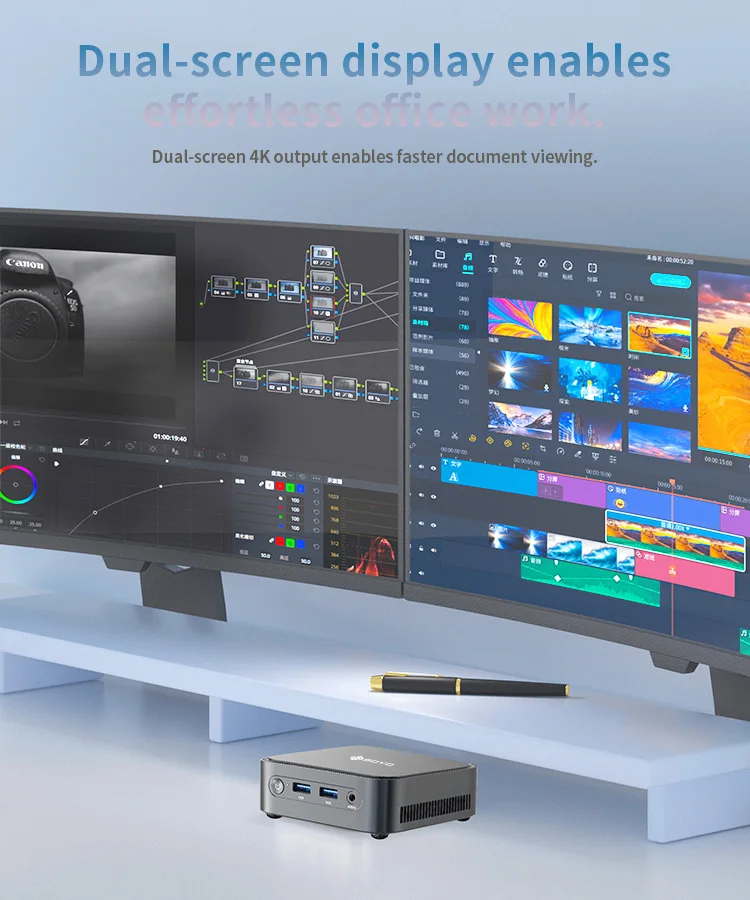
A: 1.Check whether the HDMI and DP cables are properly connected diasplayed.
2.Check that the diaplay input mode is correct.
Q: A blank screen appears when the computer is running?
A: 1.Check whether the device is in hibernation mode by viewing the appears when the power
indicator status. Press the power button to wake up computer is running.
2.Check whether the monitor sleeps.
Q: Computer unrespensive?
A:1. To force off, press and hold the power button and turn it on again.
2.Check whether the monitor sleeps.
Q: There is no sound from the speaker or headset?
A:1.Check whether the mute function is disabled.
2. To check speakers or earphones are selected as playback
Q: Why is my web browsing or online video playback slow?
A: This mainly depends on your broadband internet speed.
Q: How do I enter the BIOS?
A: The shortcut key to enter the BIOS on this mini PC is Delete, press "Delete" quickly and repeatedly when rebooting to enter the BIOS.
caveat
·Product pictures and display contents on the foregoing pages are provided for reference only.Actual product feature
es and specifications(including but not limited to appearancecolourand size),as well as actual
display contents(including but not limited to backgroundsUland icons may vary.
·All data in the foregoing pages are theoretical values obtained by SOYOlaboratories through tests carried out under
particular conditions.For more information,refer to the aforementioned product details. Actual
data may vary owing to differences in individual products,software versions,application conditions,and environme
ntal factors. All data is subject to actual usage.
·Our company reserves the right of final interpretation.


