PDG ibma
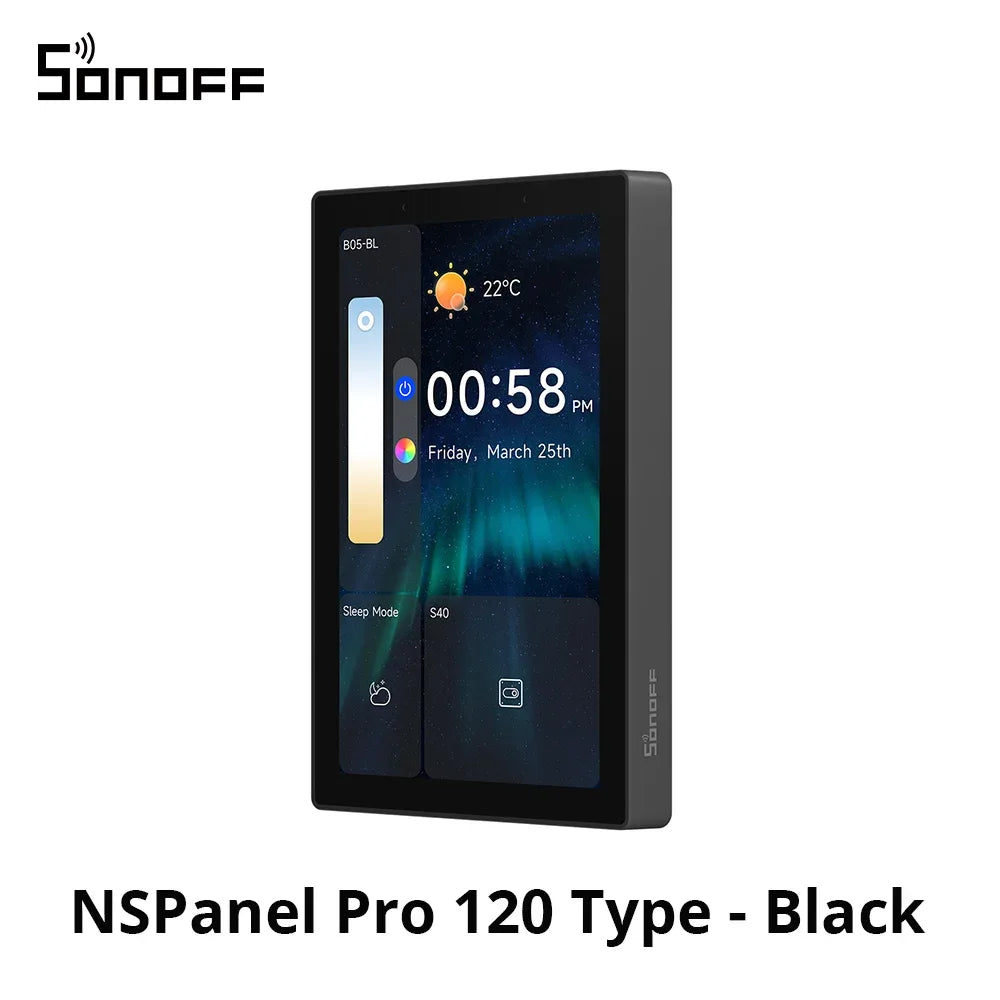
SONOFF NSPanel Pro 120 Type Smart Home Control Panel Smart Thermostst Power Consumption DIY Switch Module Support Sonoff Devices
SONOFF NSPanel Pro 120 Type Smart Home Control Panel Smart Thermostst Power Consumption DIY Switch Module Support Sonoff Devices
Couldn't load pickup availability
SPECIFICATIONS
Battery Included: Yes
Brand Name: SONOFF
Casing materials: PC V0+CRS+Tempered glass panel
Certification: CE,FCC
Communication method: Zigbee,Wi-fi
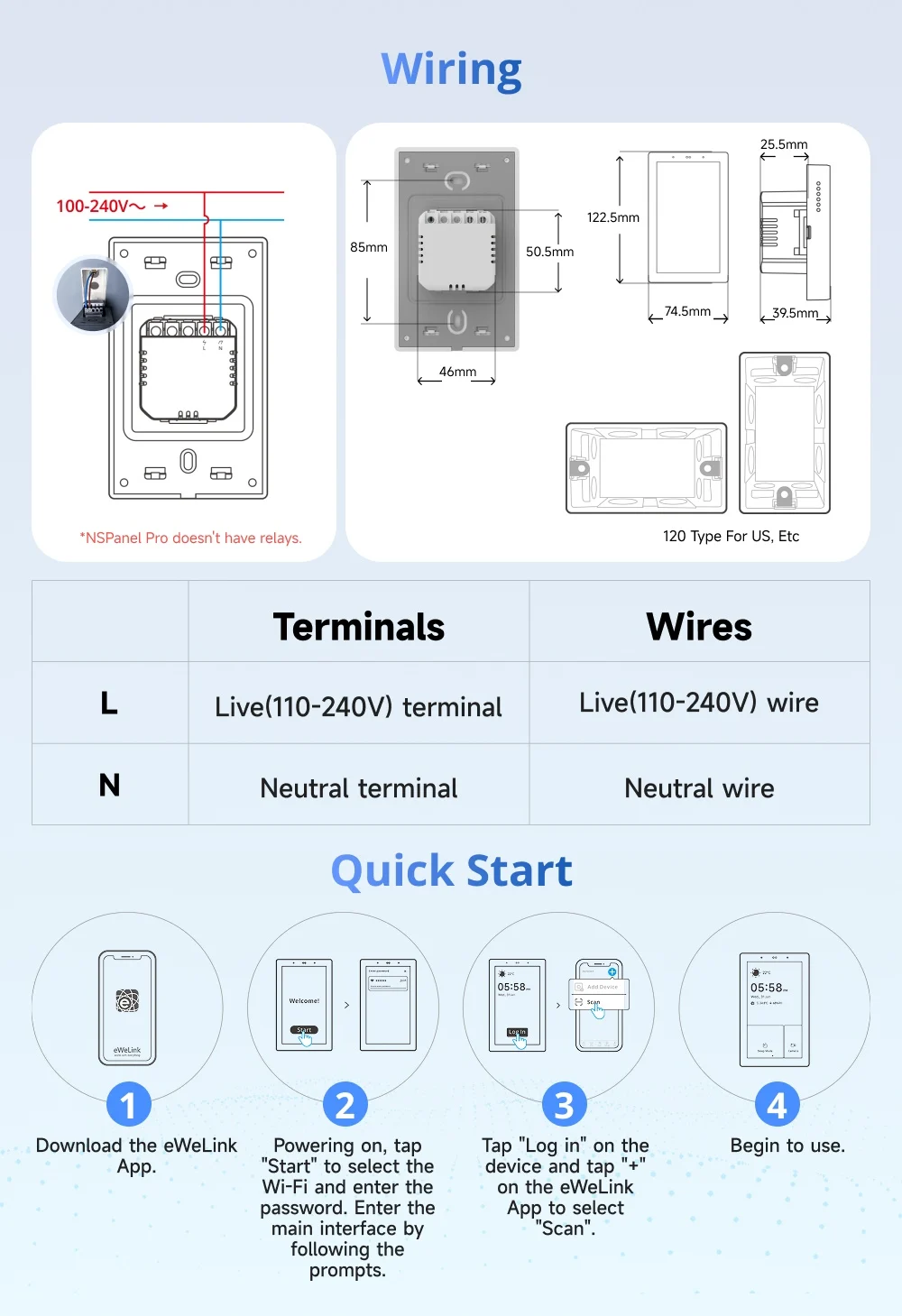
Dimension: 122.5*74.5*39.5mm
Does It Includes Wireless Communication: Yes
FCC ID: 2APN5PANELPRO120
High-concerned chemical: None
IC: 29127-PANELPRO120
Inbox adaptor: No
Model Number: NSPanel Pro 120 Type
Origin: Mainland China
Plug Type: US Plug
Power Source: Other,Other
Rating: 100-240V~50/60Hz 0.15A MAX
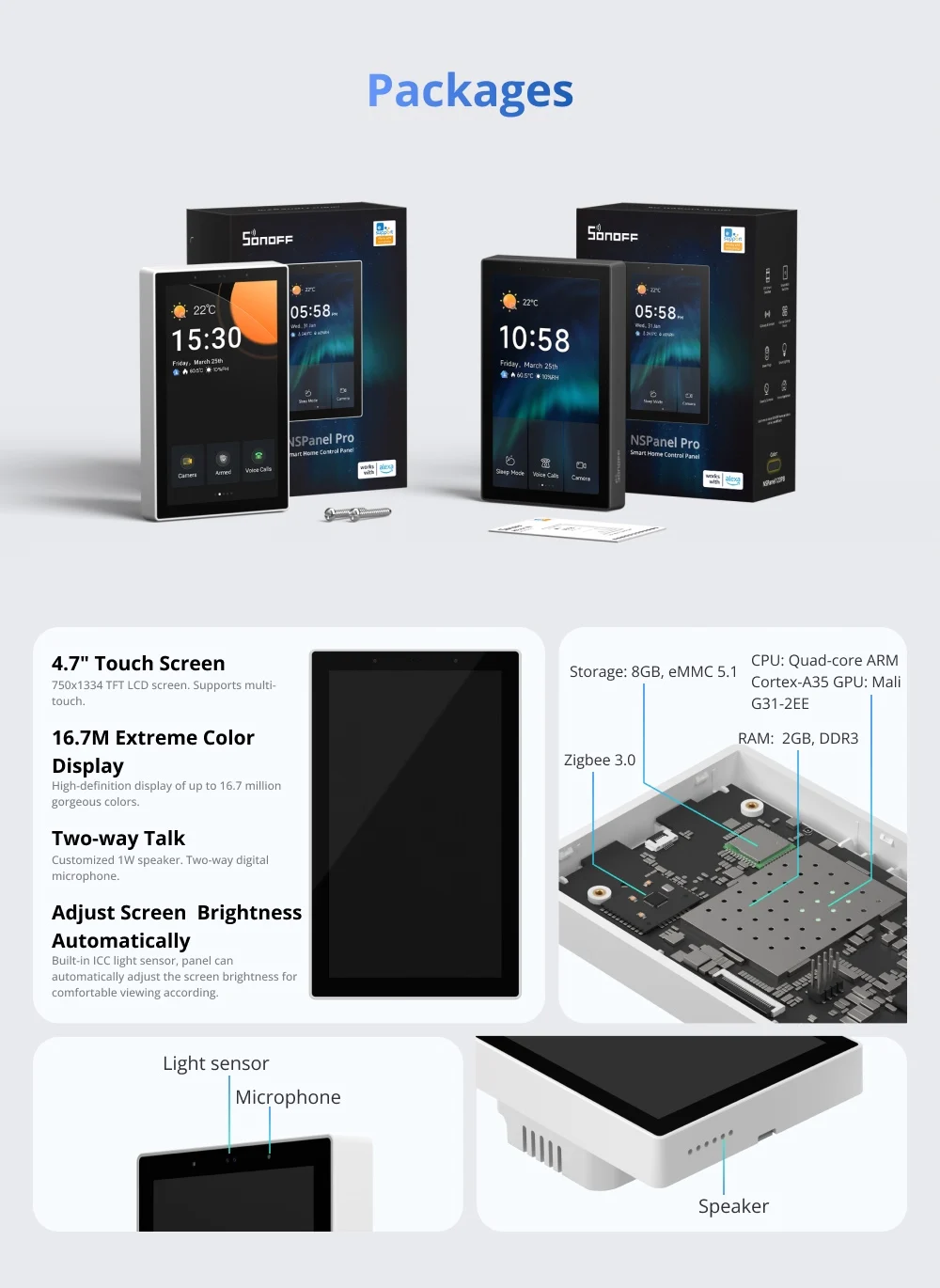
Screen resolution: 750*1334
Screen size: 4.7"
State of Assembly: Ready-to-Go
Wireless connectivity: Wi-Fi IEEE 802.11 b/g/n 2.4GHz, Zigbee 3.0
Working humidity: 5%~90%RH, non-condensing
Working temperature: 0°C-40°C
SONOFF NSPanel Pro 120 Type Smart Home Control Panel Smart Thermostst Power Consumption DIY Switch Module Support Sonoff Devices
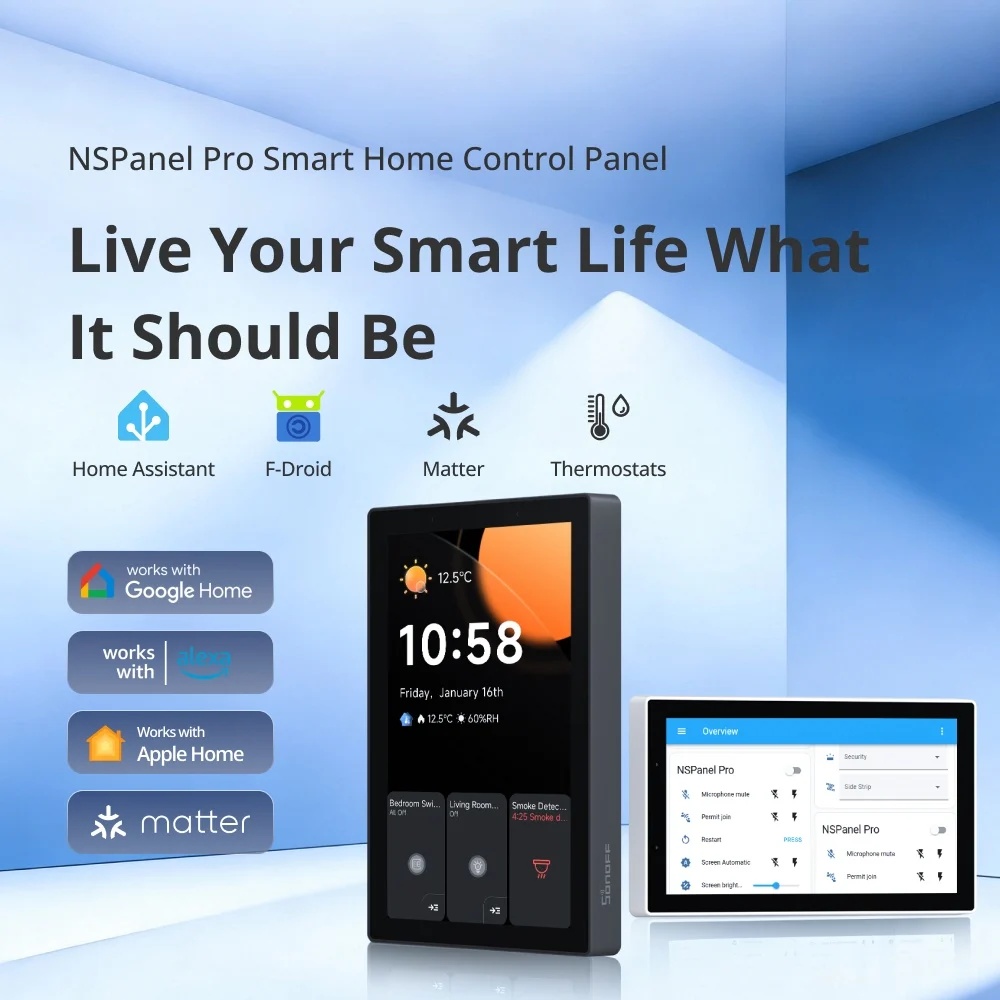
NSPanel Pro Smart Home Control Panel
Live Your Smart Life What
It Should Be
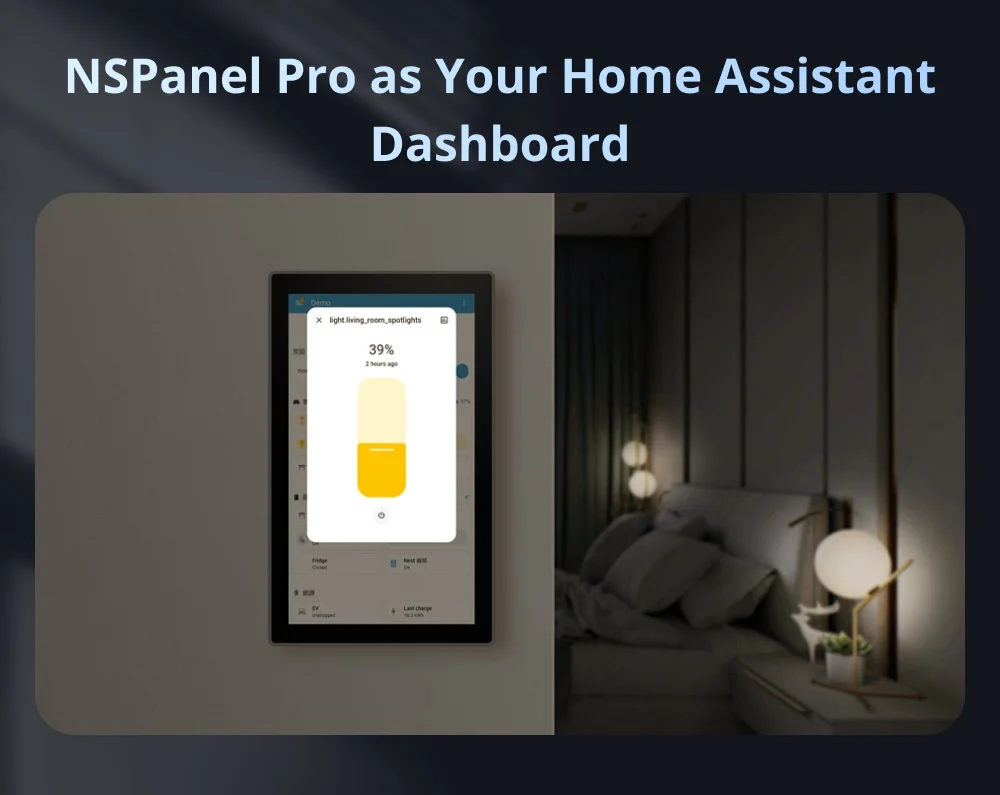
NSPanel Pro as Your Home Assistant Dashboard
Download the official Home Assistant app via F-Droid, connect it to your Home Assistant Server, and enjoy centralized smart home management with intuitive, at-a-touch control.
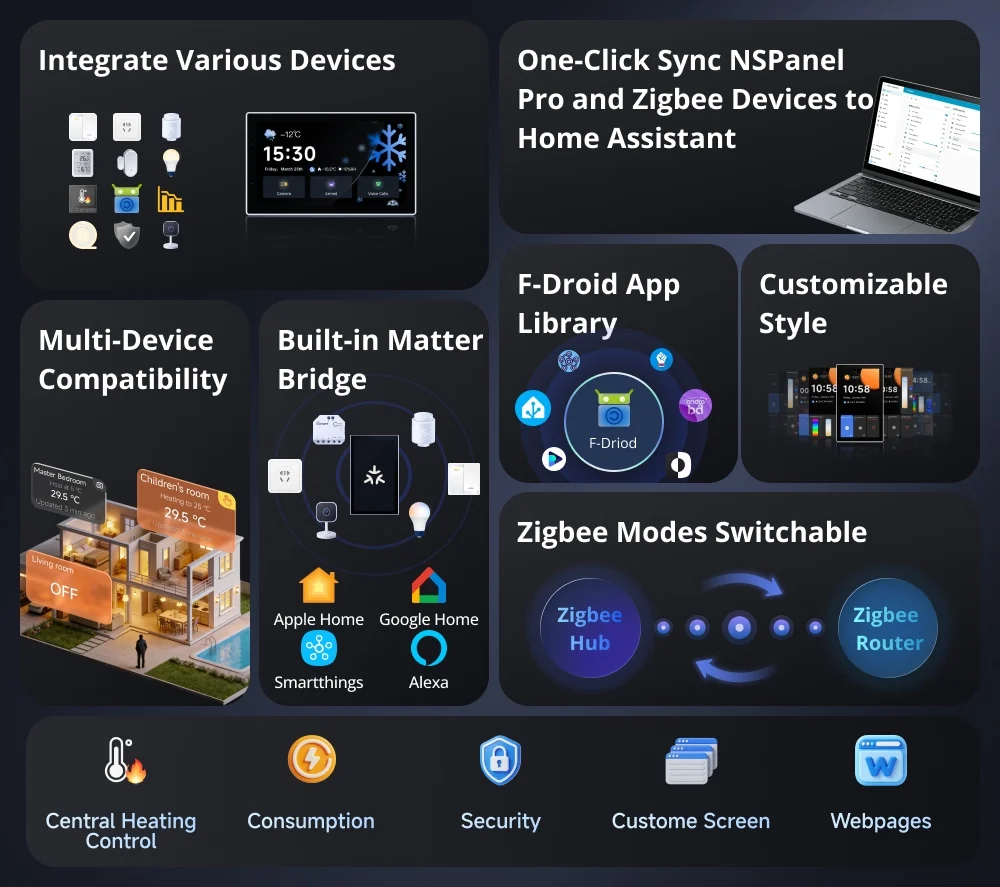
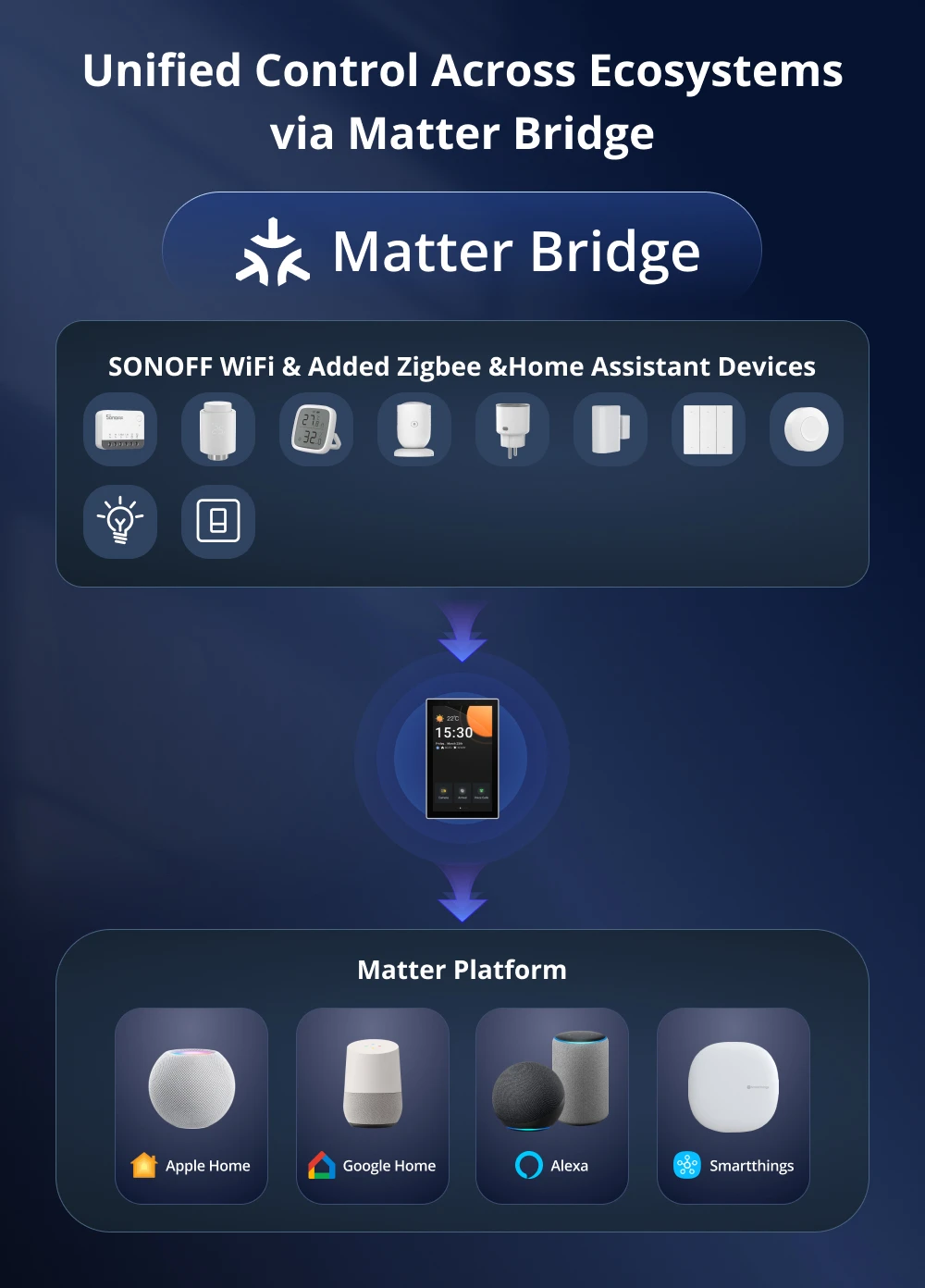
Unified Control Across Ecosystems via Matter Bridge
By scanning the Matter pairing code, you can synchronize and centrally control both the WiFi and Zigbee devices from your eWeLink account as well as devices from Home Assistant on the Matter platform, enabling effortless cross-ecosystem, seamless connectivity.
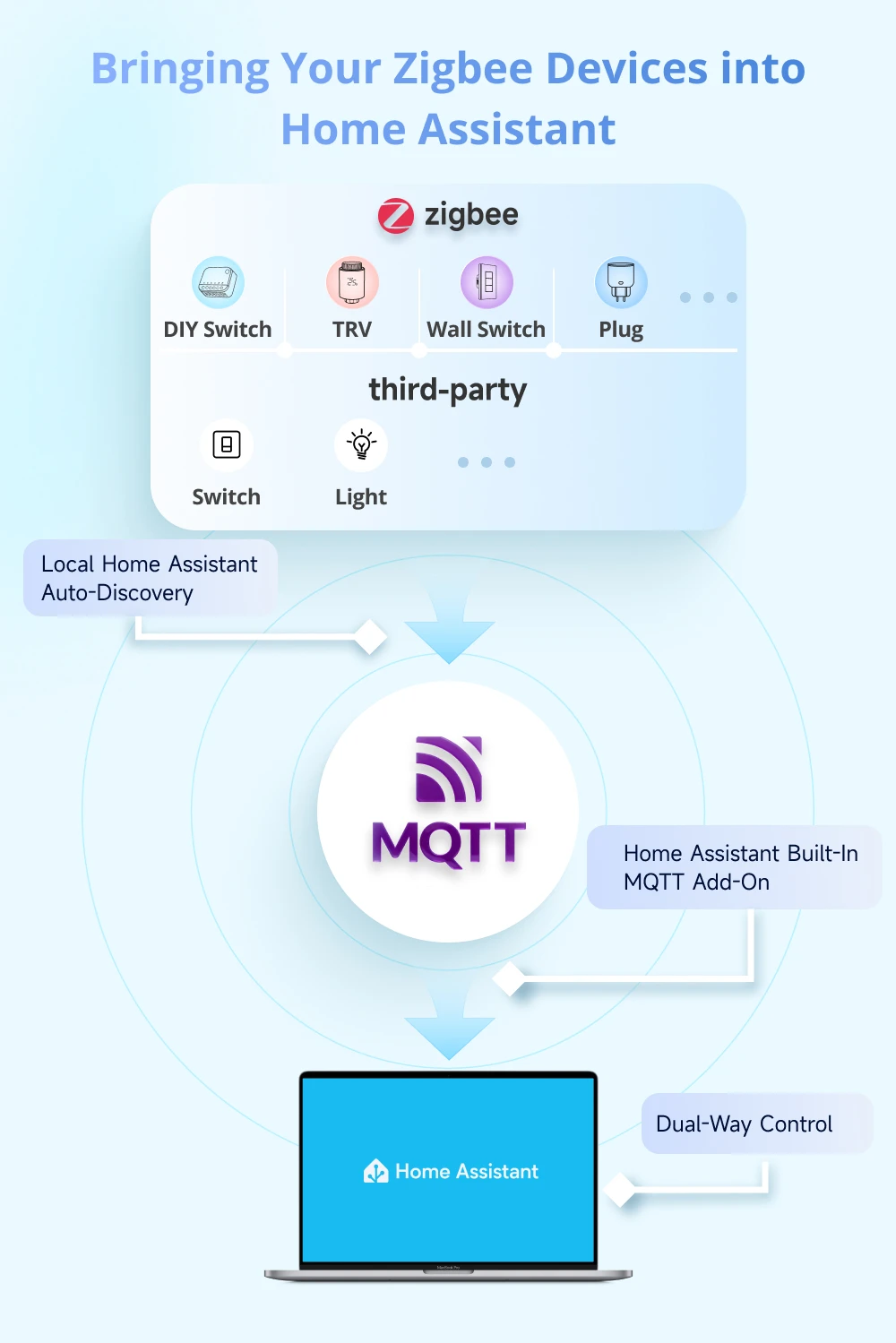
Bringing Your Zigbee Devices into Home Assistant
Want to manage your Zigbee sub-devices in both the NSPanel Pro and Home Assistant? Simply configure an MQTT Broker to sync Zigbee devices from the NSPanel Pro to Home Assistant.
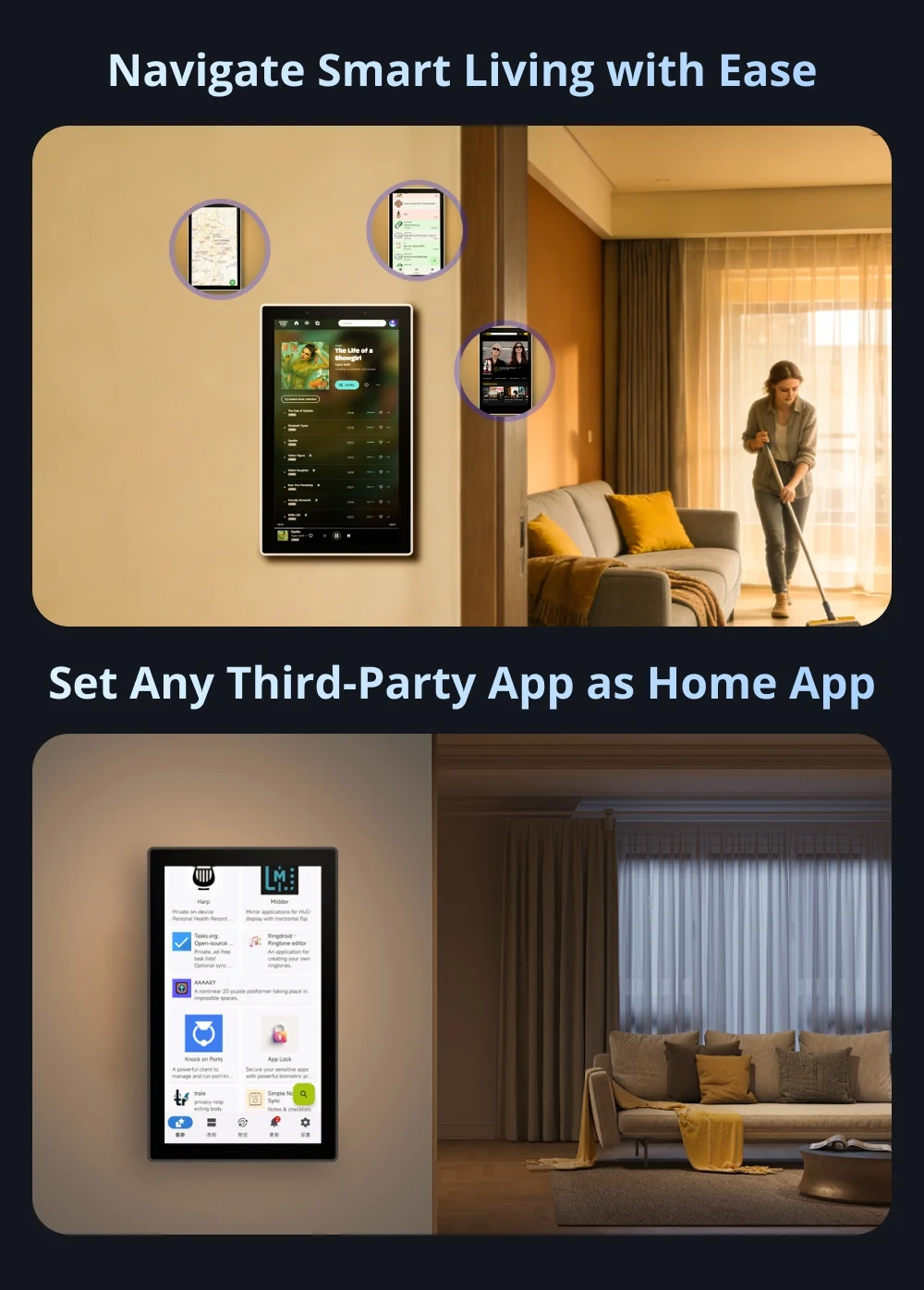
Set Any Third-Party App as Home App
The "Apps" feature allows you to set any third-party app as the Home App while keeping NSPanel Pro running in the background.
Navigate Smart Living with Ease
F‑Droid is a free and open‑source app store that offers ad‑free, privacy‑respecting applications verified by the open‑source community. Covering personalized and creative apps, it lets you effortlessly enrich your life with NSPanel Pro.
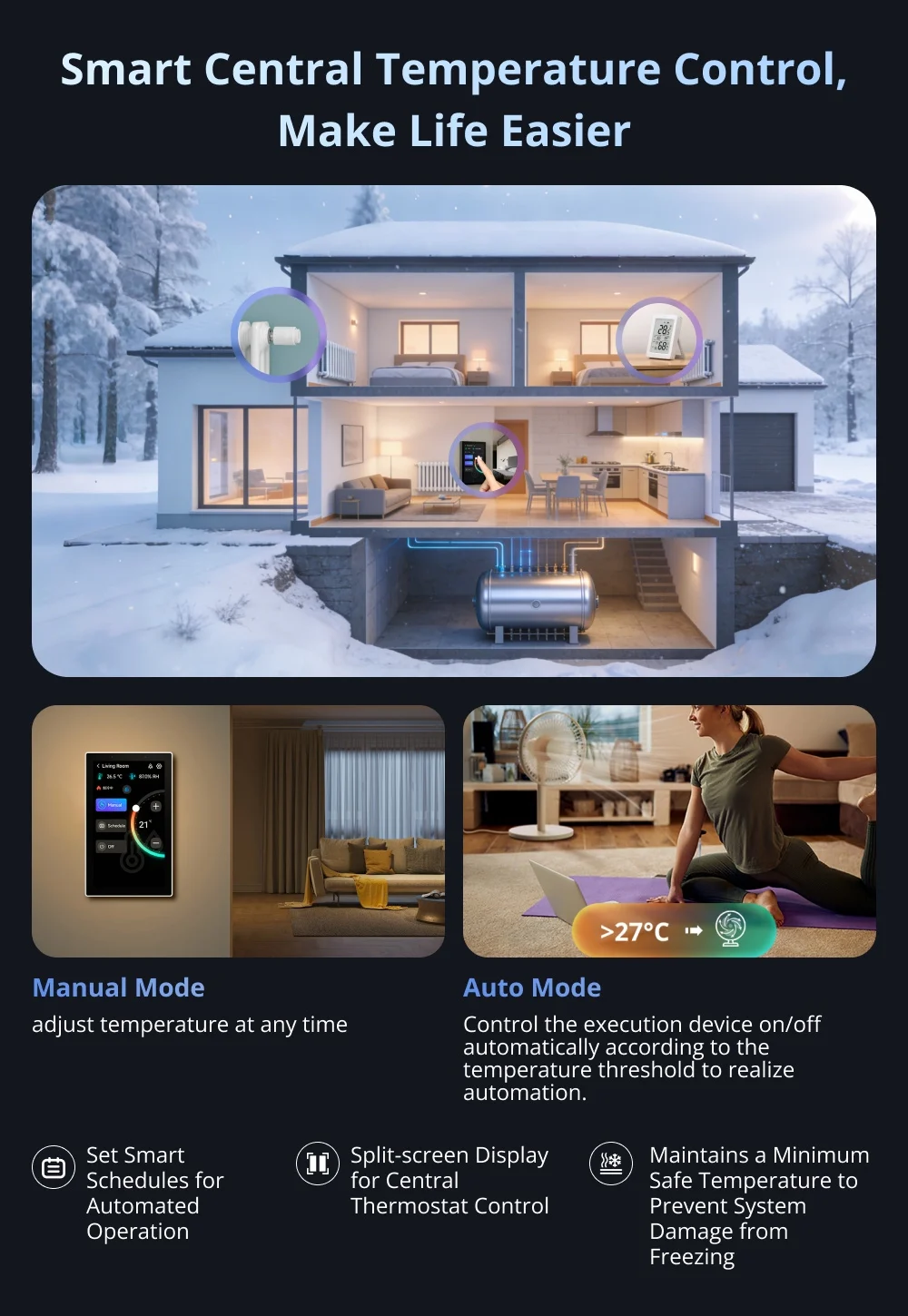
Smart Central Temperature Control, Make Life Easier
A single panel provides panoramic monitoring of temperature and heating status across all rooms, managing the whole-house heating system to deliver constant comfort to every space—achieving the ideal living climate through a truly integrated whole-home temperature control system.
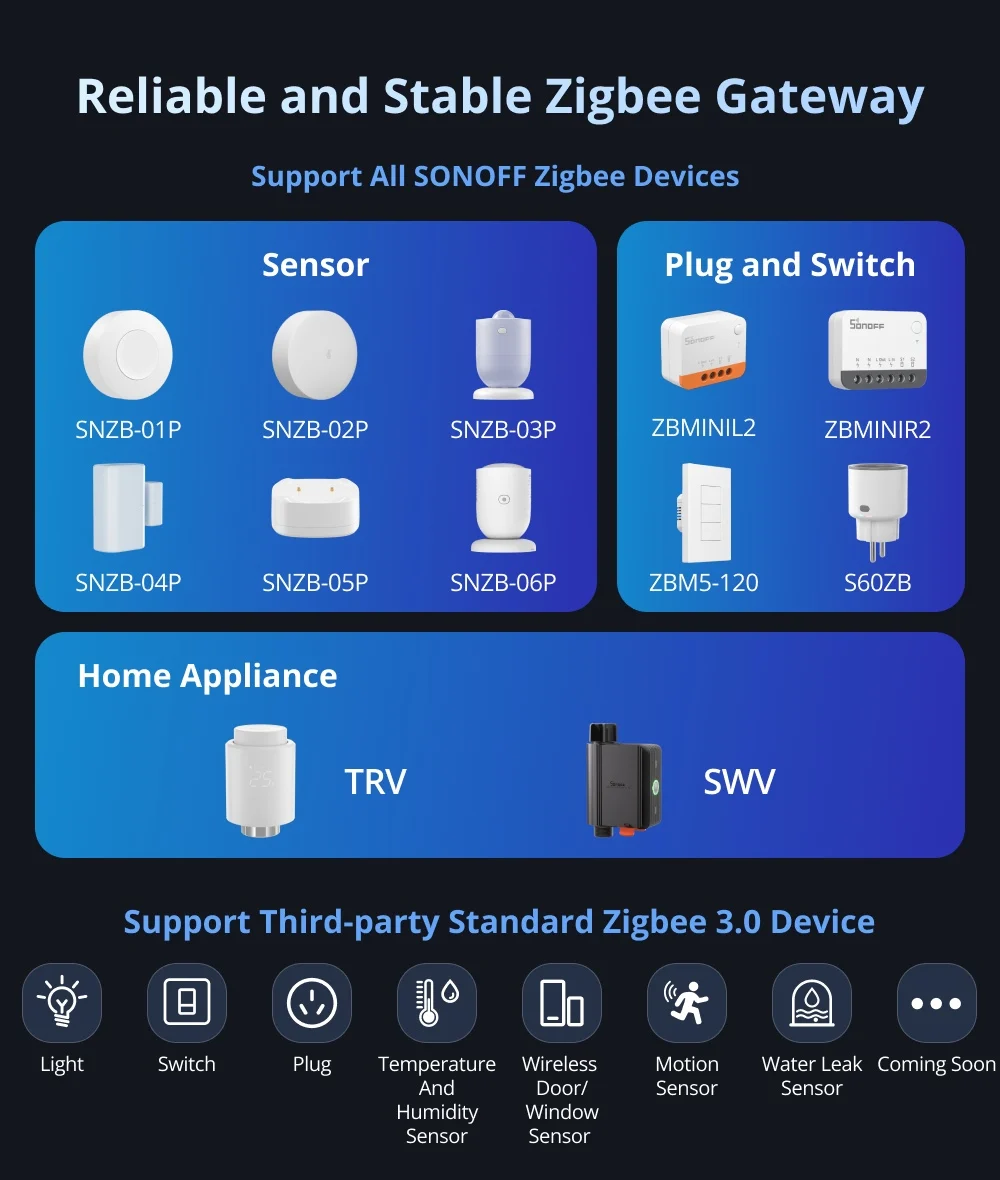
Reliable and Stable Zigbee Gateway
Quickly add Zigbee devices on the screen in batches. Standard Zigbee 3.0 protocol makes the connection more stable and the coverage wider. Added sub-devices can be voice controlled by working with Alexa, Google Home, and more.
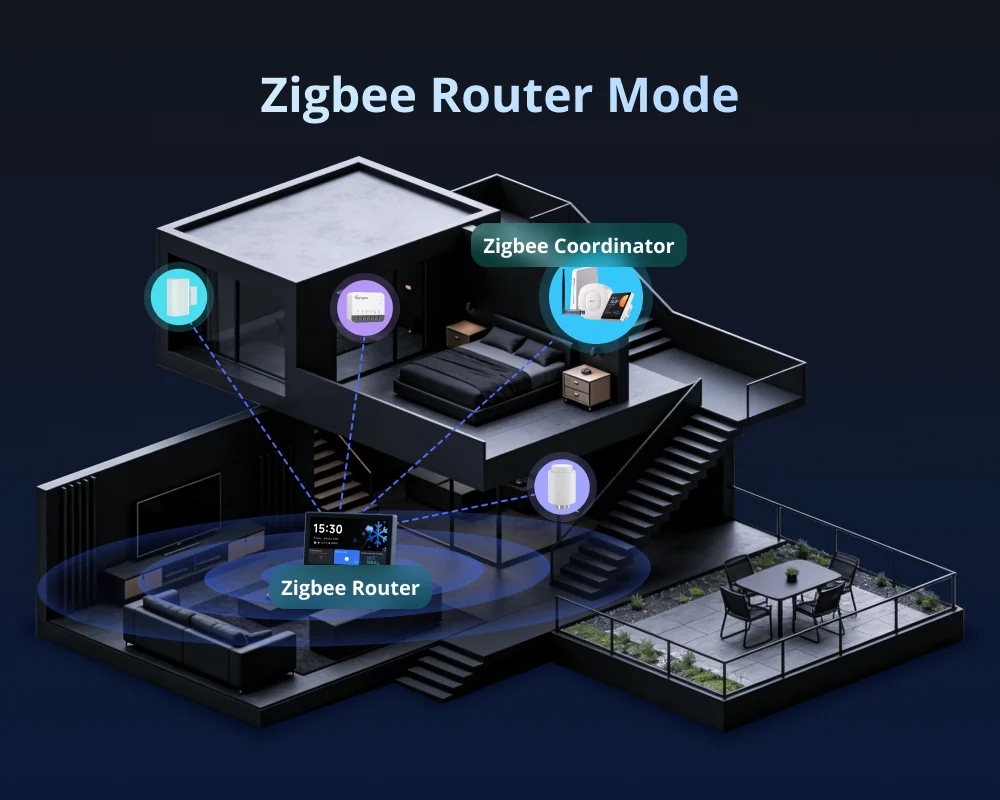
Zigbee Router Mode
Support Zigbee router mode to forward the gateway's signal to Zigbee sub-devices, extending the coverage of the gateway signal.
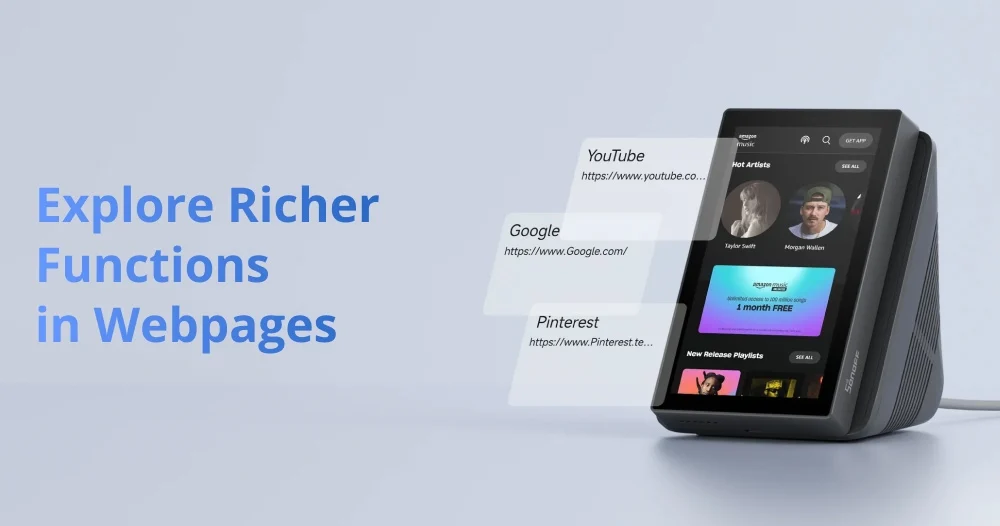
Explore Richer Functions in Webpages
Listening to music, watching videos, or
checking out the latest advice? Save the
address in NSPanel Pro's Webpages, start it
quickly with one click, and relax at any time.
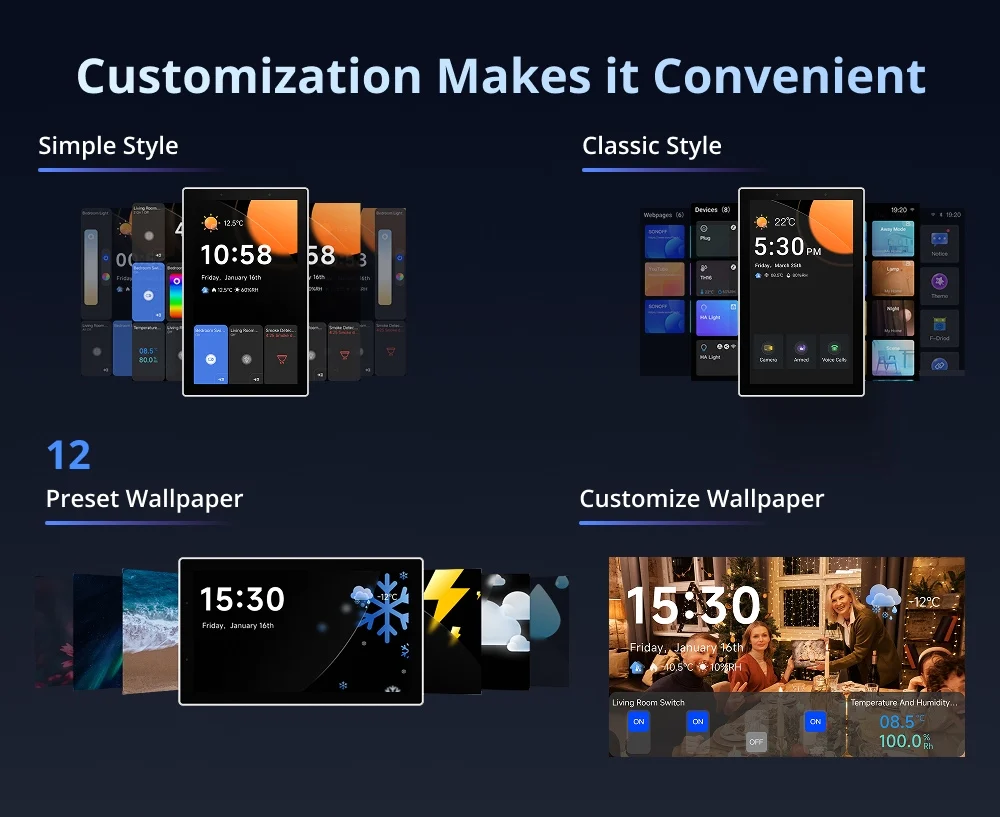
Customization Makes it Convenient
You can freely customize the home screen style or wallpaper of the NSPanel Pro, creating an attractive interface that makes your daily use more convenient.
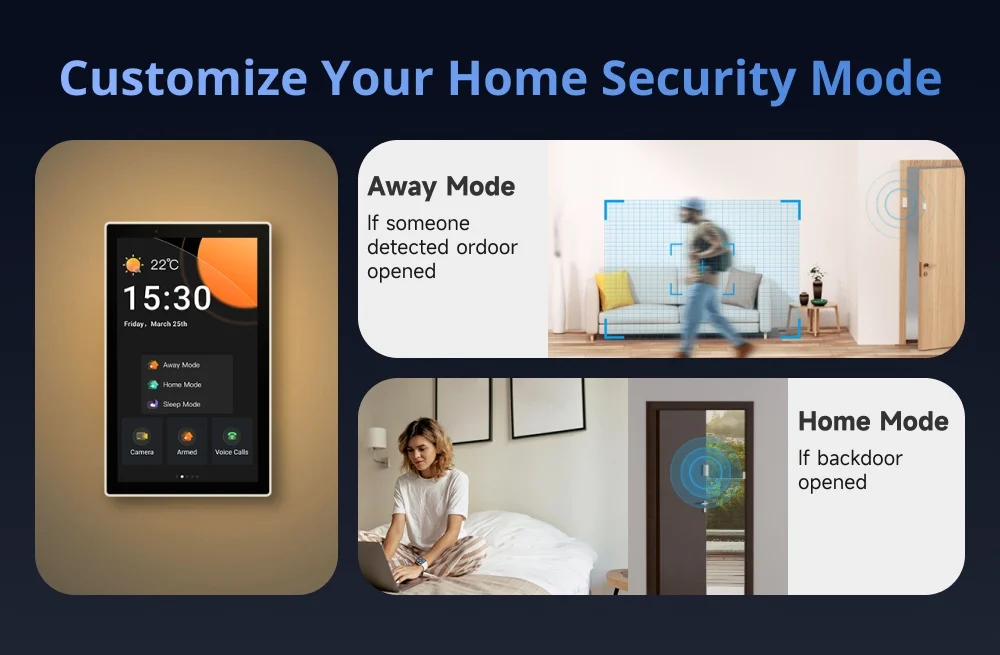
Customize Your Home Security Mode
Customize 3 modes by setting different arming devices. After arming, once the sensor is triggered, the panel will alarm, and you will receive a notification alert on the phone.
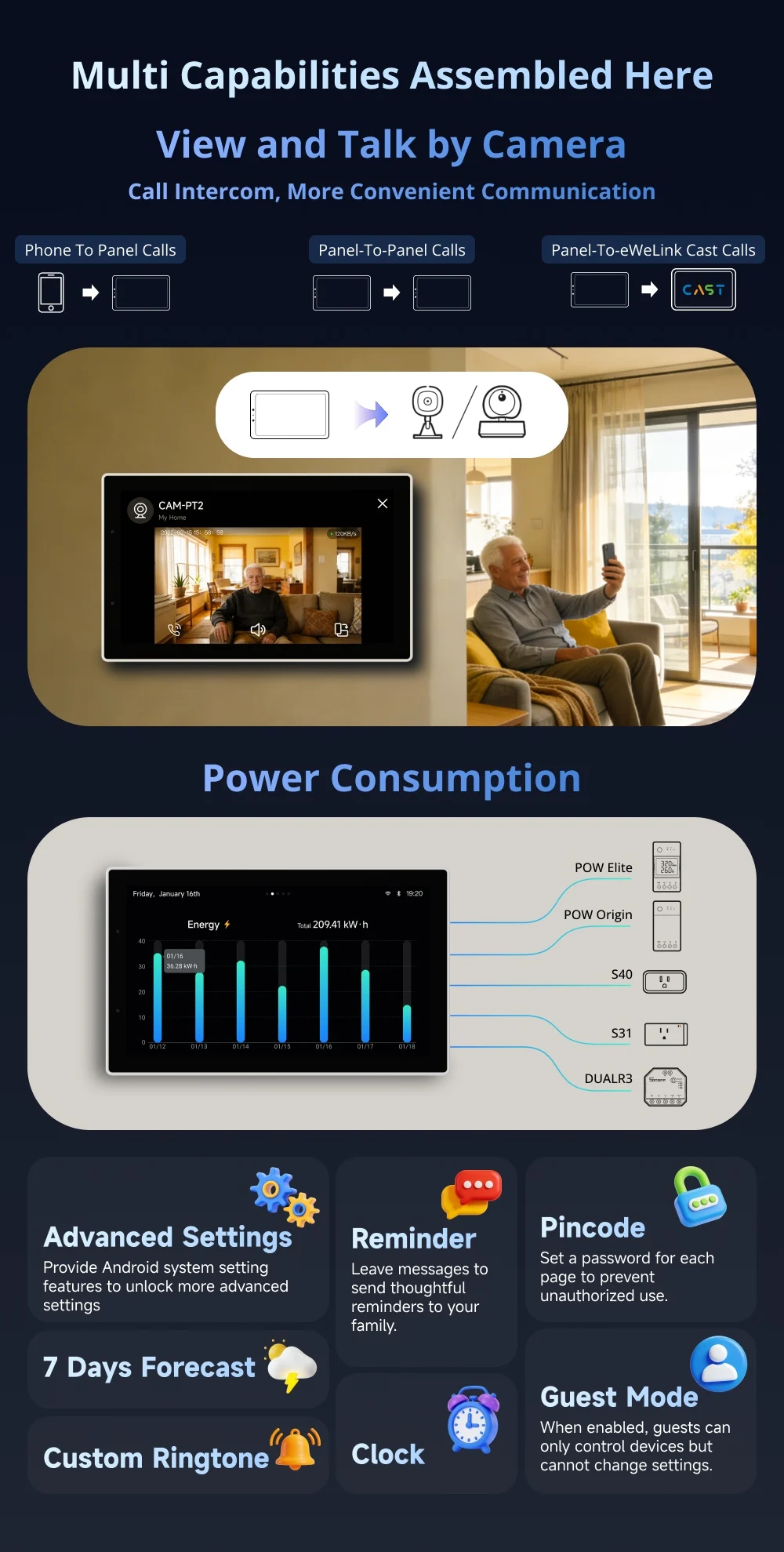
Multi Capabilities Assembled Here
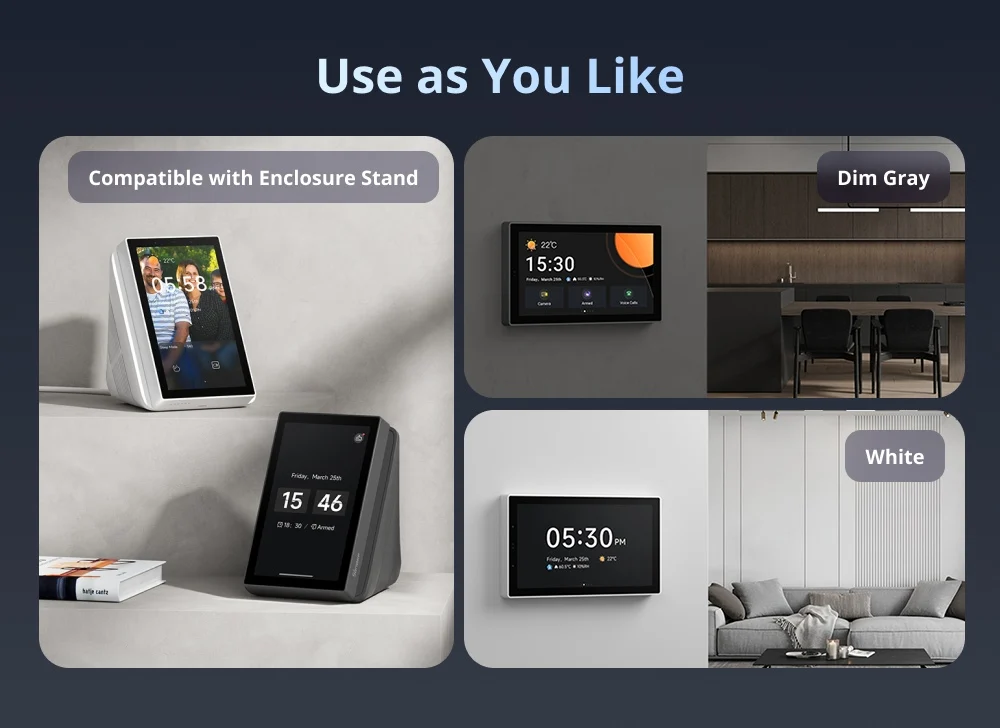
Use as You Like