PDG ibma
Remote Shutter Release for Phone Wireless Bluetooth-compatible Control for Monopod Photo Camera Shutter Button Selfie Accessory
Remote Shutter Release for Phone Wireless Bluetooth-compatible Control for Monopod Photo Camera Shutter Button Selfie Accessory
Couldn't load pickup availability
SPECIFICATIONS
Brand Name: SZKOSTON
Certification: CE
Choice: yes
Compatible Brand: Canon,Casio,fujitsu,NIKON,Pentax,SAMSUNG,Sigma/适马,SONY , Minolta
Features 1: Shutter Release
Features 2: wireless control
Features 3: for photo
Features 4: shutter remote for phone
Features 5: for monopod
Features 6: for camera
Features 7: Phone accessories
Model Number: 804144-1
Origin: Mainland China
Package: Yes
Type: WireLess
semi_Choice: yes
Features :
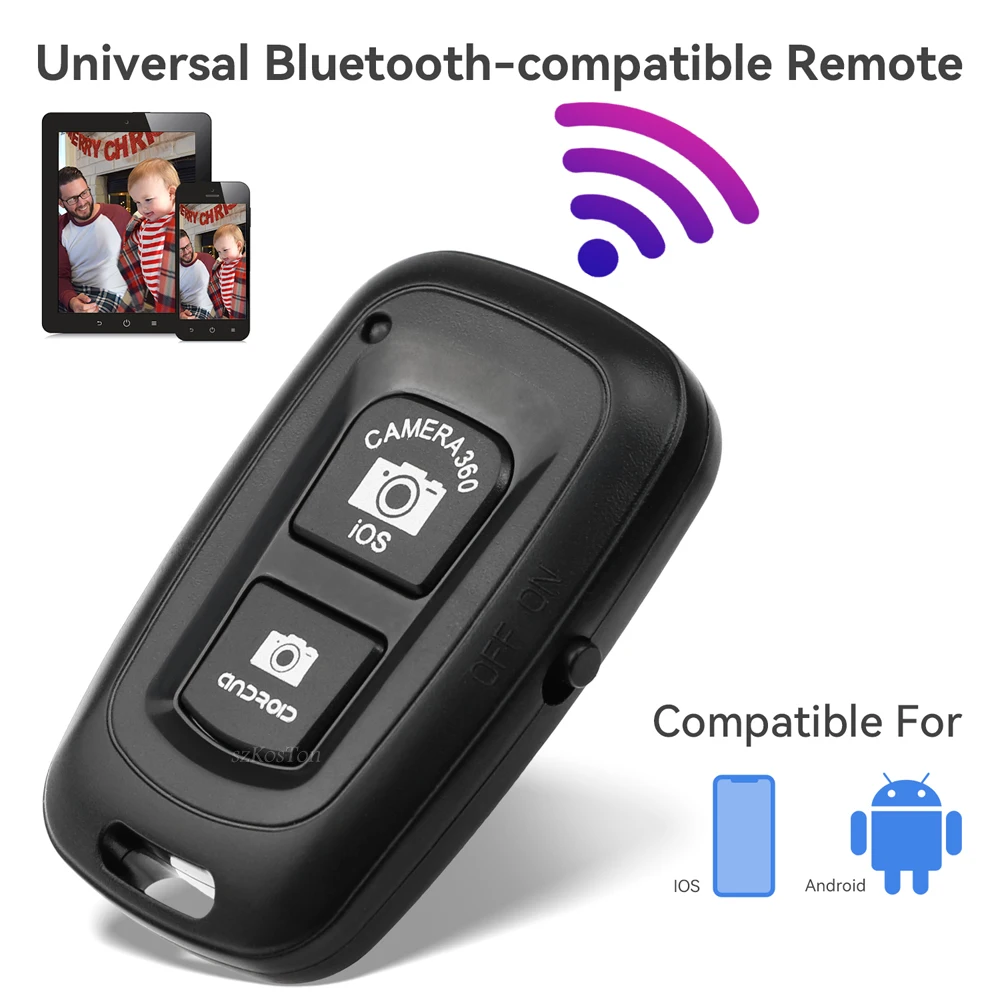
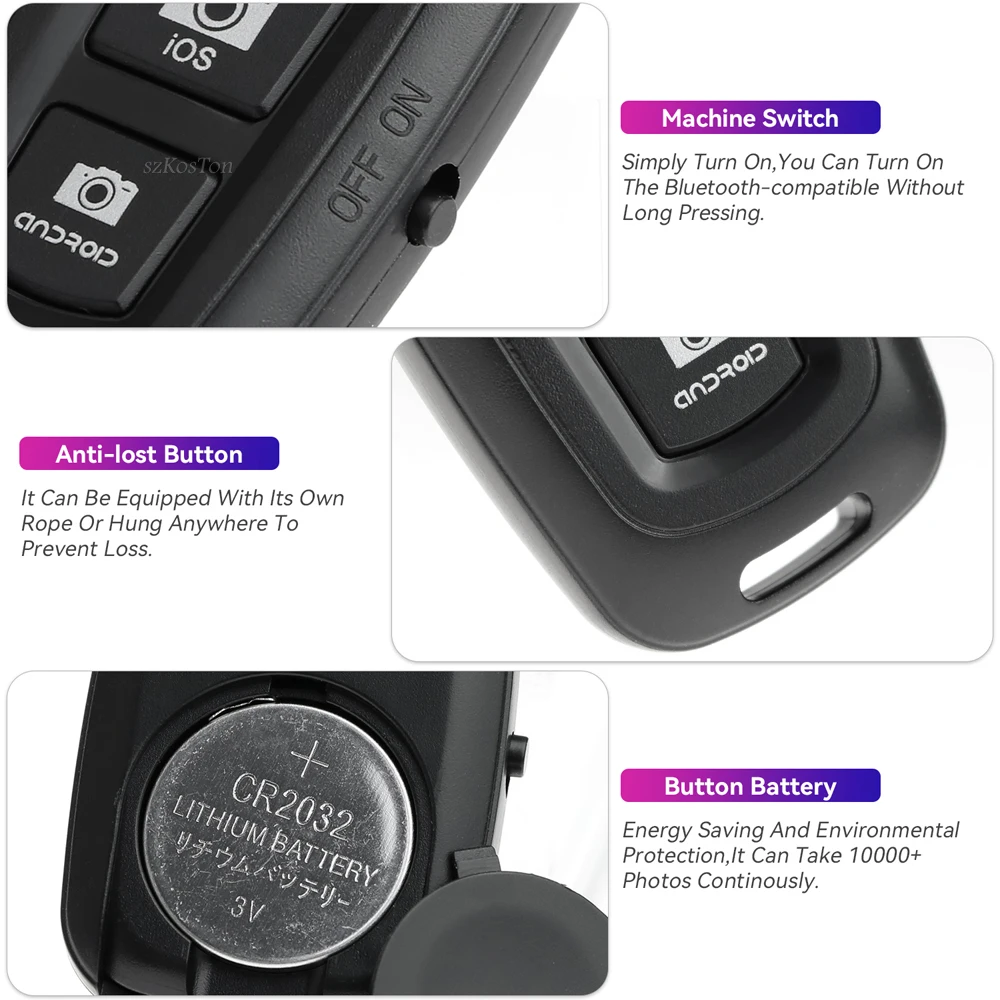
1. Can Be Docked With The Cell Phone Bluetooth-compatible, No Extra Software Needed.
2. Support For IOS System, Android System
3. Applicable To Nearly All The Phone Models In The Market, Including For iPod/iPhone/iPad/i9220/i9250/i9300/i9500/i9190 And Some Other Android 4.0 Above Phones.
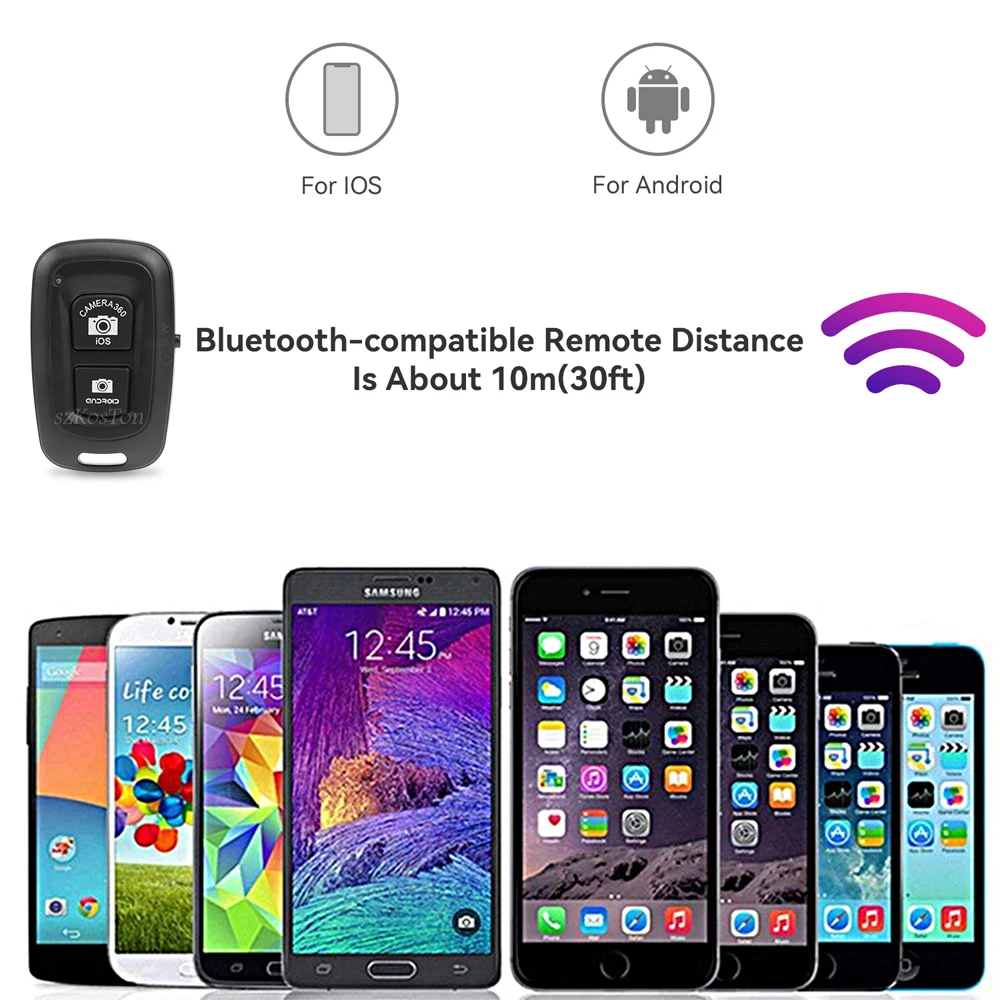
4. Can Be Used To Take Long Distance Photos Up To 10 Meters In The Absence Of Obstacles.
Specification :
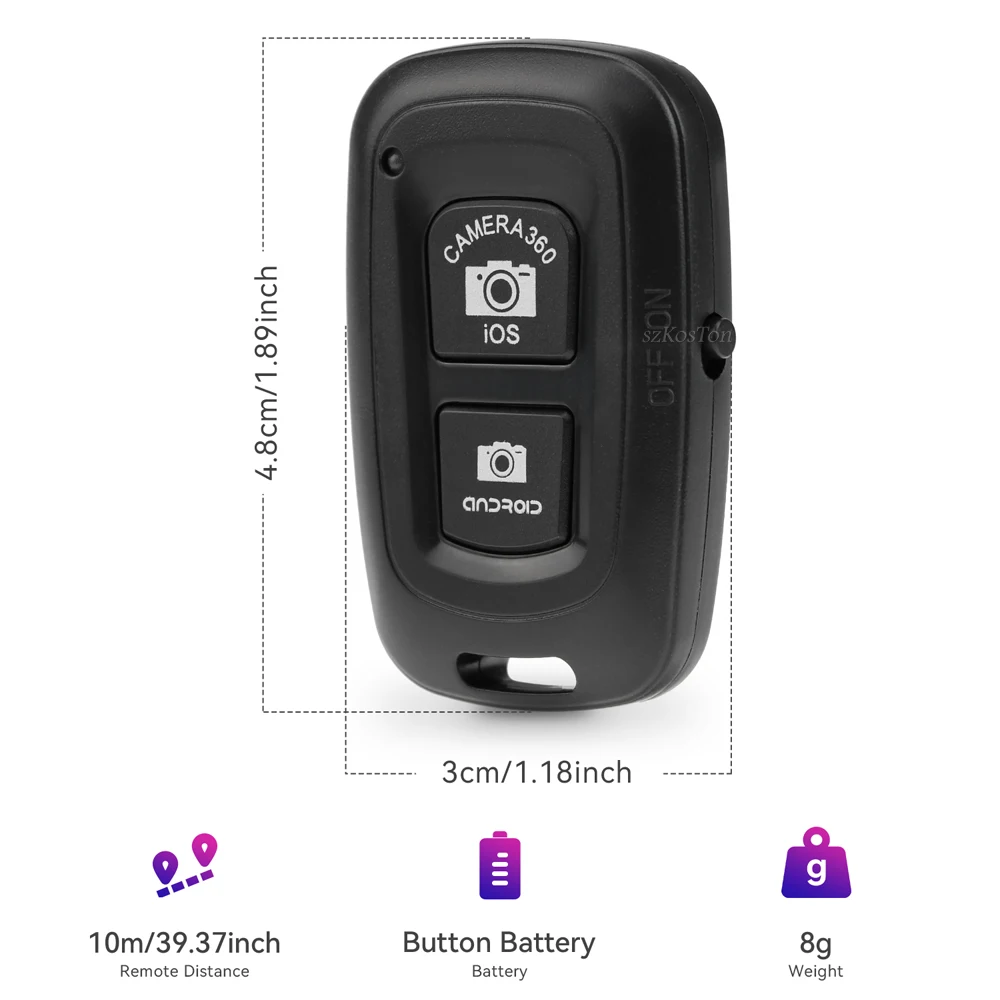
Weight : 8g
Model : AB Shutter 3
Dimension : 48*30*10mm
Communication : BL Version 3.0
Communication Distance : 10m(30ft)
Transmit Frequency : 2.4GHz-2.4835GHz
Battery Life : About 8 Months Under Working In 10 Times A day
Instructions :
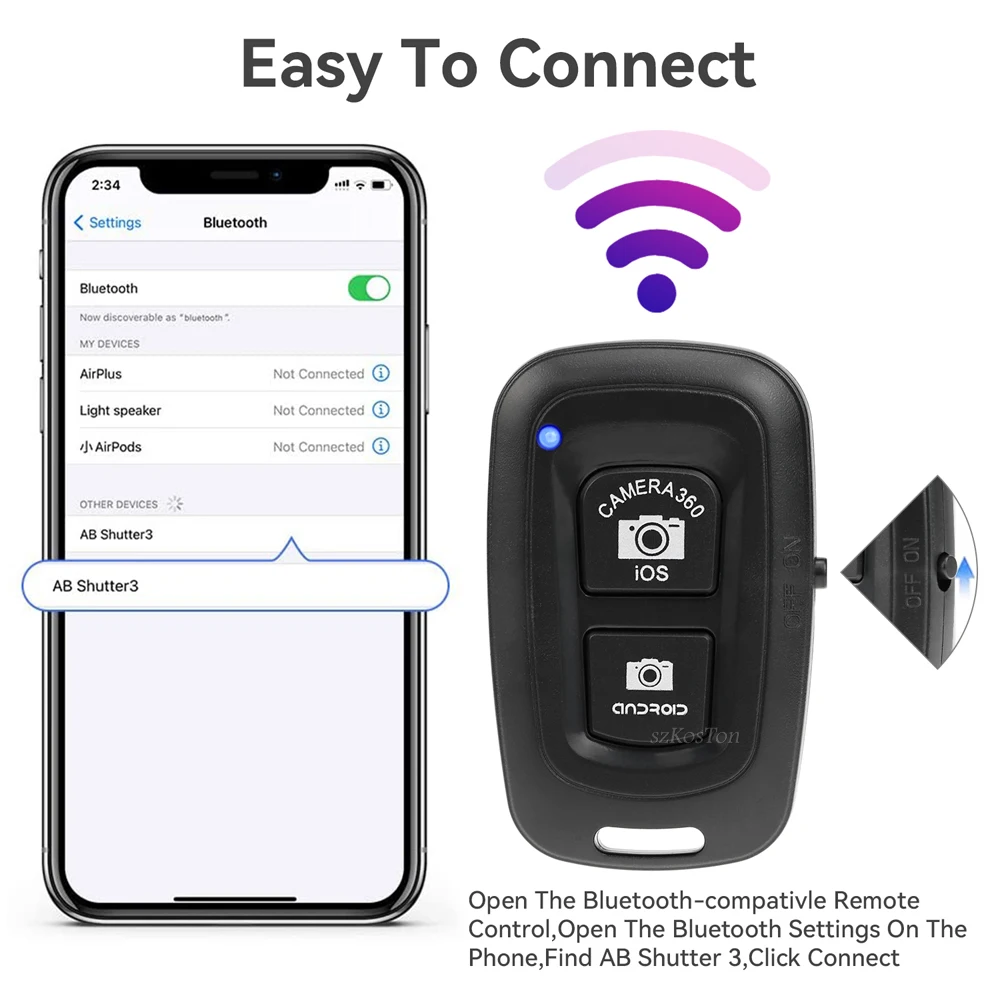
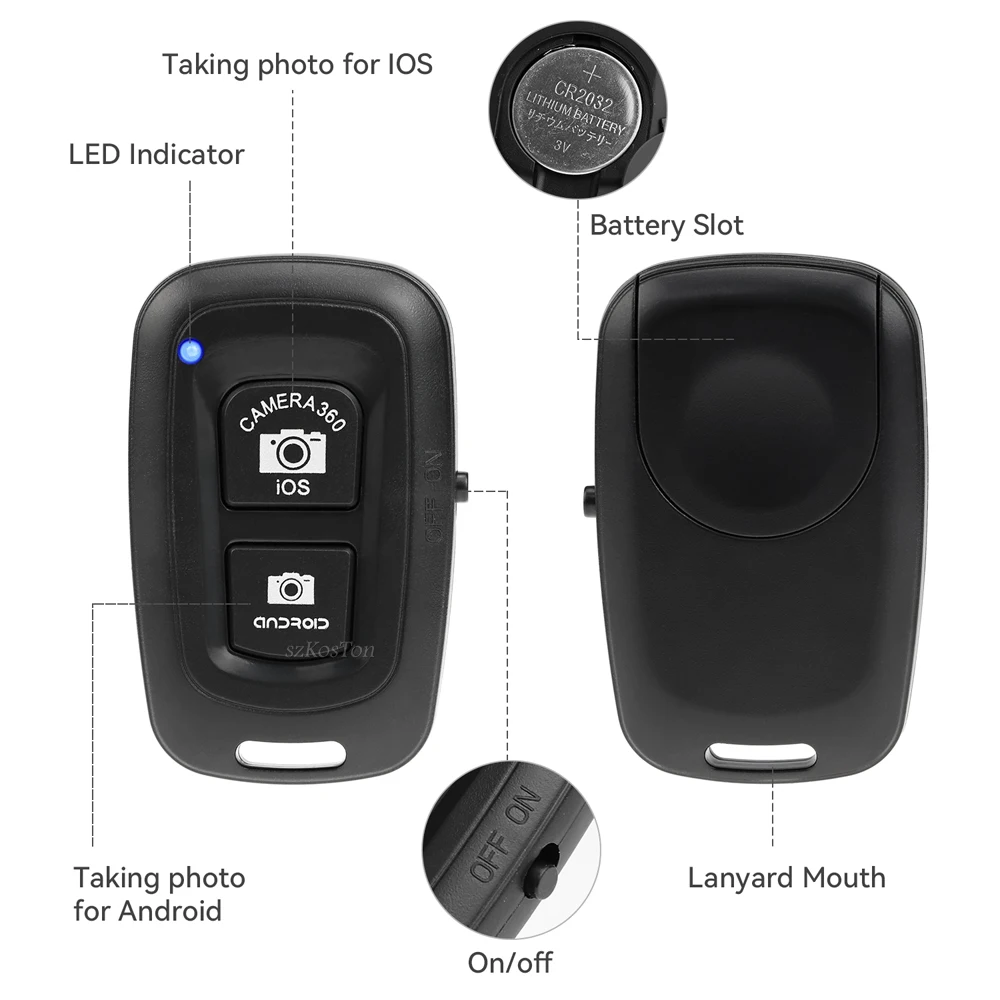
1: Turn On The Remote Control Switch, The Blue Indicator Light Of The Remote Control Flashes.
2: Turn On Your Phone's Bluetooth-compatible, Search For A New Device, And Connect.
3: After Pairing And Connecting, Open The Camera Software In The Phone.
4: For The Apple Phone Can Directly Press The Remote Control Shutter To Control The Photo.
5: The Android Phone Part Can Also Directly Press The Shutter To Control The Photo.
6: For Android Phones That Cannot Control The Camera, Please Download The Camera3 6 0 Software, Open The Camera 3 6 0 Software And Click The Settings Icon In The Upper Right Corner
Then Click Settings, Then Click Camera Settings, And Set The Volume Key Function Option To Take Pictures.