PDG ibma
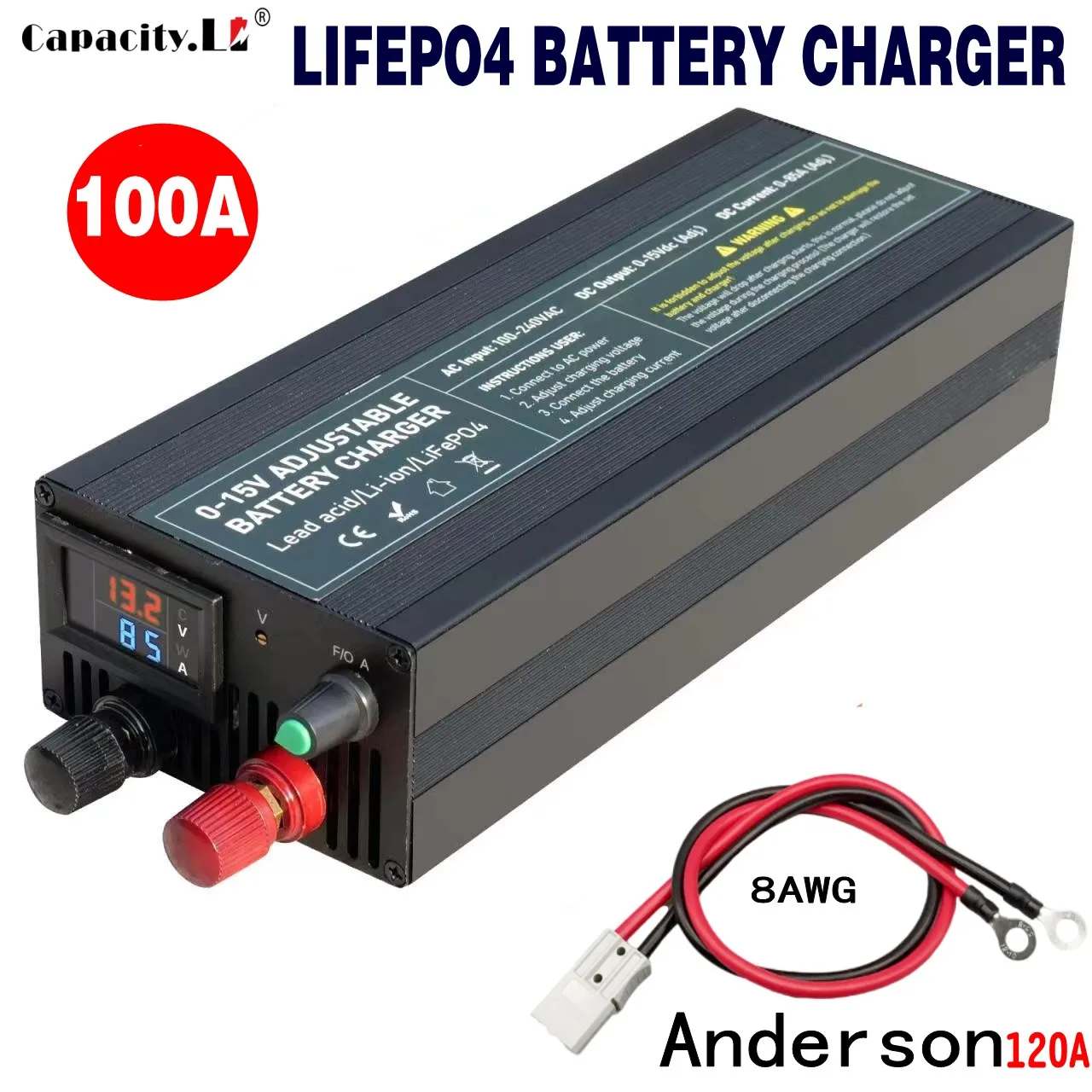
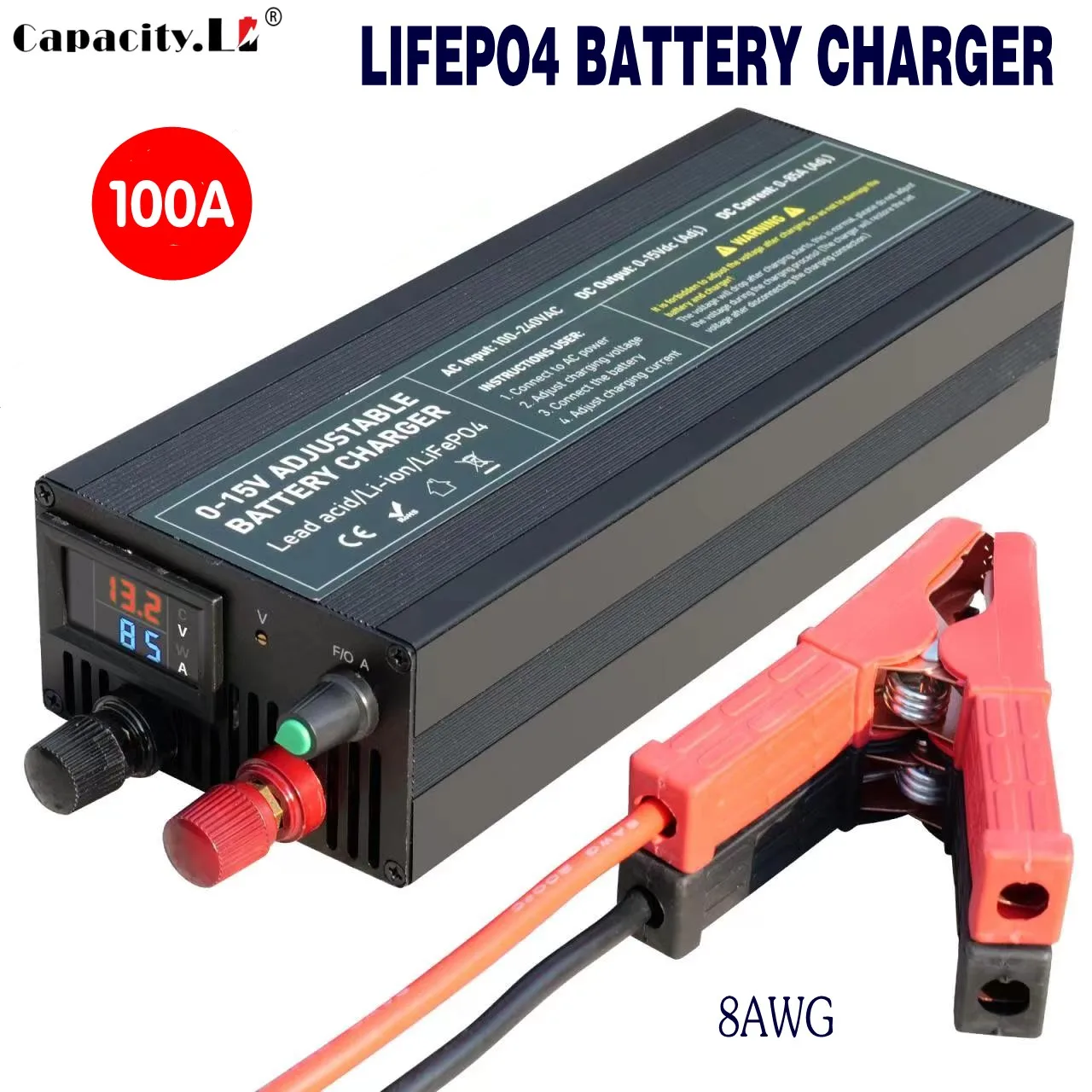
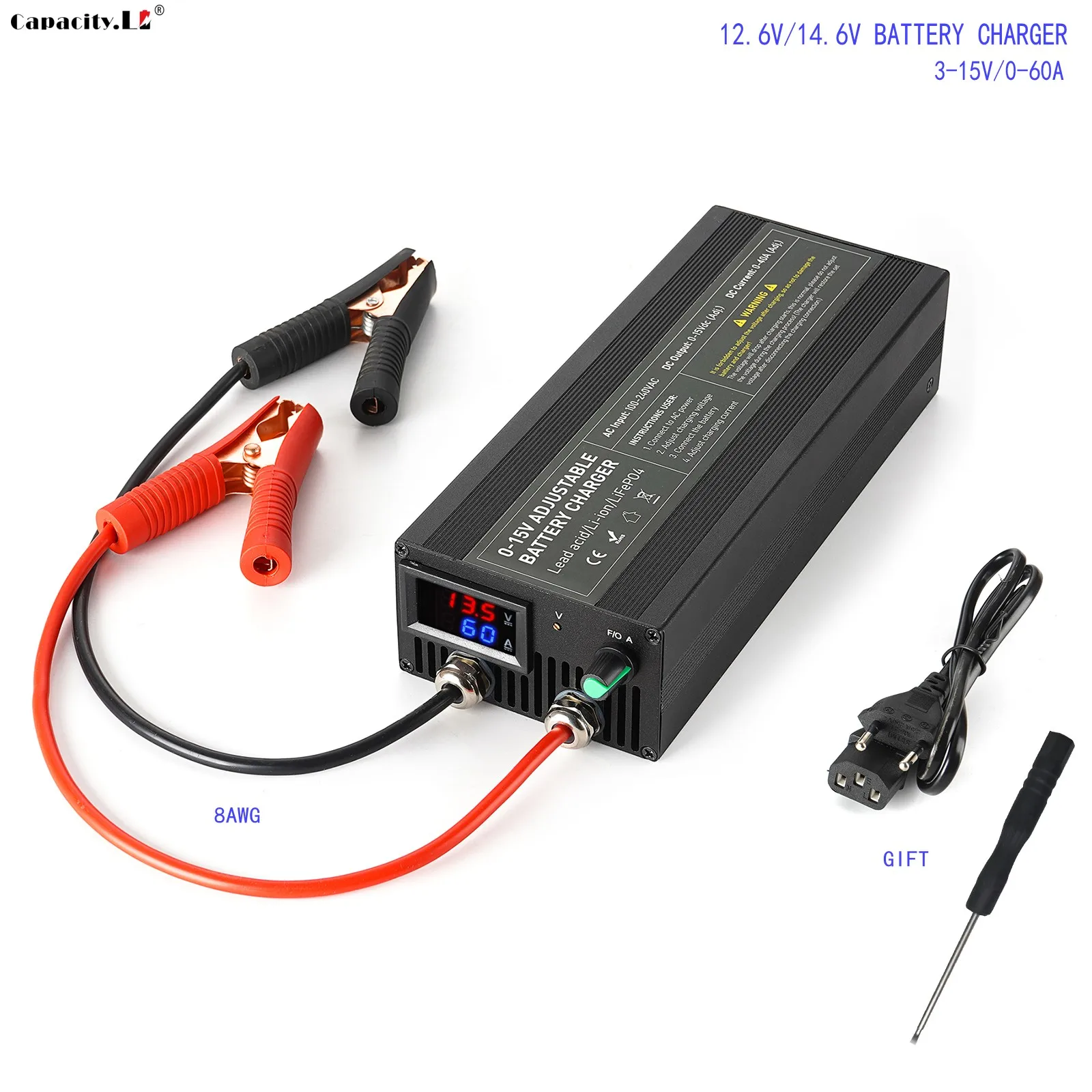
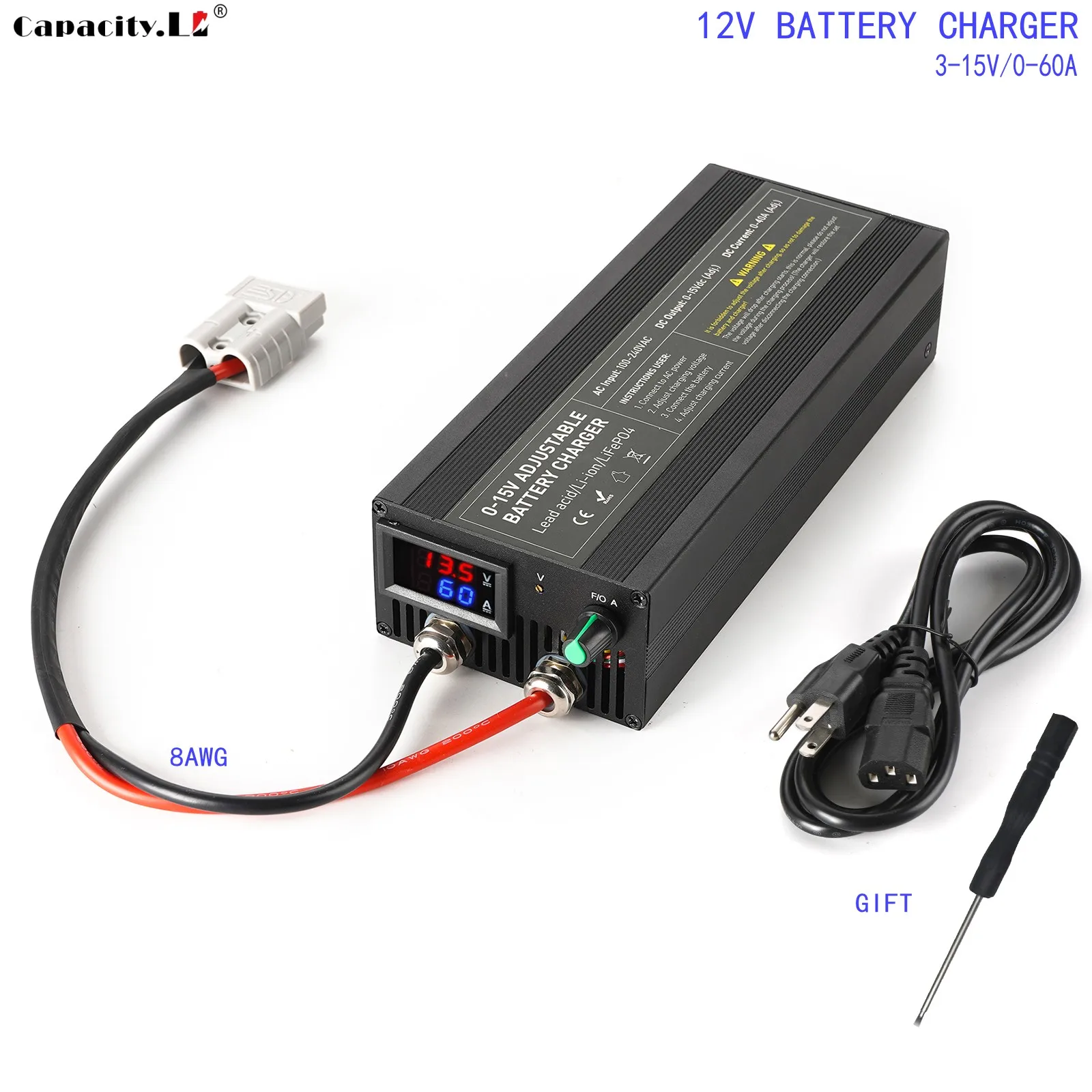
Portable 12V100A Lifepo4 Battery Charger 40A 50A Lithium Battery Charger 60A 85A with Adjustable Voltage and Current Anderson
Portable 12V100A Lifepo4 Battery Charger 40A 50A Lithium Battery Charger 60A 85A with Adjustable Voltage and Current Anderson
Couldn't load pickup availability
SPECIFICATIONS
Brand Name: capacity.Li
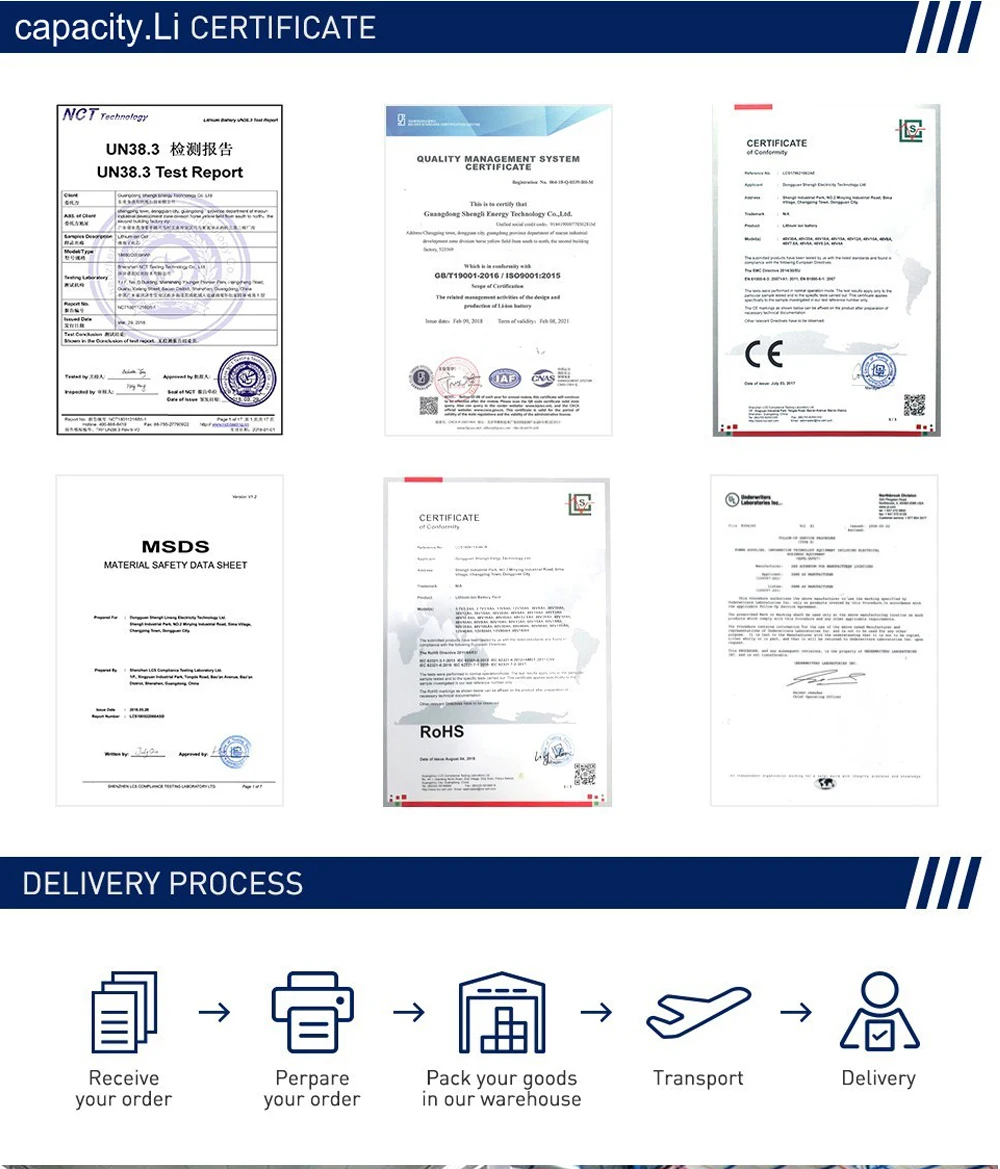
Certification: CE,RoHS
Compatible Devices: Battery
Data Transmission: Other
Display screen: Yes
GaN: No
High-concerned chemical: None
Intelligent Charge: Yes
Max. Output Power: 1500W
Model Number: LF-100t
Origin: Mainland China
Output Power: >750
Package: Yes
Power Source: Ac
Quick charge: Yes
Type: Electric
Use: Standard Battery
Voltage range: High voltage (50-1000V DC, 75-1000V AC)
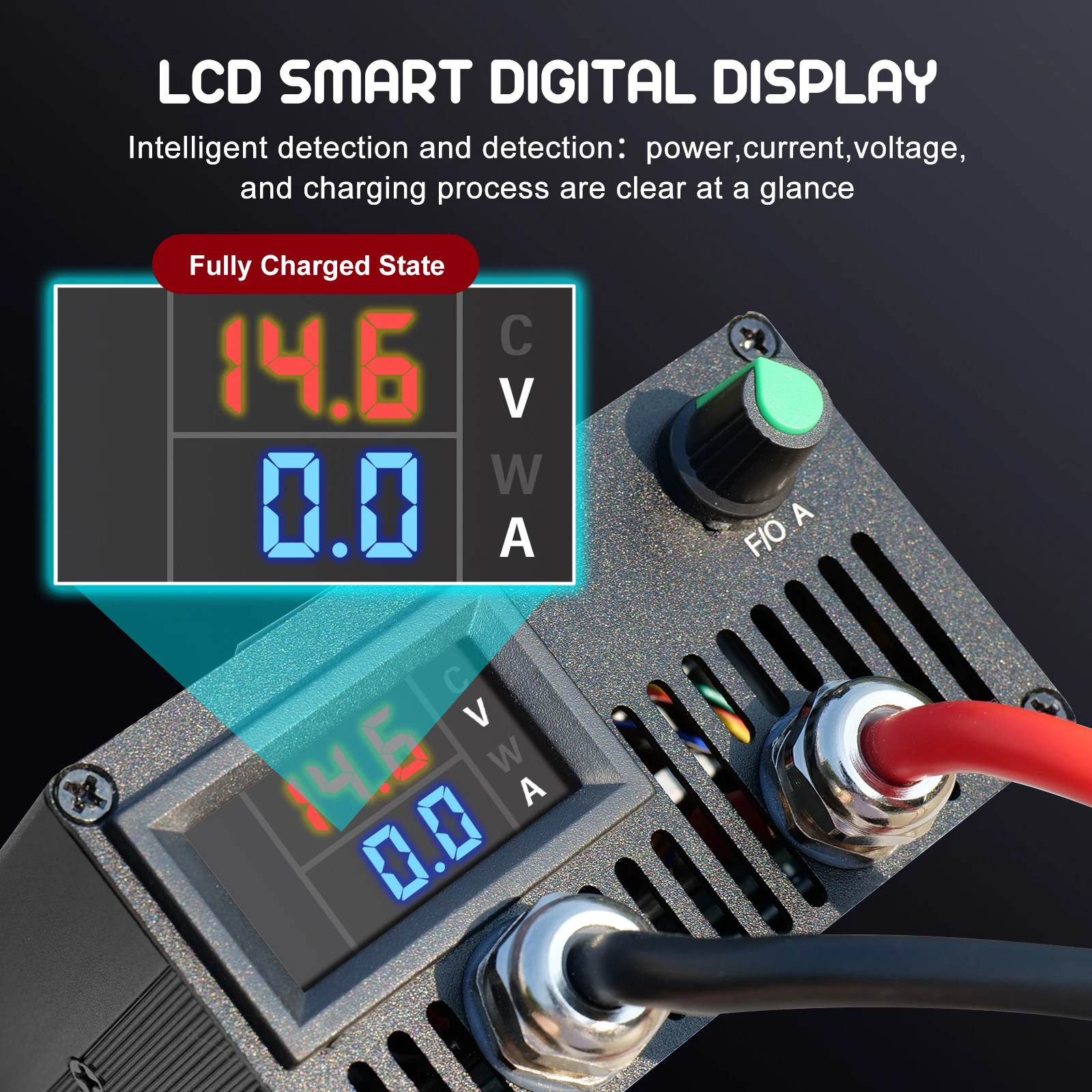
Do not adjust the charger voltage during charging. The voltage of the charger itself will fluctuate, and it is normal to charge the battery with a constant voltage. When the battery is fully charged, the current on the charger display screen will be displayed as zero or close to zero. As long as the charger is connected to the power, the fan will start until the power is disconnected. Please do not connect the charger to the battery until the voltage is properly adjusted. Remember! If you don't understand, please consult customer service!
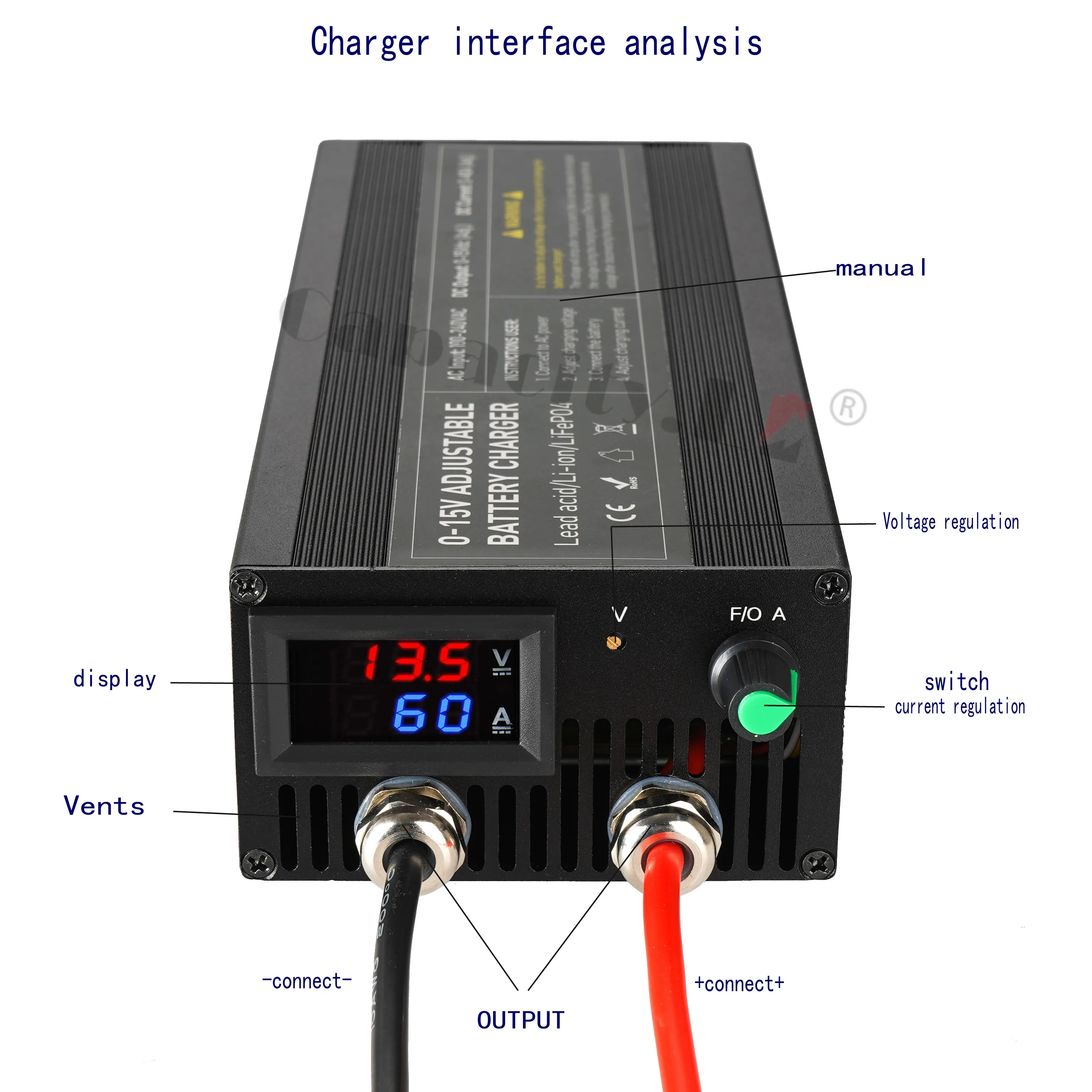
Both current and voltage can be adjusted. Manual adjustment is required!
Input: AC100-240V, 45-65HZ
Output: Voltage DC 0-15V/40A-100A
Voltage adjustable: 0-15V
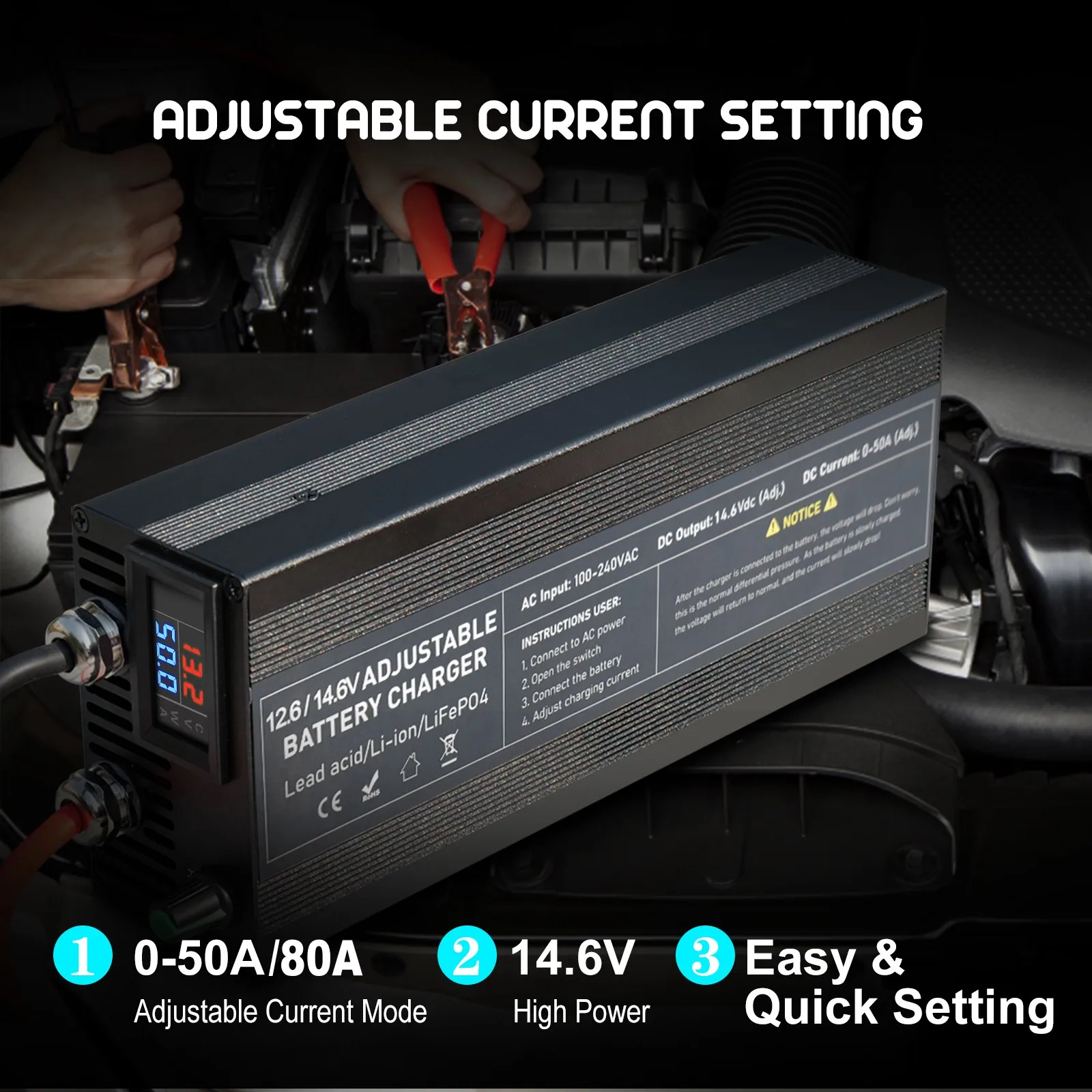
Maximum output current: 40A/60A/85A/100A, adjustable current
Constant charging voltage: 14.6V (4s lifepo4 battery)
Constant charging current: 15A
Charging mode: Level 3, CC, CV, Trickle
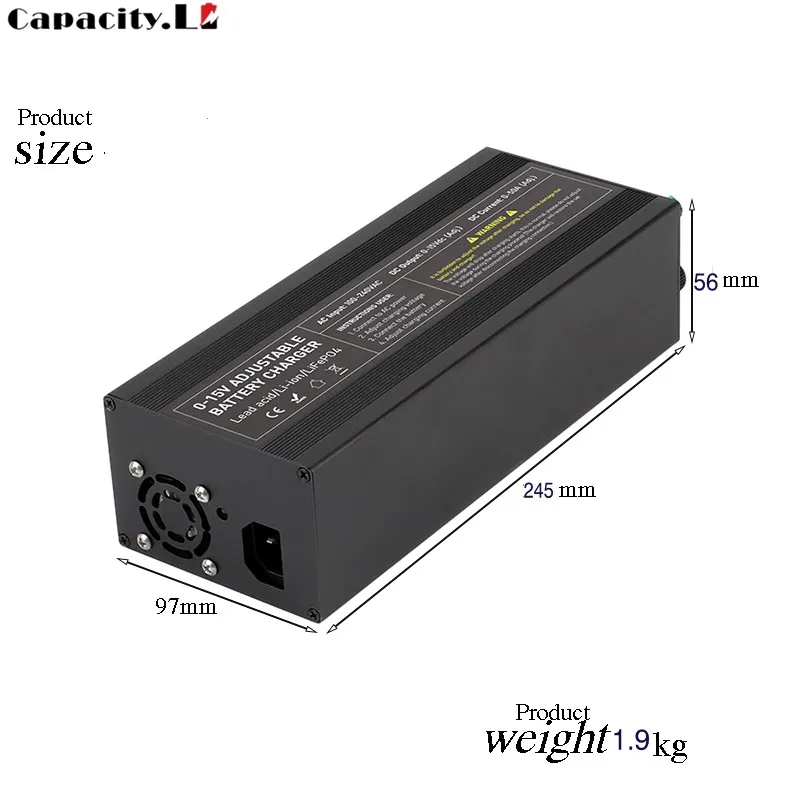
Net weight: 1.8KG
Size: 5 * 7.4 * 2.7 inches
Shell color: black
LED indicator light: red
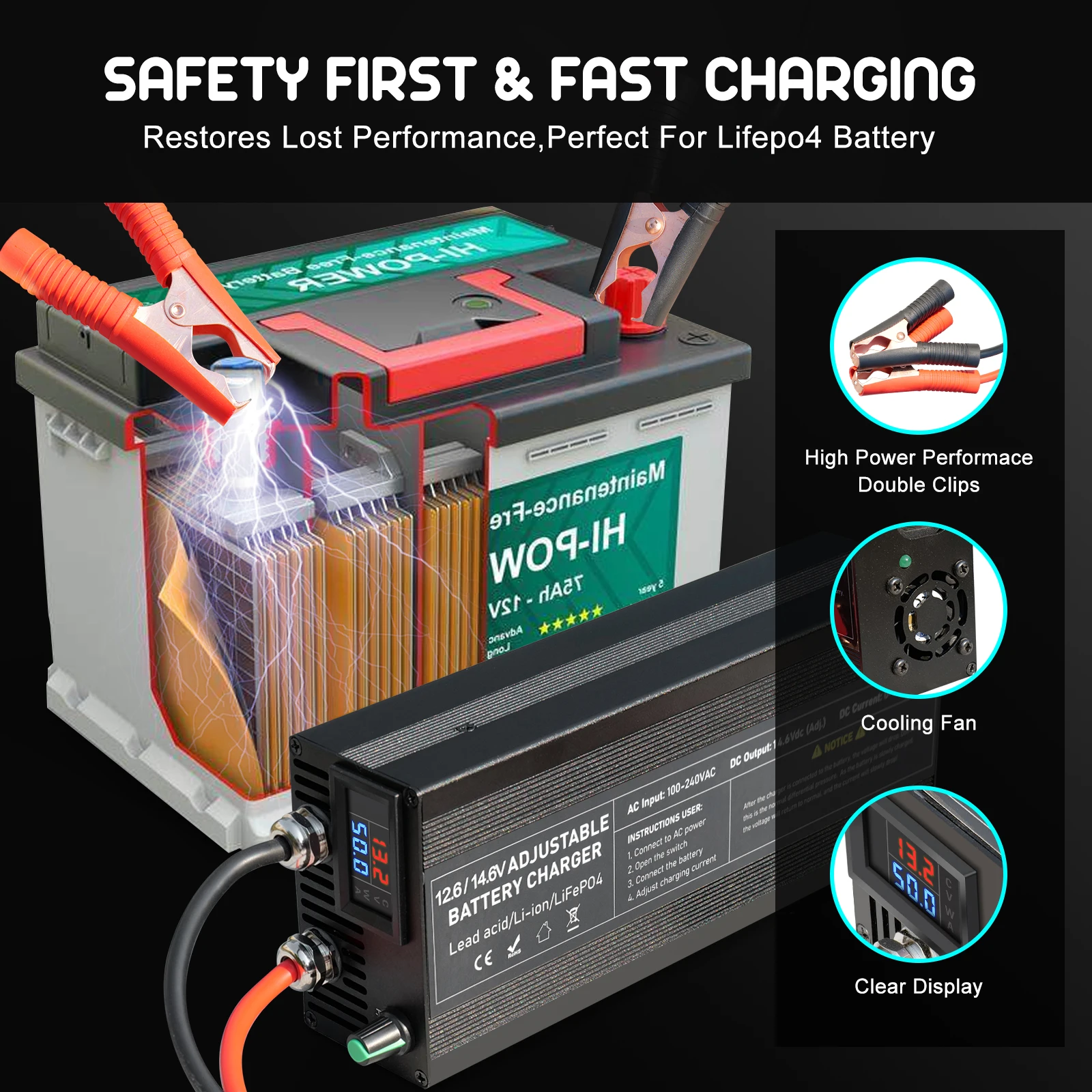
Various protections: no-load output, reverse connection, short circuit protection, over temperature protection, low voltage protection, overvoltage protection, overcurrent protection
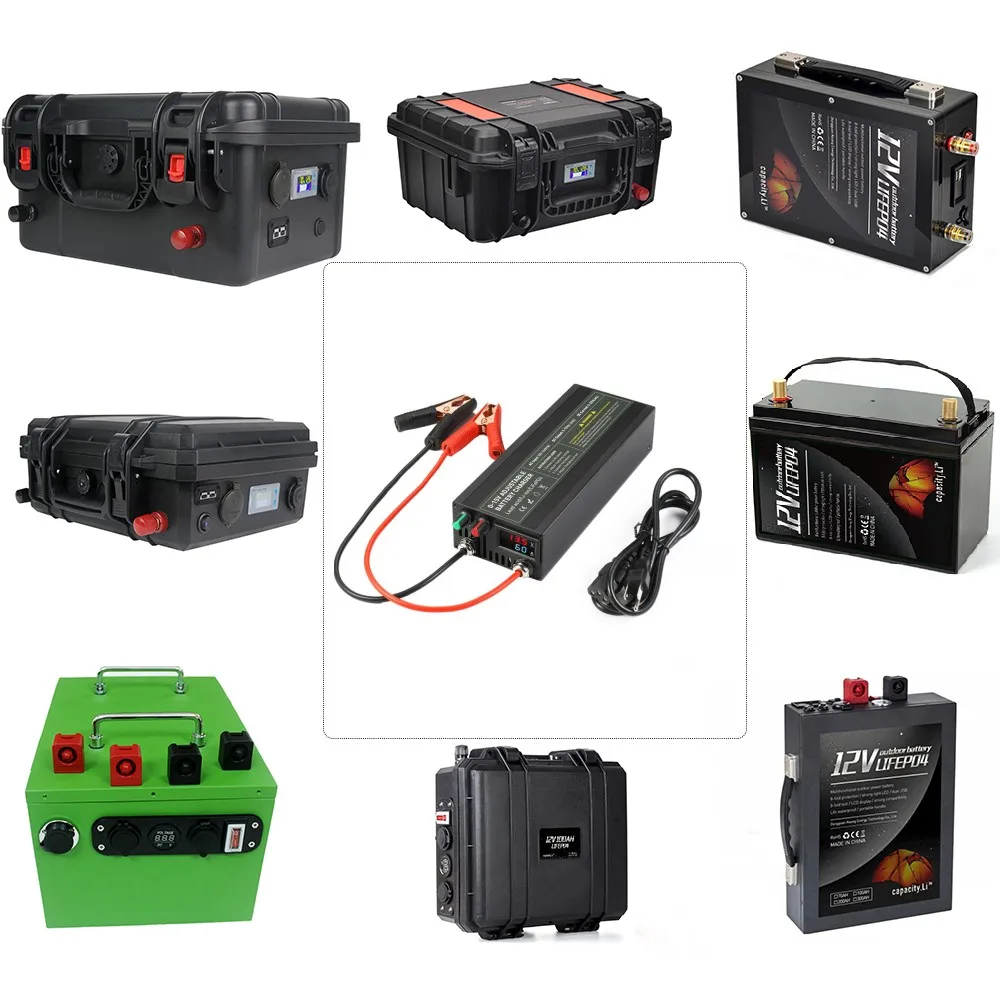
Usage: 12V battery is suitable for various types of RVs, commercial vehicles, ships, yachts, etc.!
Warranty period: 12 months (free technical and accessory support, if you need to return to China, the buyer will bear the shipping cost). Please+to+, - to -. Do not connect backwards. The effect of disconnecting within 10 seconds after reverse connection is not significant. If it exceeds 10 seconds, the motherboard will burn out. I suggest never taking it back.
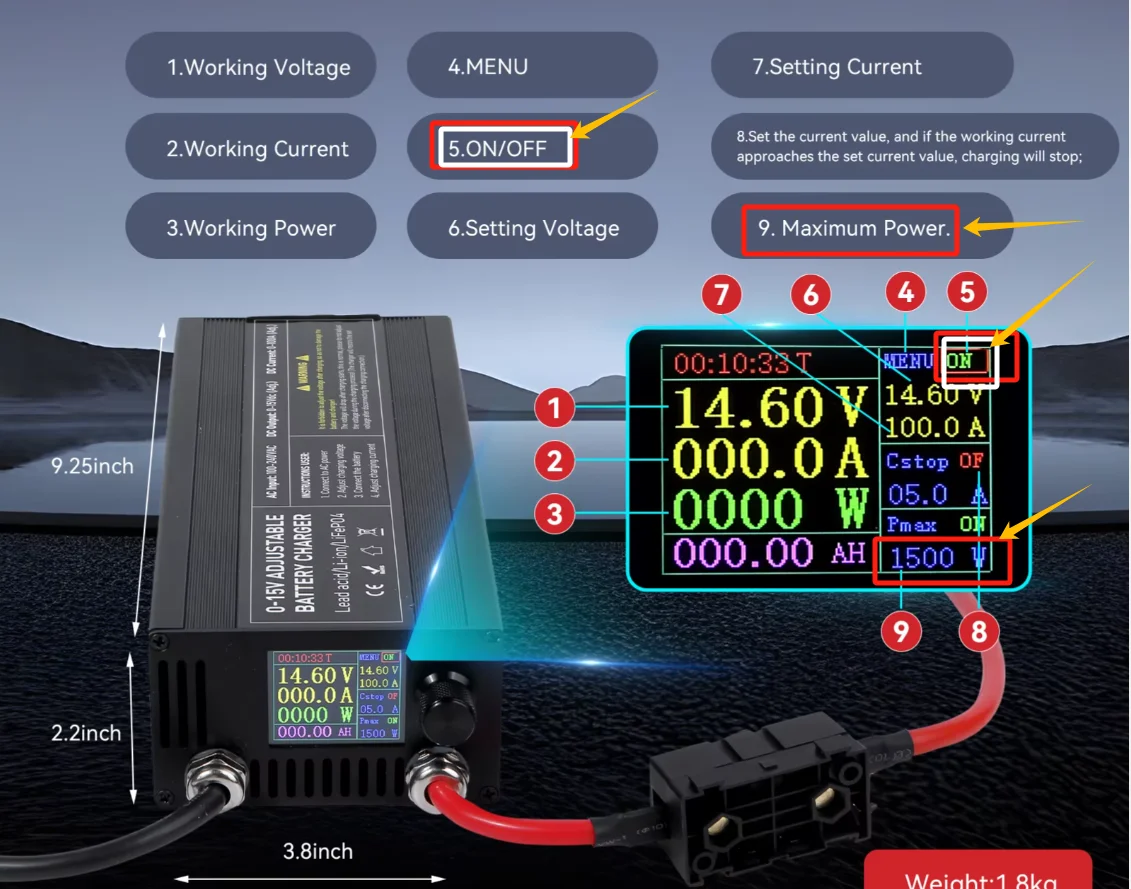


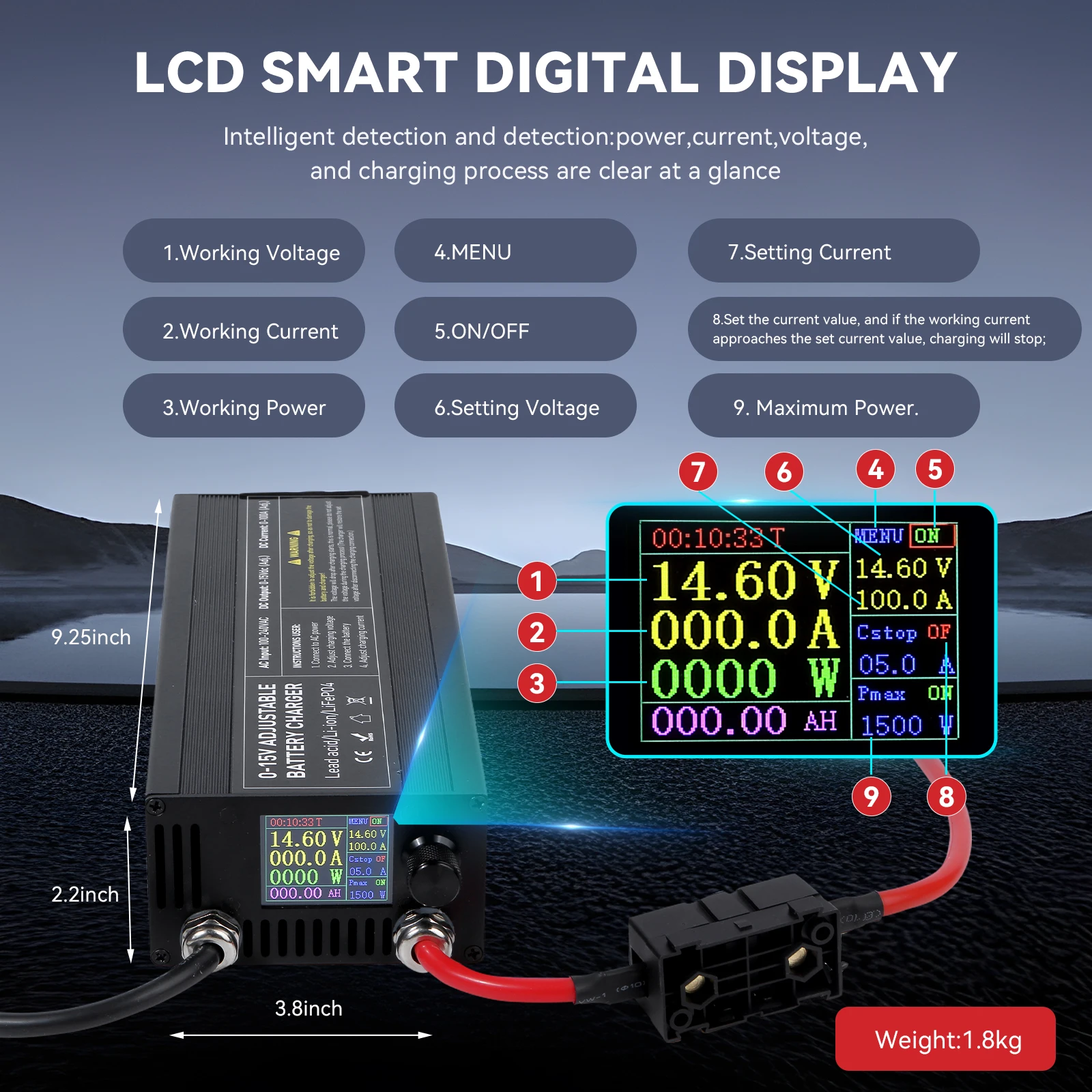


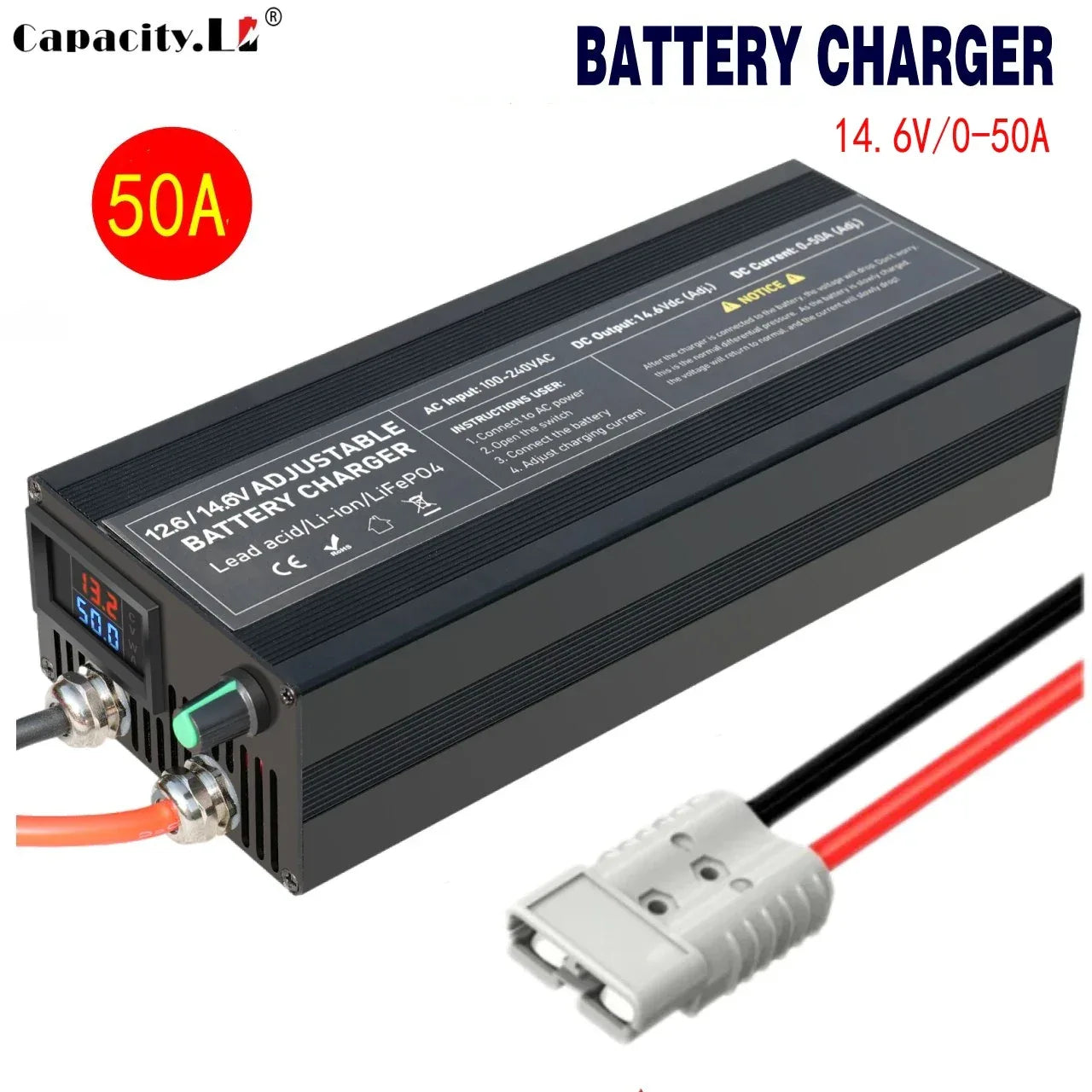
 The following will introduce a fixed voltage of 50A80A. This voltage is fixed at 14.6V and cannot be adjusted. The current can be adjusted from 0-50A/0-80A. Specially designed charger for LIFEPO4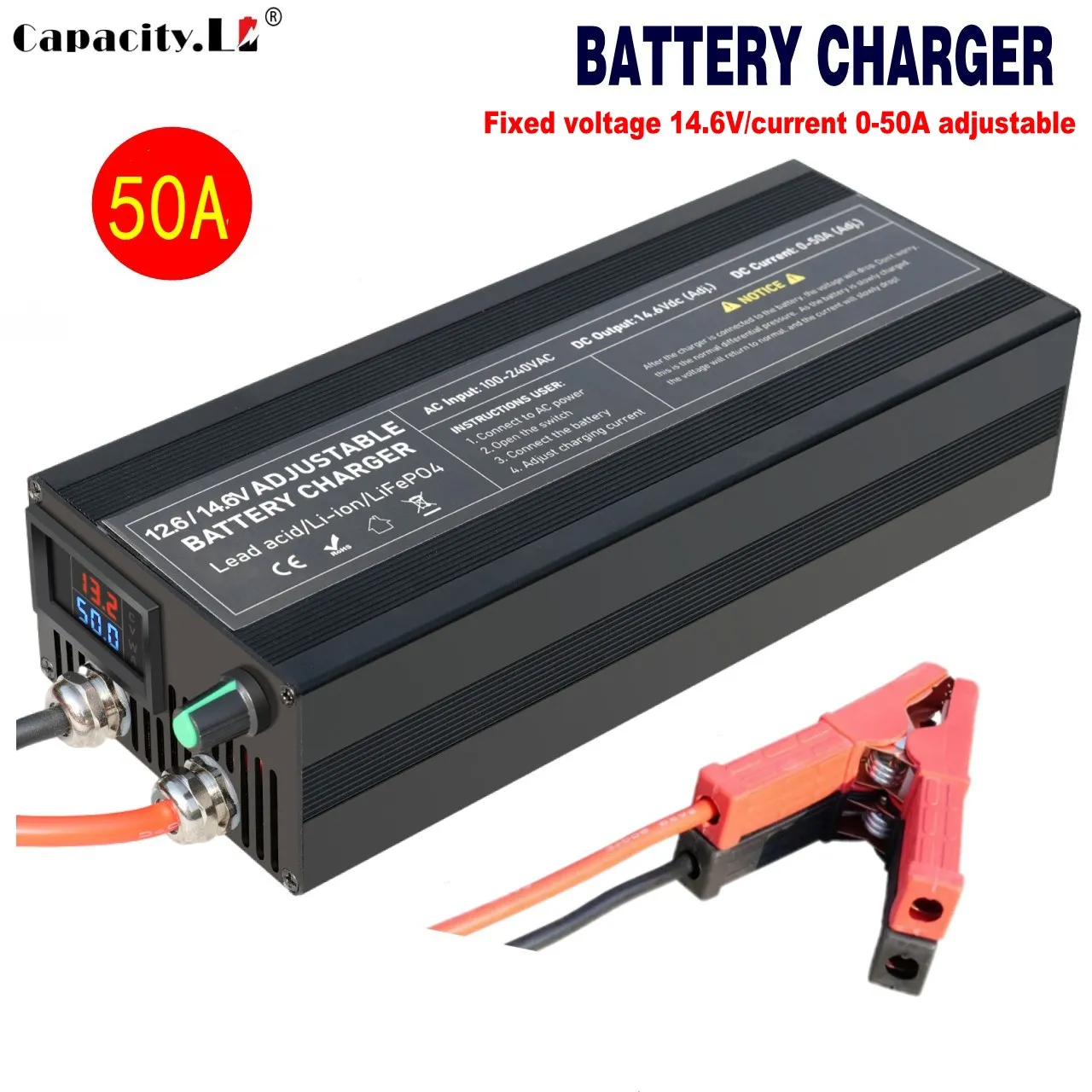
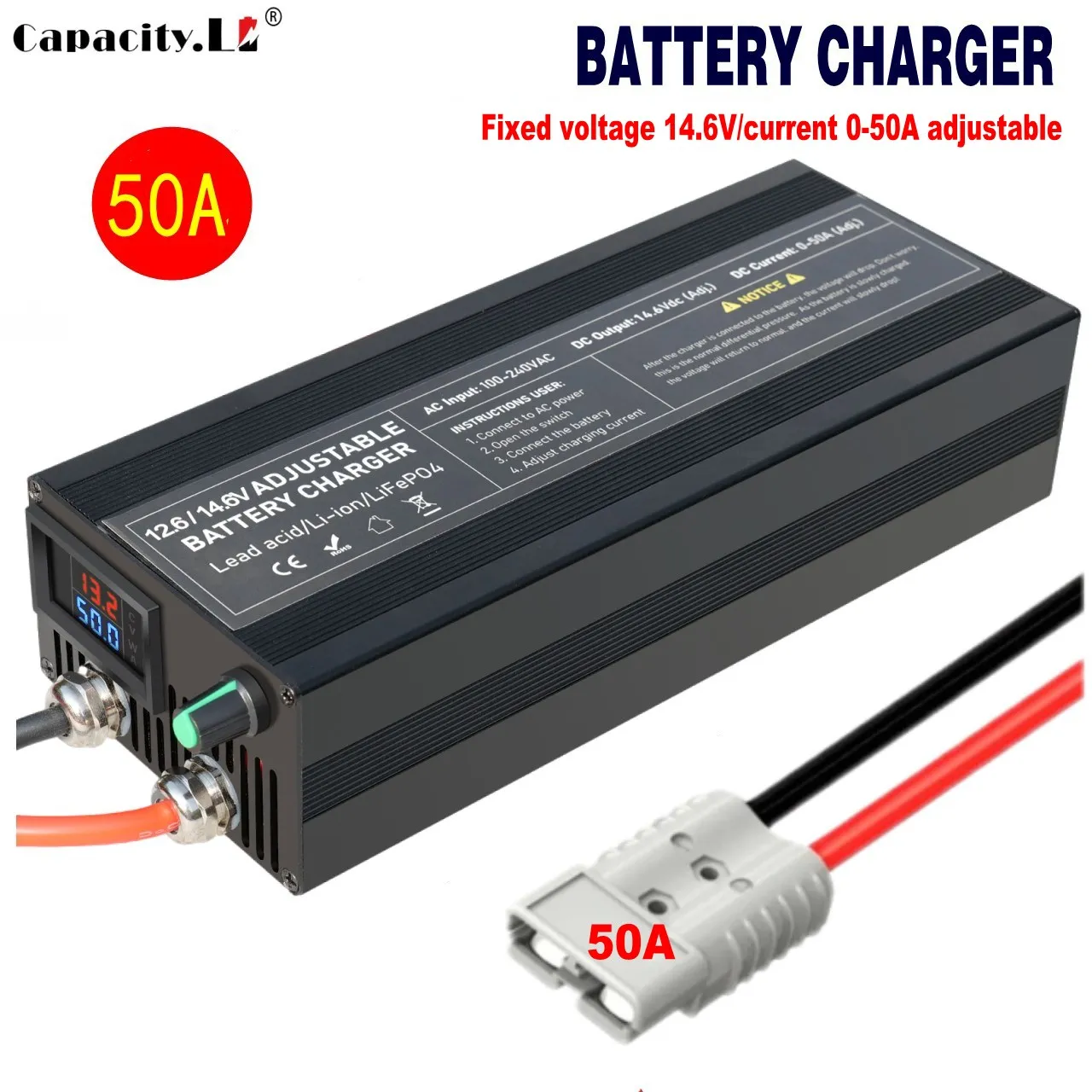
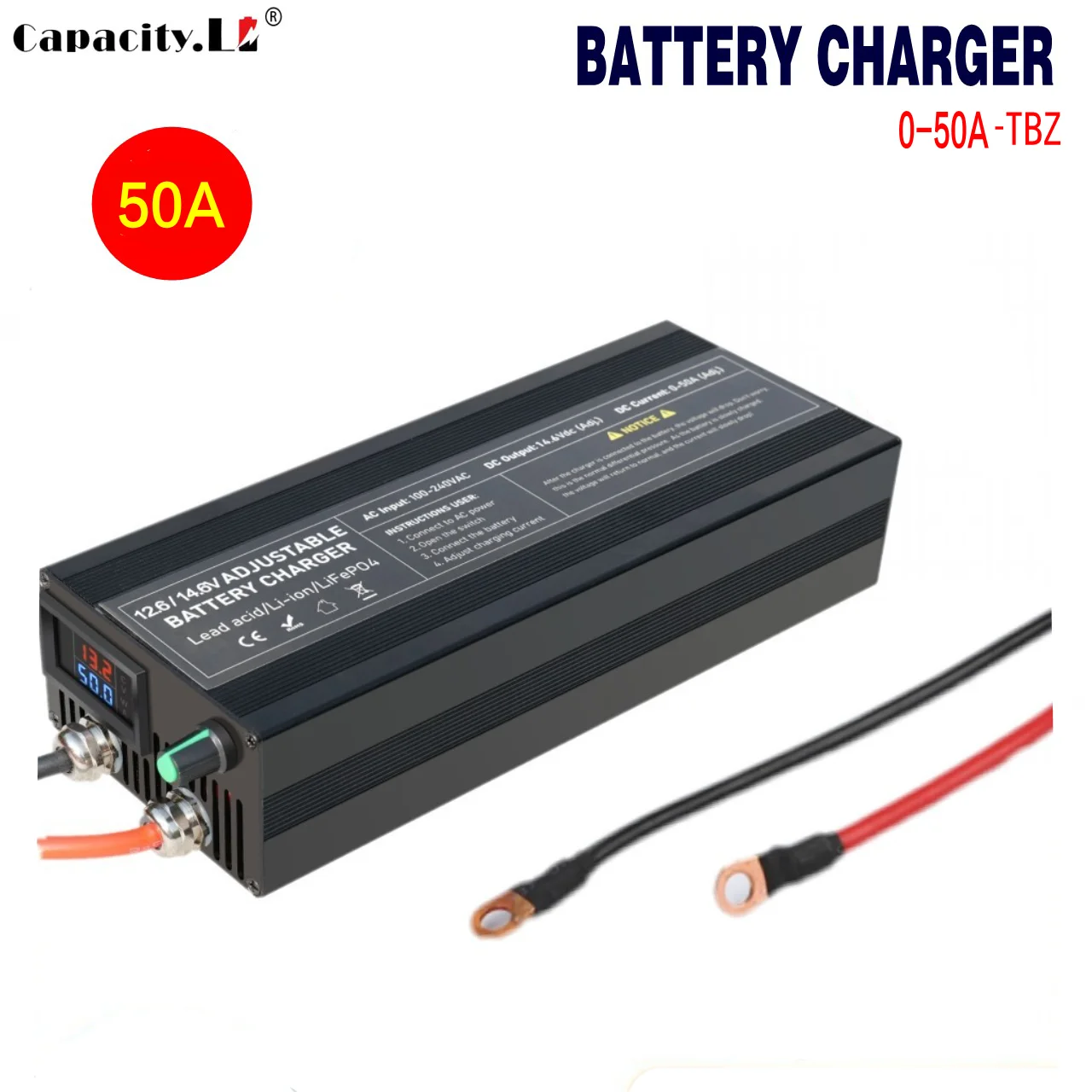
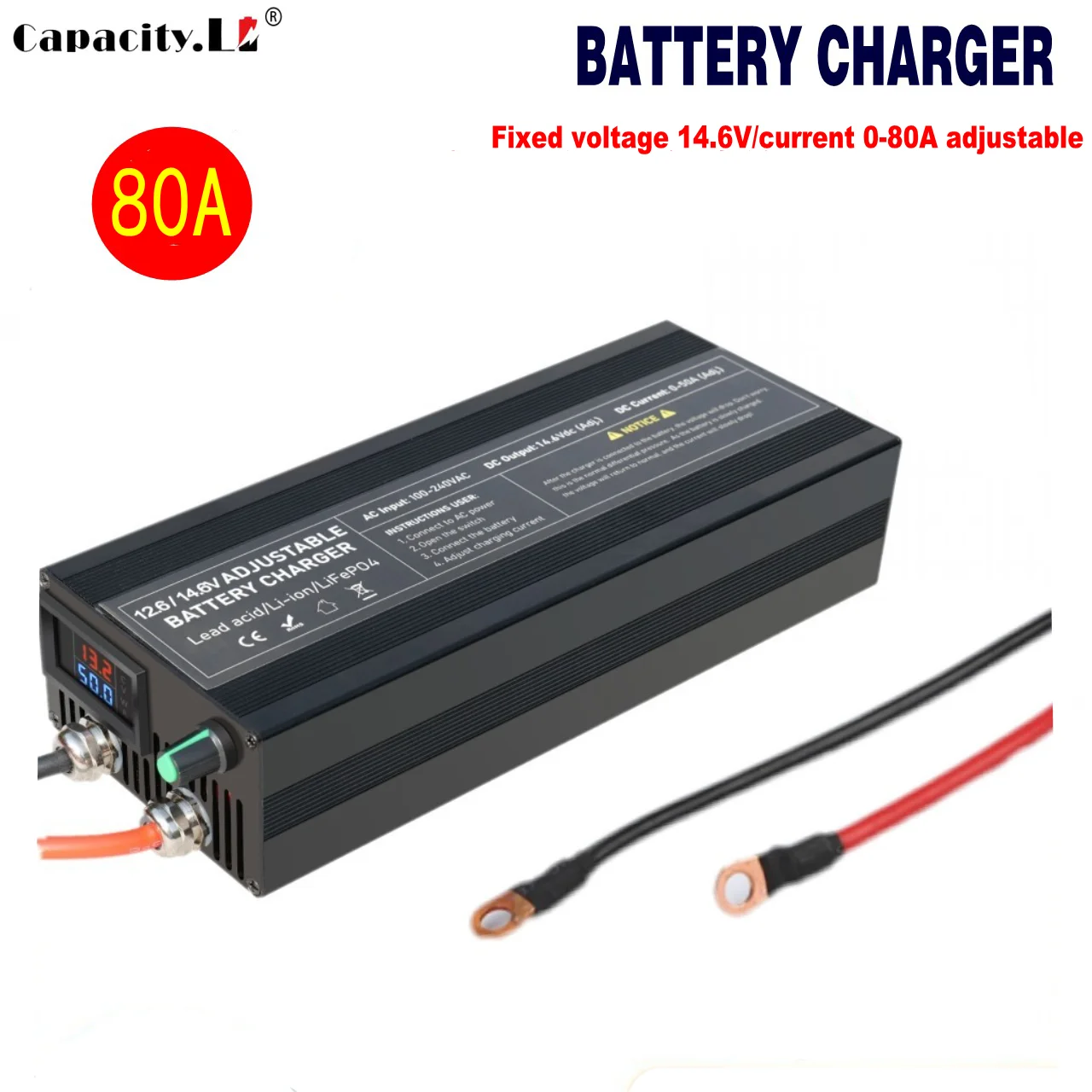

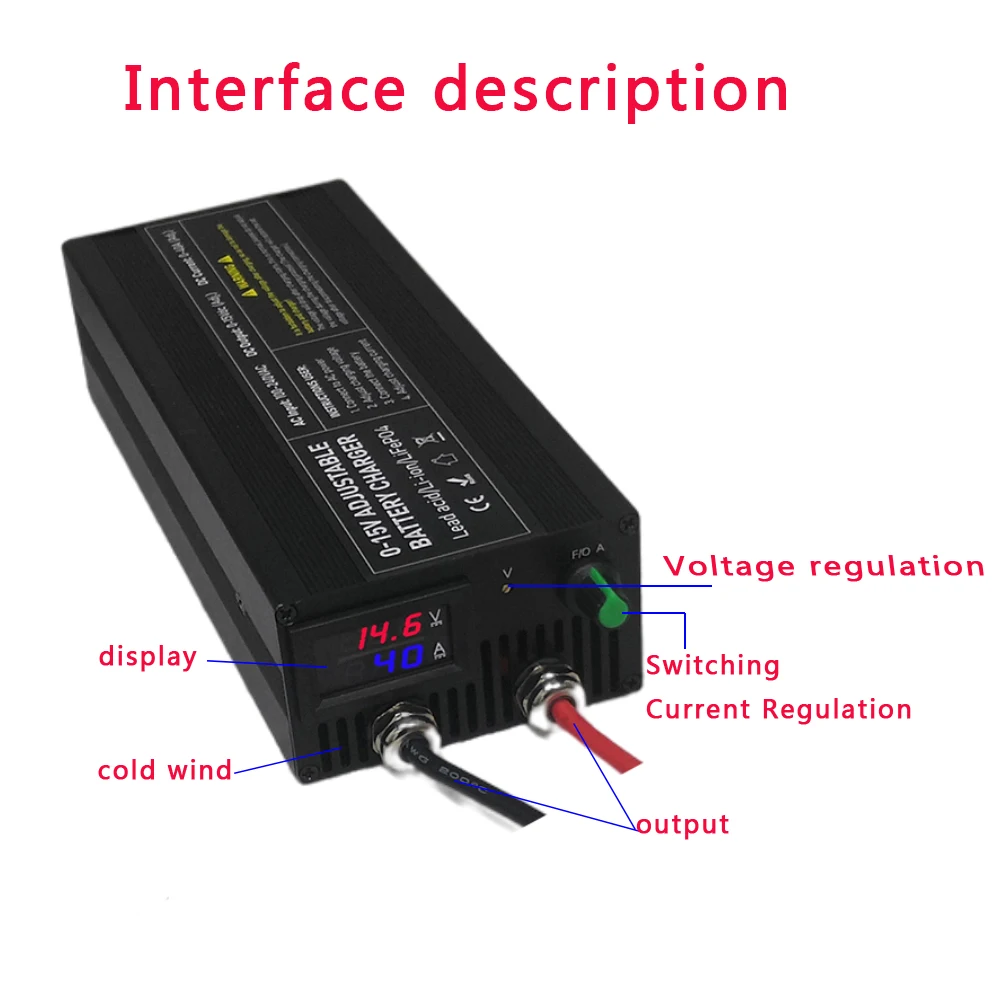
Special instructions for 60A/50A/85A/100A charger: plug the charger into the power supply first - check the voltage - adjust the voltage - connect the load - adjust the current.
Step 1: Do not connect the battery to the charger, turn on the power, adjust the voltage knob to adjust the voltage, refer to the voltage display on the top of the display screen, (4S lifepo4 battery 3.65 v * 4=14.6V, 3S lithium battery 4.2 v * 3=12.6V), and adjust to the voltage you need (you can adjust the voltage with a multimeter. The display screen will have minor errors.).
Step 2: Adjust the current to the minimum. After connecting the battery, adjust the current from small to large to the current you need. (It is not allowed to adjust the voltage knob again during the charging process, otherwise it will be overcharged or undercharged, and the host may be burned.) If the voltage is displayed and the current changes to zero, it means that it is fully charged.
Step3 3: For later use (the voltage has been set for the first time, and it is unnecessary to set it later) ------ Connect the battery first (it is important to protect the charger) ------ Connect the power supply again ------ Follow this procedure for later use, and do not need to adjust the voltage and current (unless you want to modify it)
Video operation method: https://youtu.be/3QDYR0f2Td8