PDG ibma
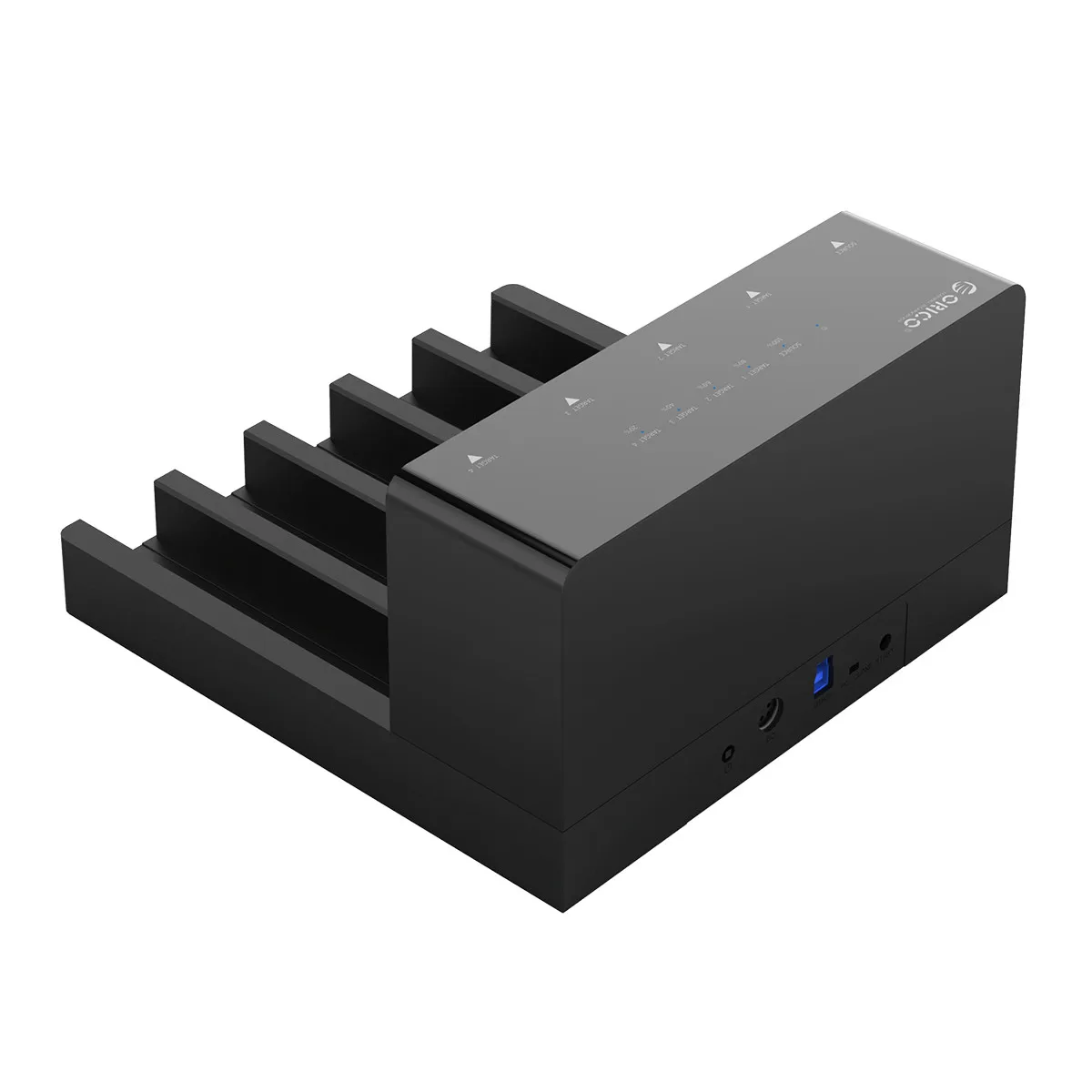
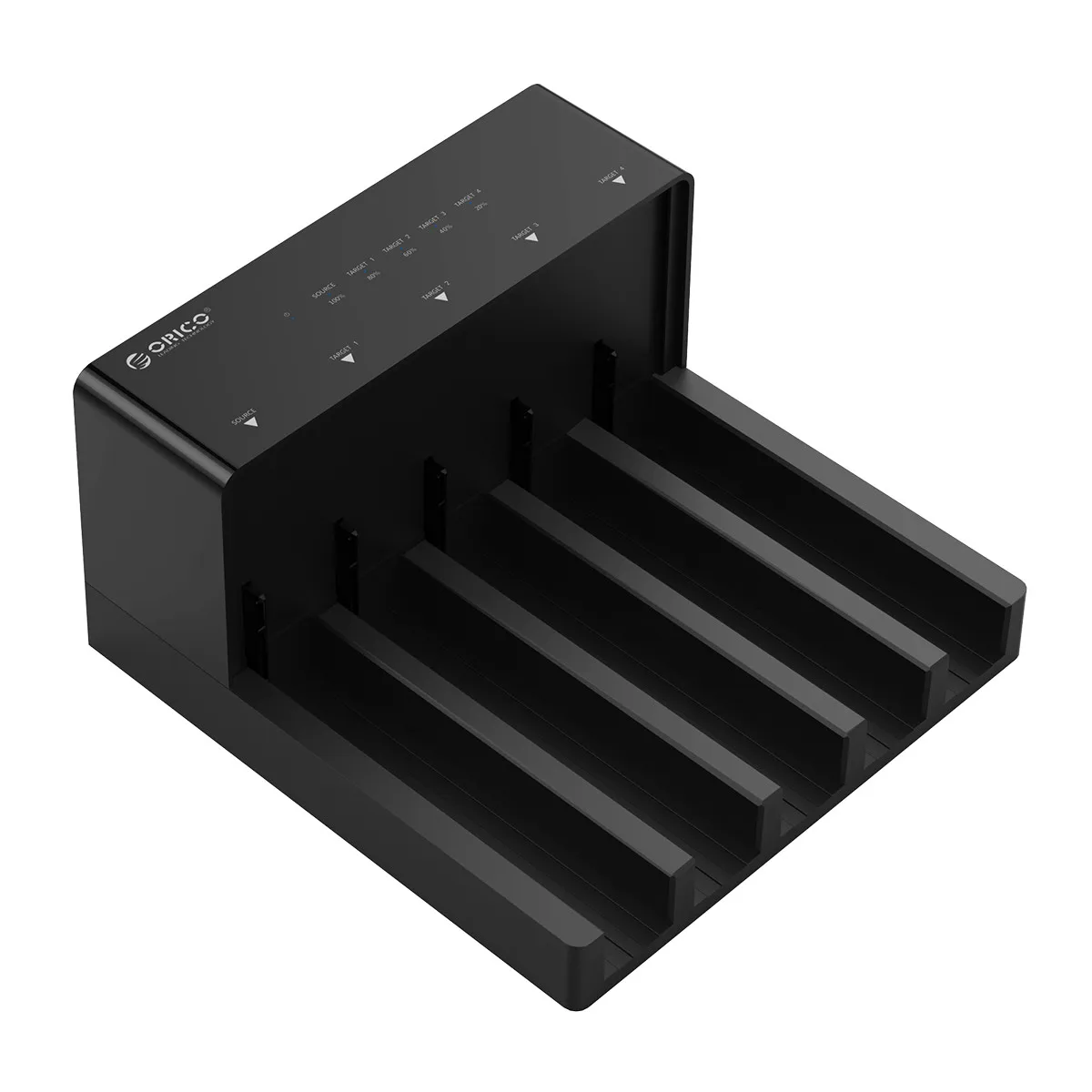
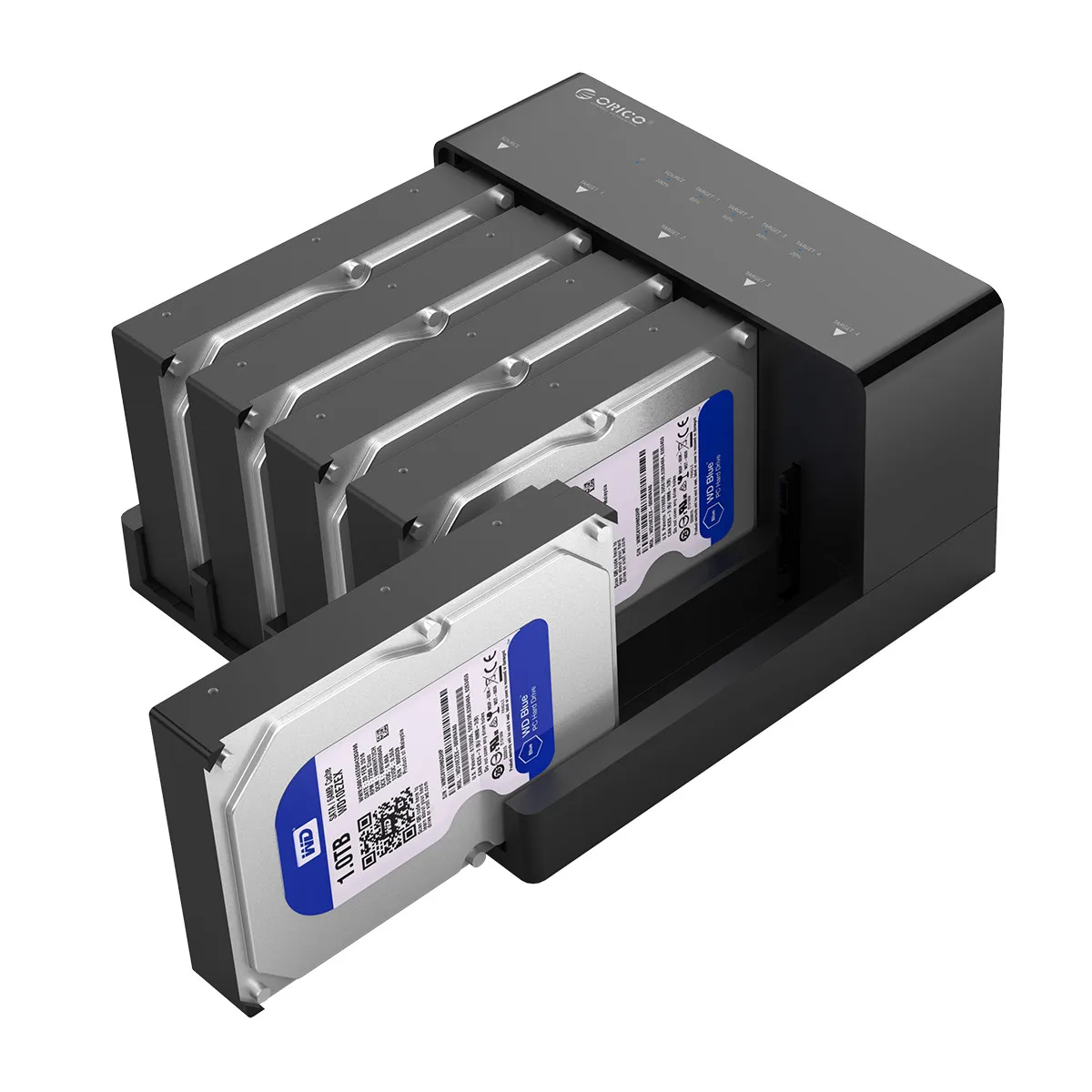
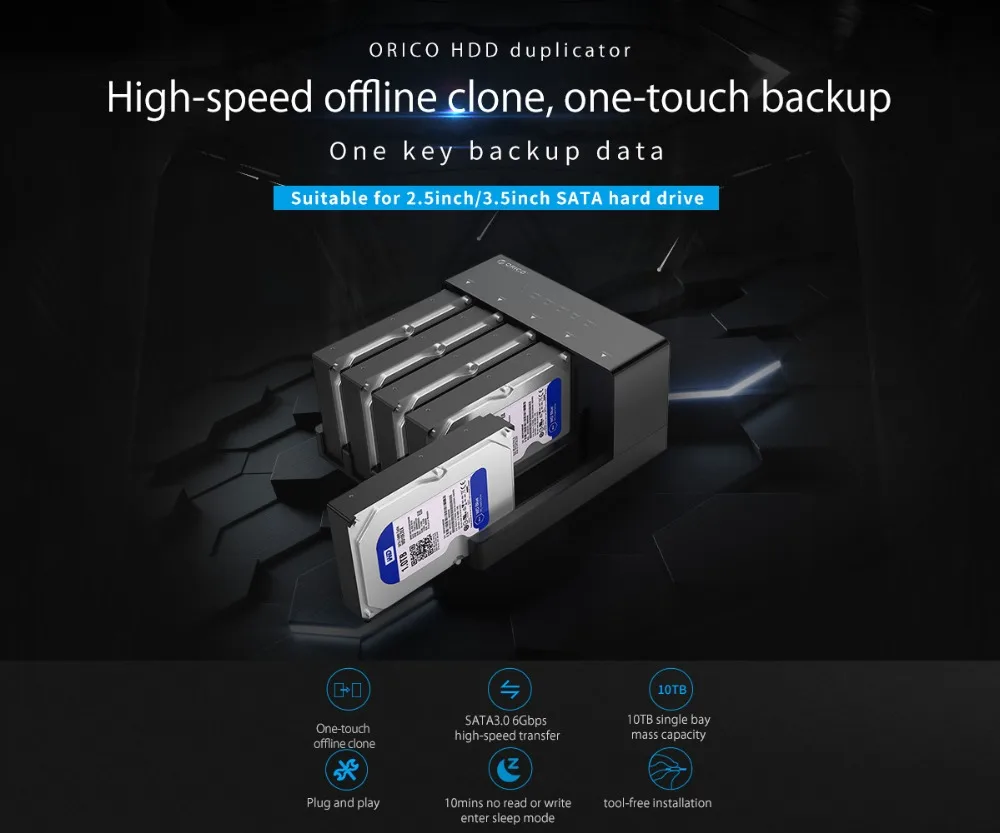
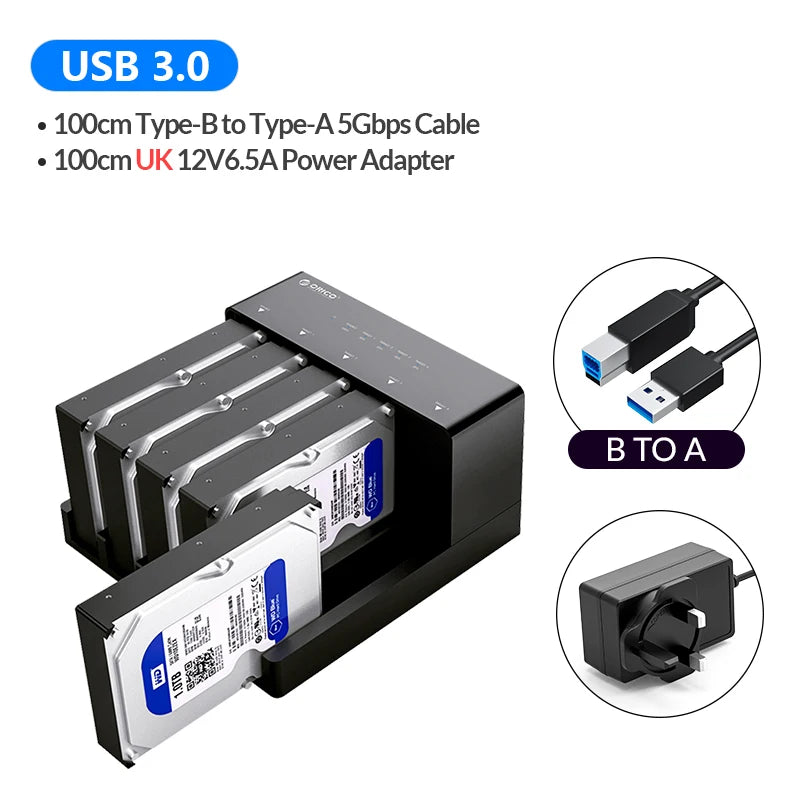
ORICO 5 Bay USB 3.0 to SATA 2.5/3.5 Inch HDD Docking Station Hard Drive Enclosure with Offline Clone HDD Case Plug and Play
ORICO 5 Bay USB 3.0 to SATA 2.5/3.5 Inch HDD Docking Station Hard Drive Enclosure with Offline Clone HDD Case Plug and Play
Couldn't load pickup availability
SPECIFICATIONS
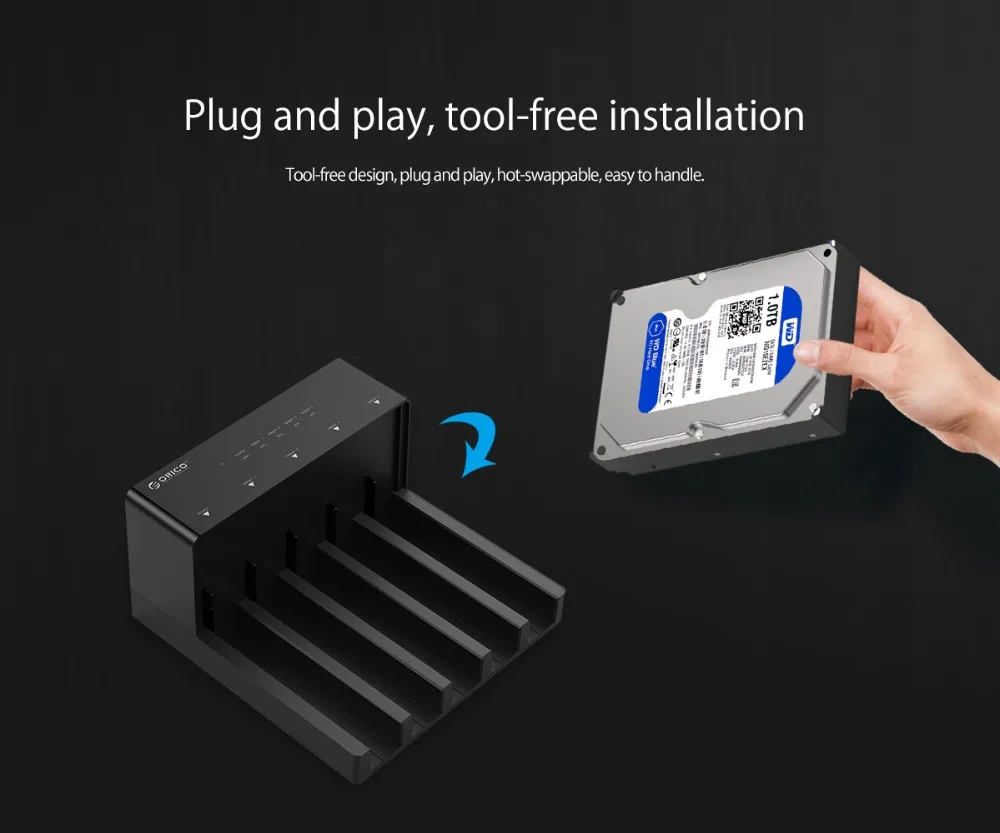
Advantage: Tool Free/Hot-swap/Without drives
Brand Name: Orico
Case Material: Plastic
Color: Black
External Interface: USB
High-concerned chemical: None
Interface: USB3.0
Model Number: 6558US3-C
Origin: Mainland China
Package: Yes
Size: 2.5",3.5"
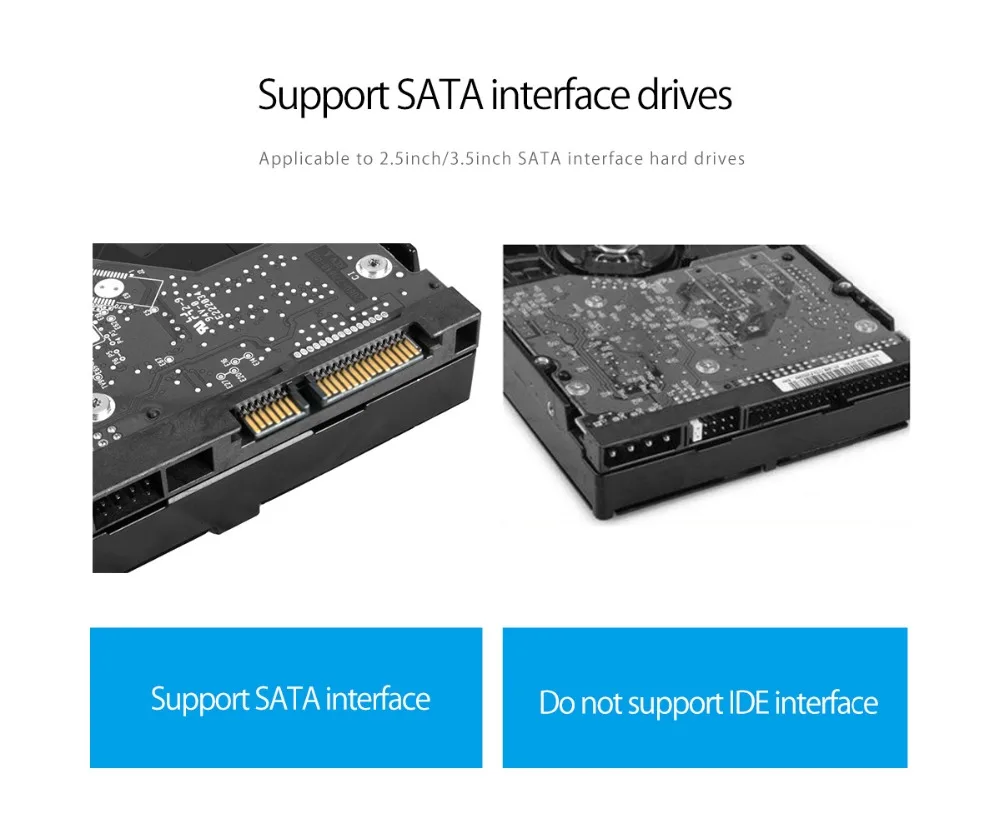
Support HDD: USB3.0 SATA HDD
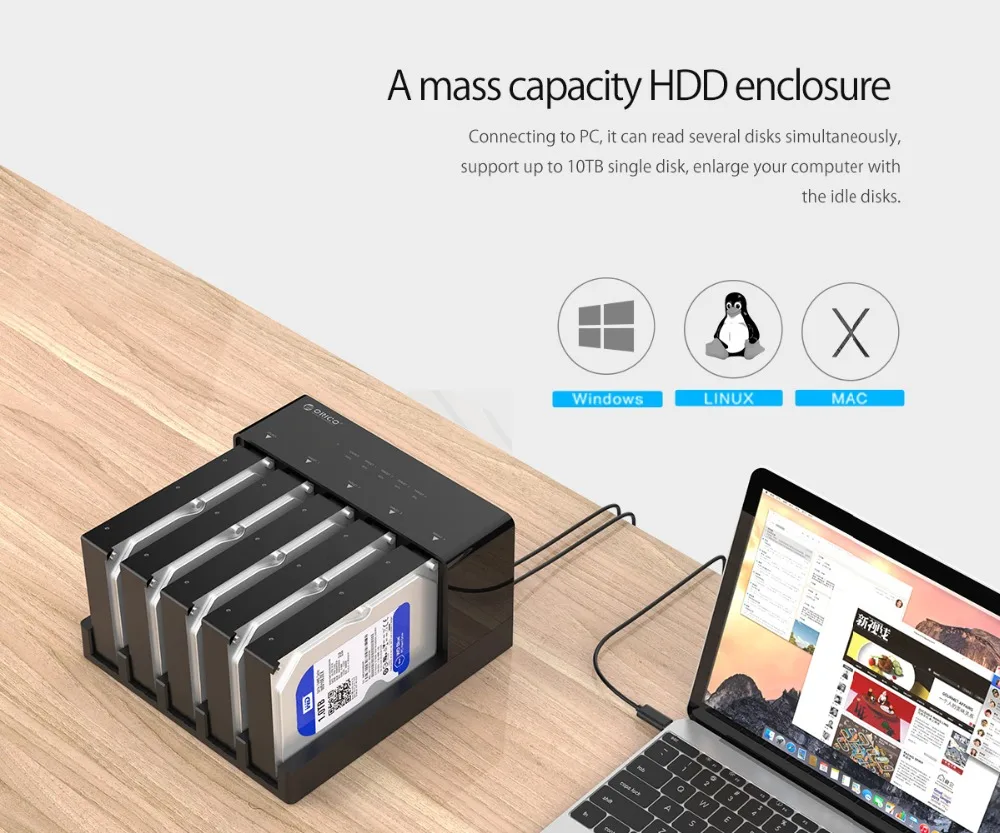
Supporting Hard Drive Capacity: 50TB(Not Including Hard Drive)
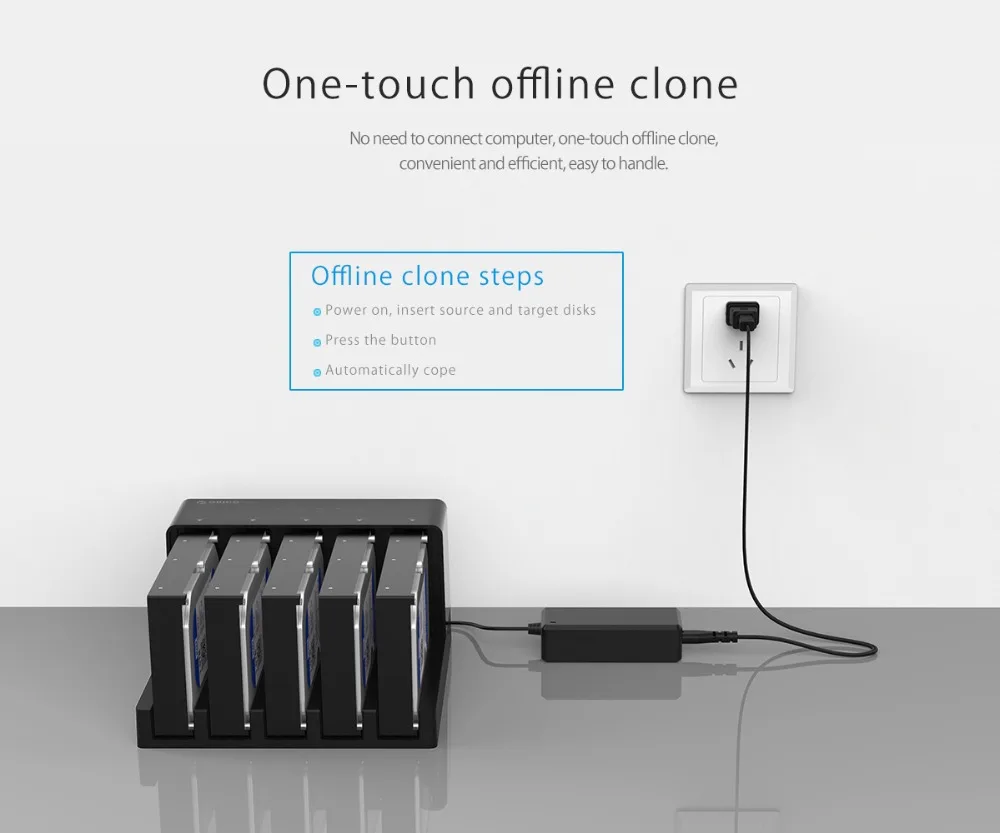
Offline clone function
----Make sure that the USB cable is disconnected from your computer.
1.Insert one hard drive in the Source bay, other drive in the target bay(The capacity of Target drive must be equal or bigger than Source drive.)
2.Push the PC / CLONE switch on the back of the hard drive to the CLONE side.
3. Connect power supply and press the POWER switch.
4. Then press the START Button on the back.
5. A Blue LED will flash on 20% indicating that the cloning process has begun.
6. The cloning process is complete when ALL the lights turn solid Blue (20%-100%).
7. Finally press the POWER switch and eject your drives.
Notes:
1.Please backup files in the target hard drive before cloning. Any files in target hard drive will be overwritten when offline cloning occurs, If the Target Disk Data is Still Useful, Please Use your Computer to Make a Backup First.
2.To avoid data loss, do not remove or insert hard drives when one drive is working in the docking station.
3.Make sure the USB cable is disconnected when using offline clone function