PDG ibma
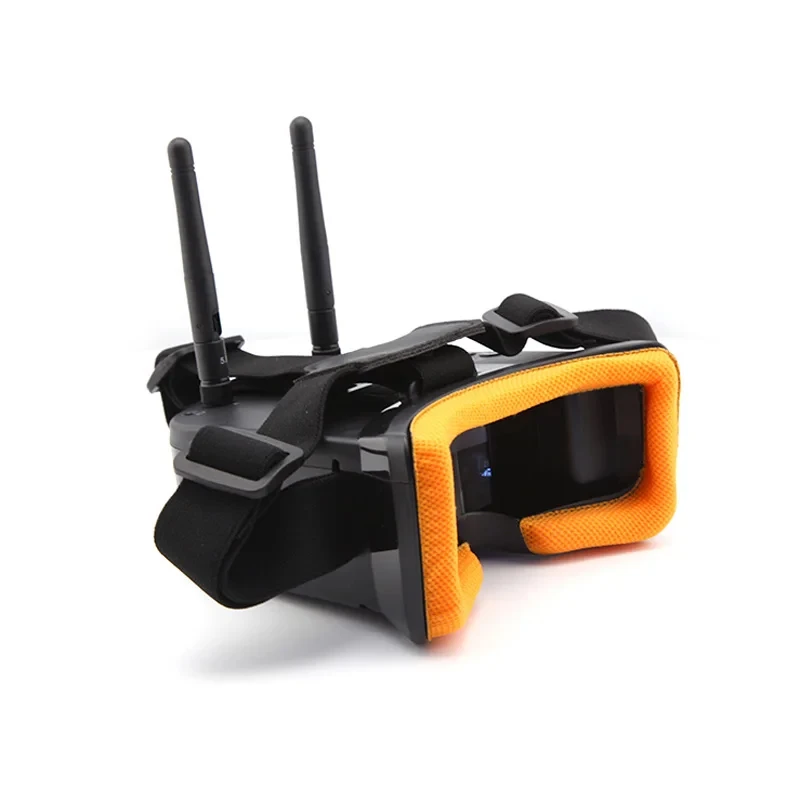
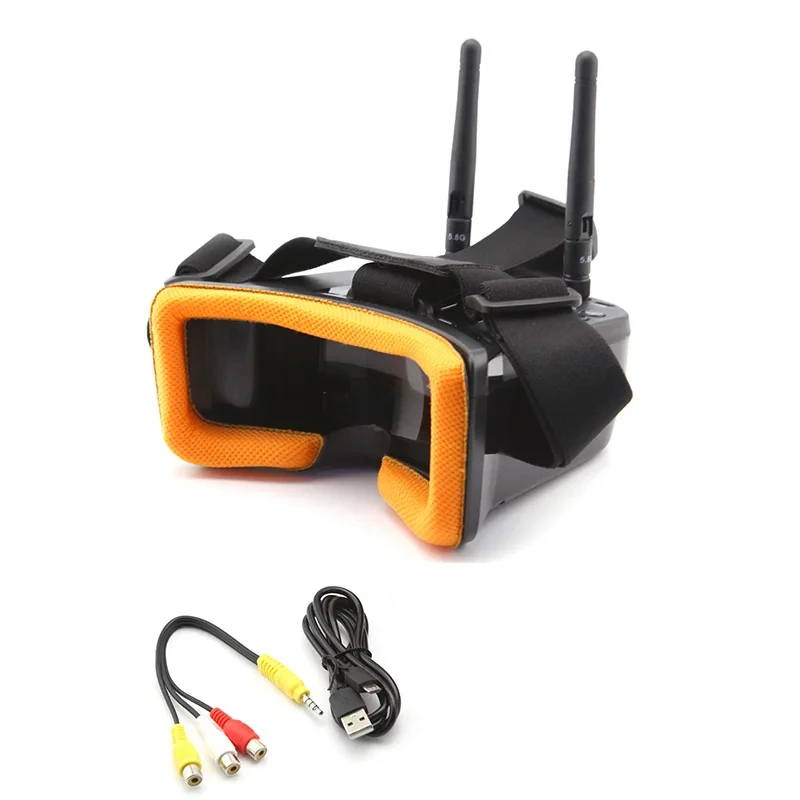
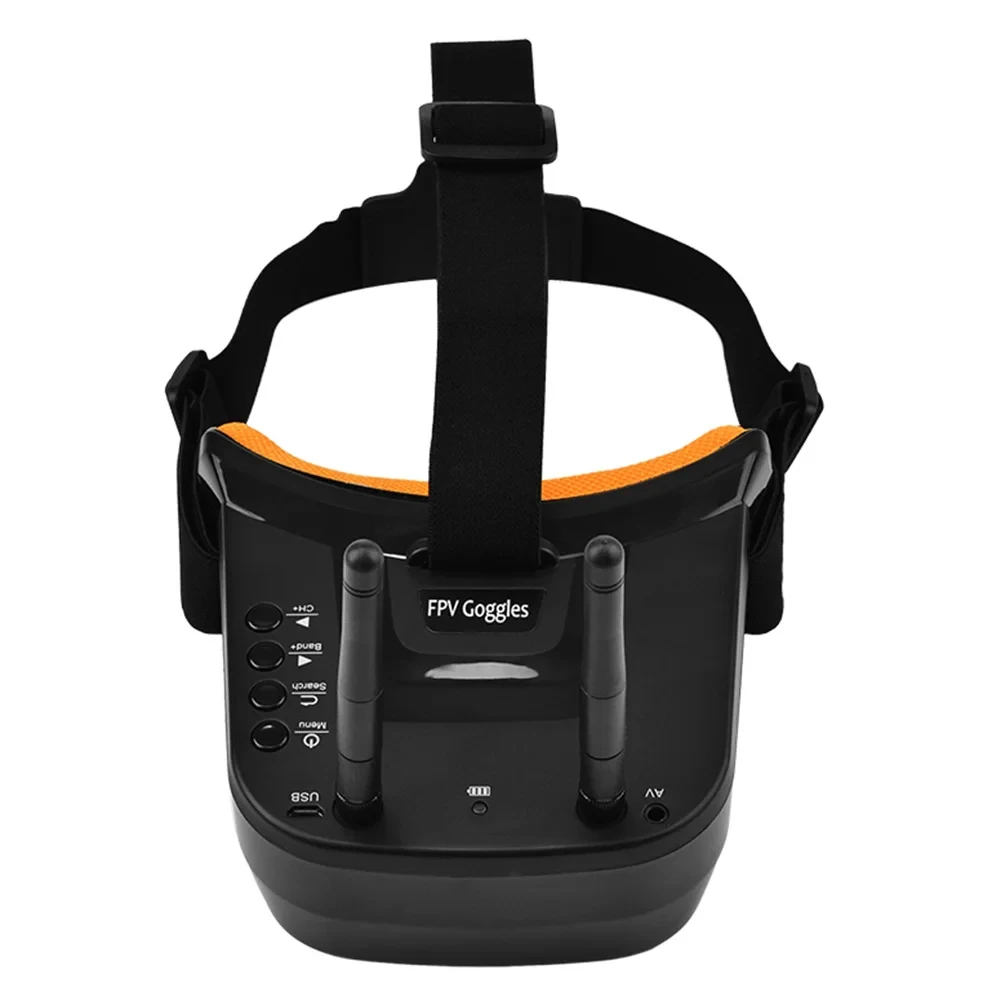
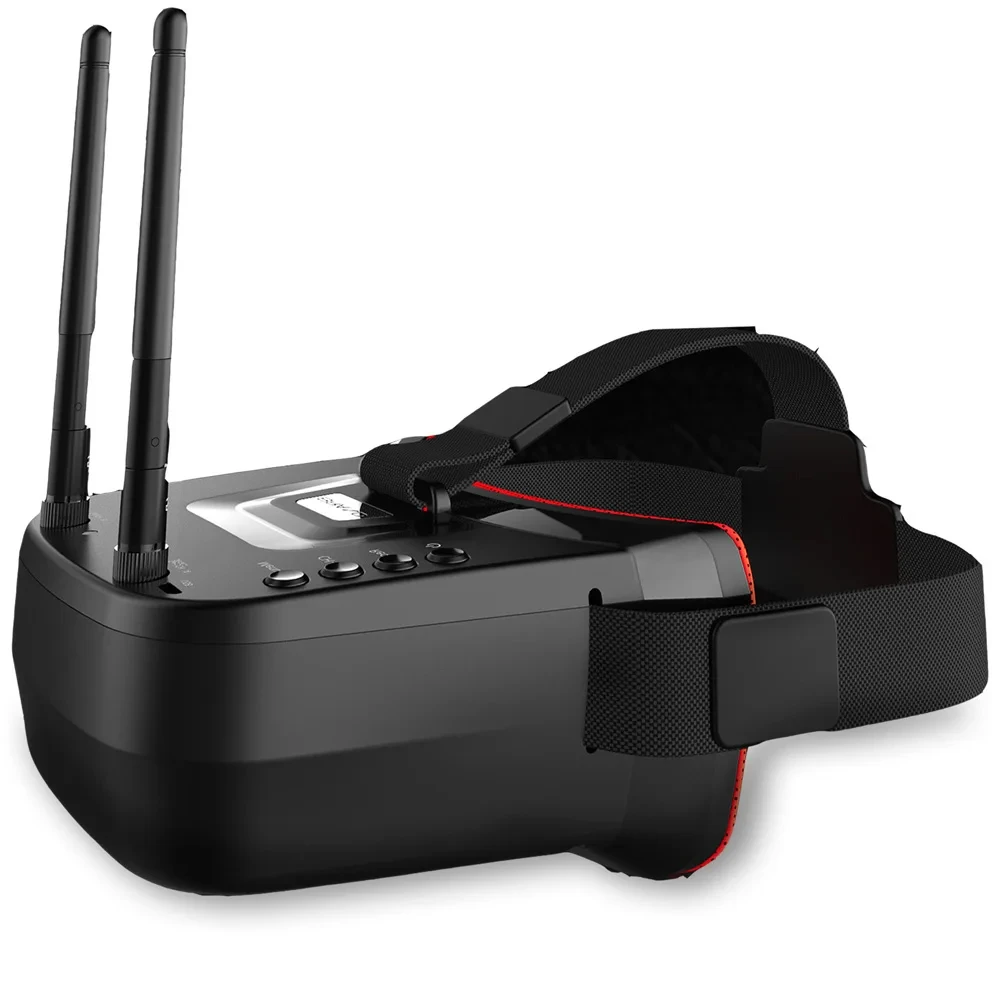
LS-VR009 5.8Ghz FPV Goggles Video Headset 5.8G 40CH HD 3 Inch 16:9 Display Mini FPV Goggles for FPV Quadcopter Drones
LS-VR009 5.8Ghz FPV Goggles Video Headset 5.8G 40CH HD 3 Inch 16:9 Display Mini FPV Goggles for FPV Quadcopter Drones
Couldn't load pickup availability
SPECIFICATIONS
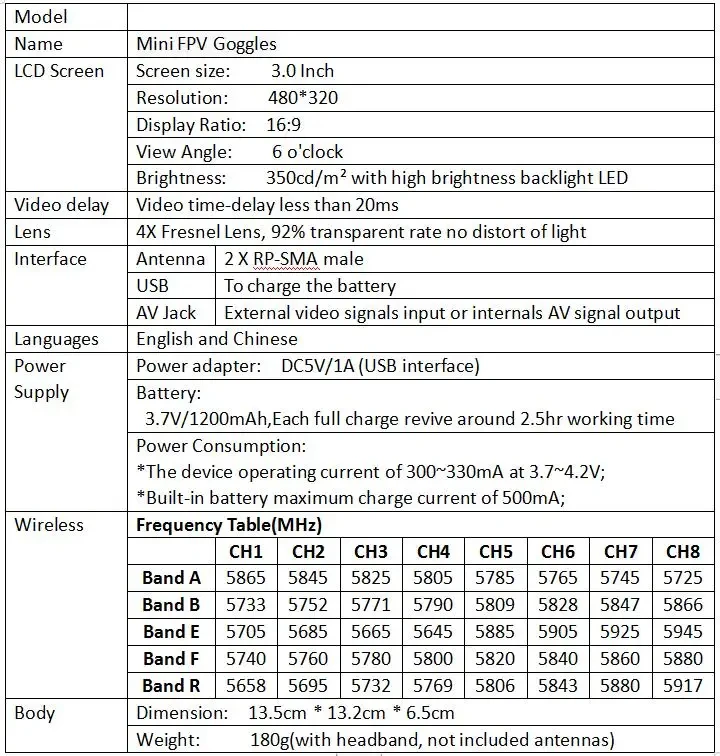
Battery Capacity(mAh): 3.7V 1200mAh Battery
Battery Included: Yes
Brand Name: U-Angel-1988
Certification: CE,FCC
Communication Frequency: FPV Goggle
Compatible Drone Brand: GoPro
Fps: 5.8Ghz FPV Goggles
High-concerned chemical: None
Interpupillary Distance Range: FPV Goggle
Item Weight: 180g
Live View Mode: 5.8G FPV Receiver
Model Number: LS-VR009
Operating Temperature Range (°C): LS-VR009
Origin: Mainland China
Package: Yes
Product Dimensions: 135*132*65mm
Resolution: 480*320
Size: 13.5cm *13.2cm * 6.5cm
Supported Storage Card: FPV Goggle
Transmitter Power (EIRP): 3 Inch FPV Goggle
Video Format: Video Headset
Weight: 450g
 LS-VR009 5.8Ghz FPV Goggles Video Headset 5.8G 40CH HD 3 Inch 16:9 Display Mini FPV Goggles for FPV Quadcopter Drones
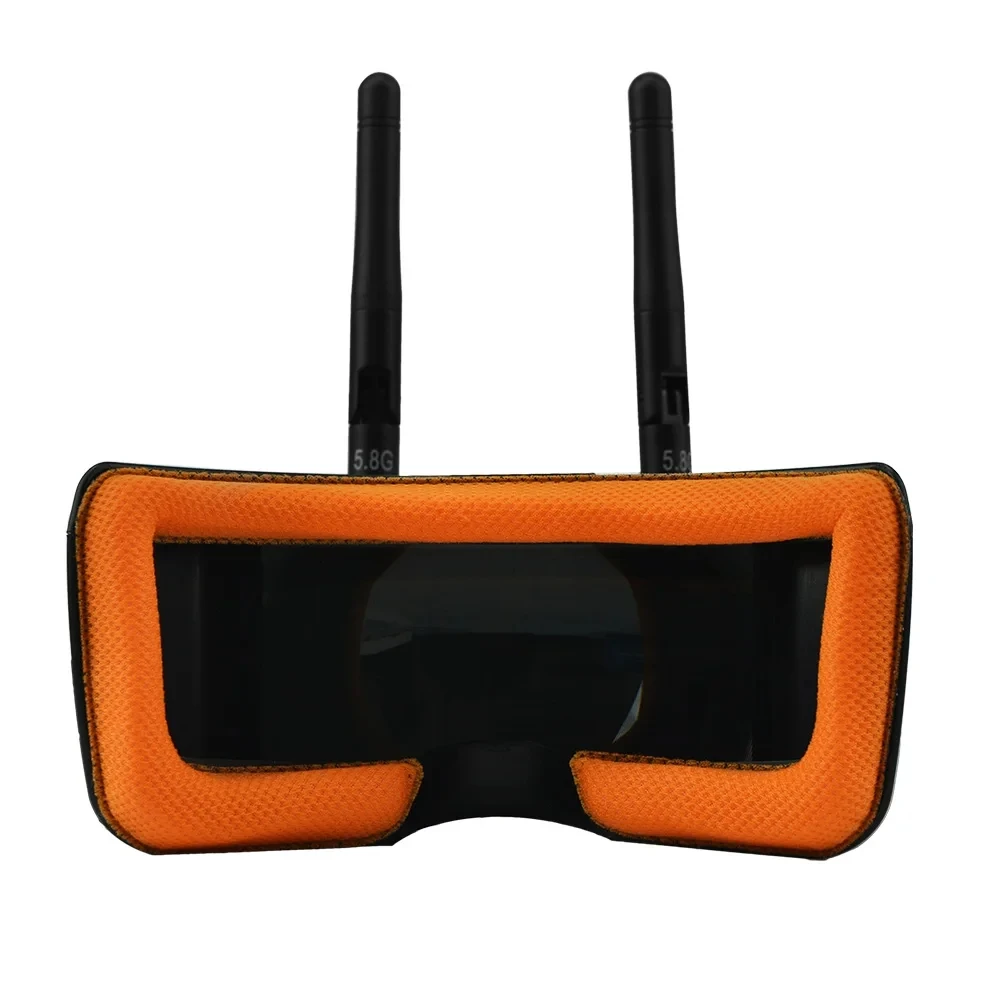
Double Antennas
Built-in 3.7V 1200mAh Battery
Support a key search frequency
RaceBand 40 channel Auto-Searching
Real-time video return 5.8G FPV Receiver
● Small size and light weight;
● Low power consumption, Working current 300~330mA;
● Double antenna reception to make the signal more stable;
● RaceBand 40 channel, Auto-Searching;
● 3.0 Inch 480*320 dot high brightness LCD screen;
● Built-in super sensitiveness 5.8GHz 40ch receiver, especially with RaceBand;
● Built-in 3.7V/1200mAh high-capacity Li-ion polymer Battery;
● Universal USB charging interface;
● Real-time video return, Very low time-delay;
● Bilingual menu in support of Chinese and English;
● Support external video signal input;
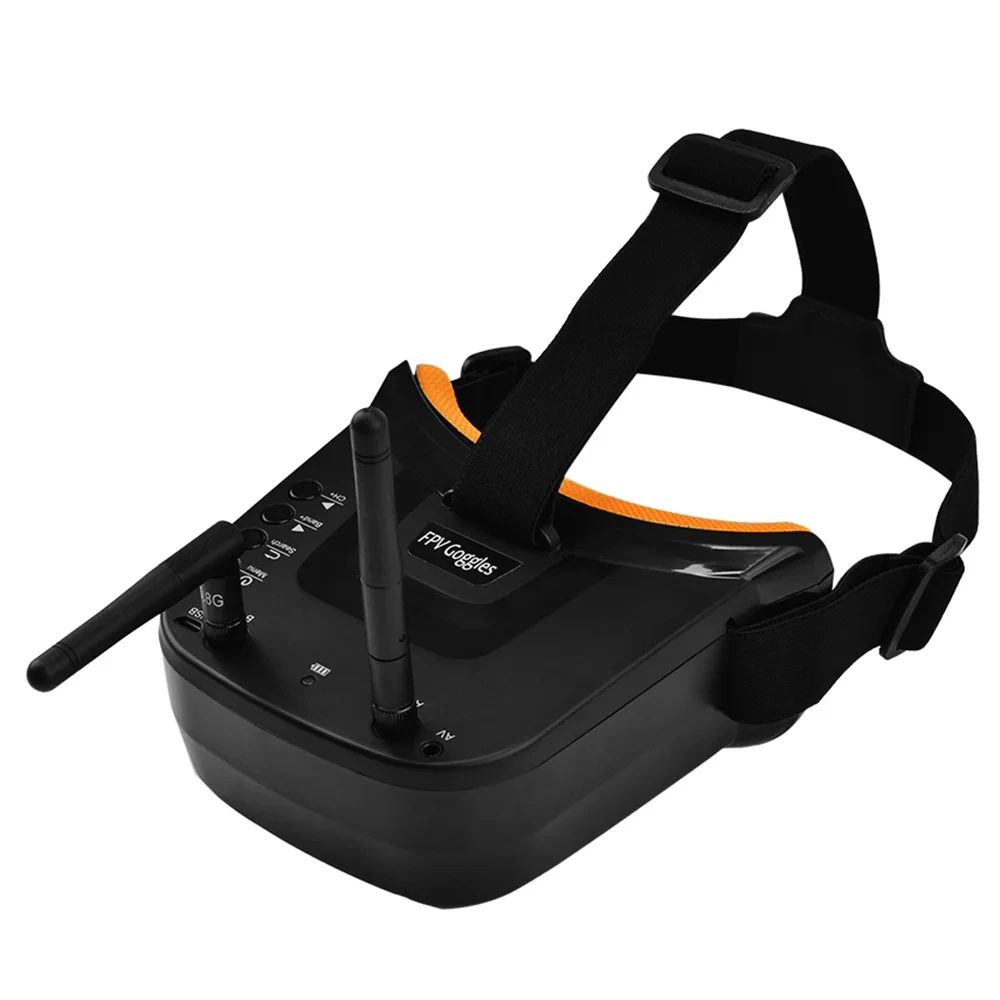
● Support AV signal output (Connect external DVR);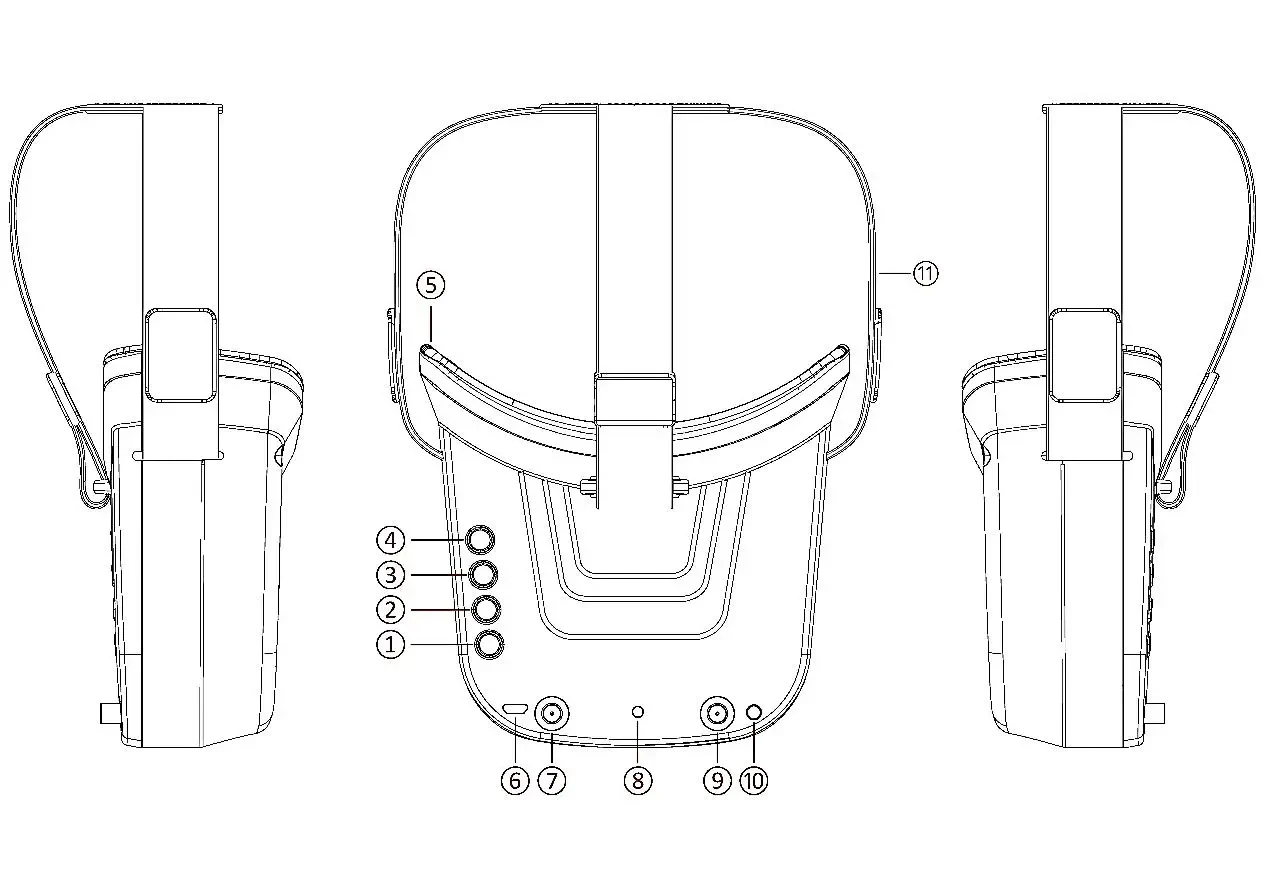 ①Key 1: Short press forMENU mode; Long press (More than 3 sec) forPower ON/OFF.
②Key 2: Short press forAuto-Searching (Automatic selection of the strongest channel).
③Key 3: Short press forBand+ (Change bands A-B-E-F-R circularly).
④Key 4: Short press forChannel+ (Change channels 1-2-3-4-5-6-7-8 circularly).
⑤Eye ring: protect the surrounding parts of the eyes, so that the wear more comfortable.
⑥Micro-USB Charging port: Supports DC5V only.
⑦ Antenna port A: RP-SMA male.
⑧Charging indicator: Red light when charging light; full power, the indicator goes off.
⑨Antenna port B: RP-SMA male.
⑩AV Jack:In RF receiving mode can output AV signal; In AV mode can enter the video signal.
⑪Head band:Adjustable headband.
Menu Operation Instructions:
In normal mode, pressKey 1 to enter the MENU mode.
In MENU mode:
①Key 1:Select the option bar.
②Key 2:Return to normal mode.
③Key 3:Value -.
④Key 4:Value +.
AV port Instructions: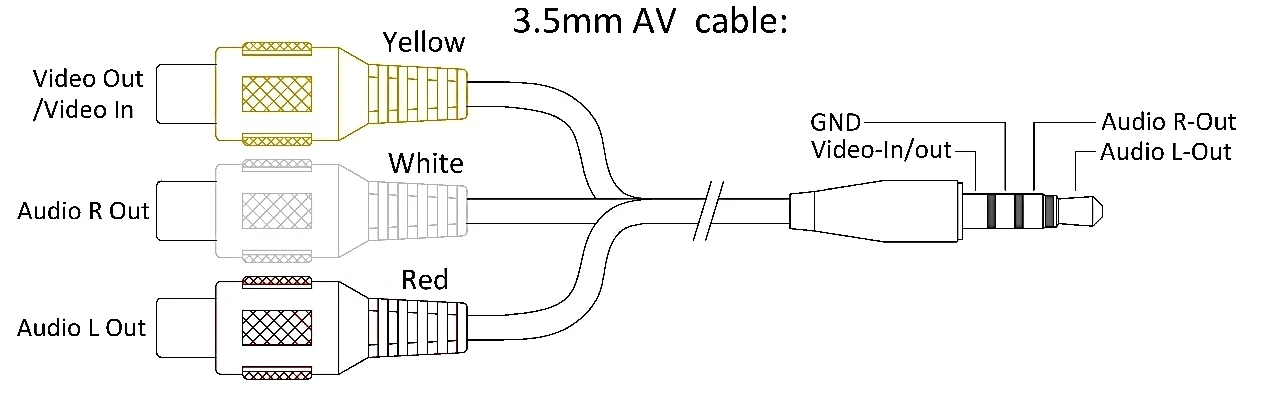 Safety instruction:
1. Read the entire instruction manual to become familiar with the features of the product before operating.
2. Age Recommendation: Over 14 years old. Using any near eye displays on children under 14 can cause eye development problems. This is not a toy.
3. Please avoid wet or humid environments.
4. Please use standard USB charger, charging voltage can only be 5V.
5. AV output and Video input cannot work at the same time, It is forbidden to insert external video in RF receiving mode.