PDG ibma
AI Intelligent Voice Translation Machine for 138 Online Languages, Photo Translation, Recording, Transcription, and Translation
AI Intelligent Voice Translation Machine for 138 Online Languages, Photo Translation, Recording, Transcription, and Translation
Couldn't load pickup availability
###1、 T21 Speech Translator Detailed Page
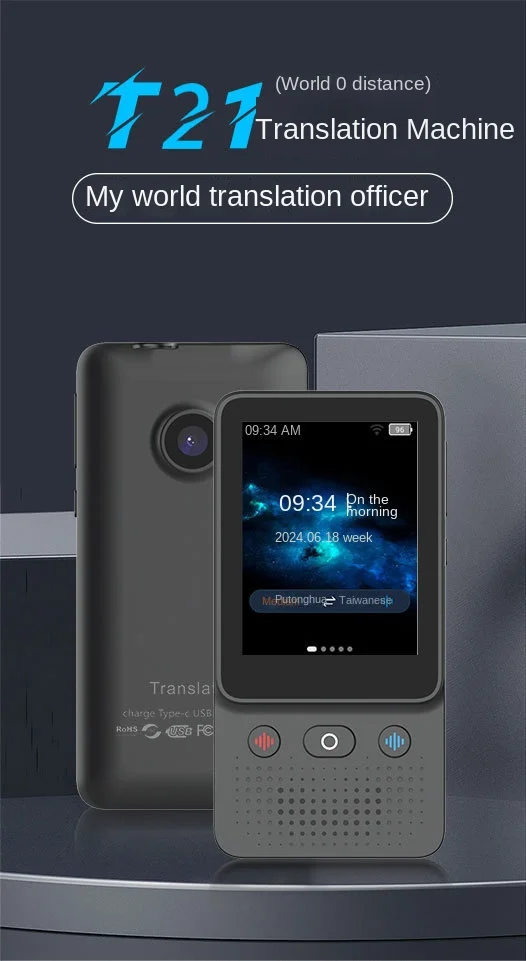
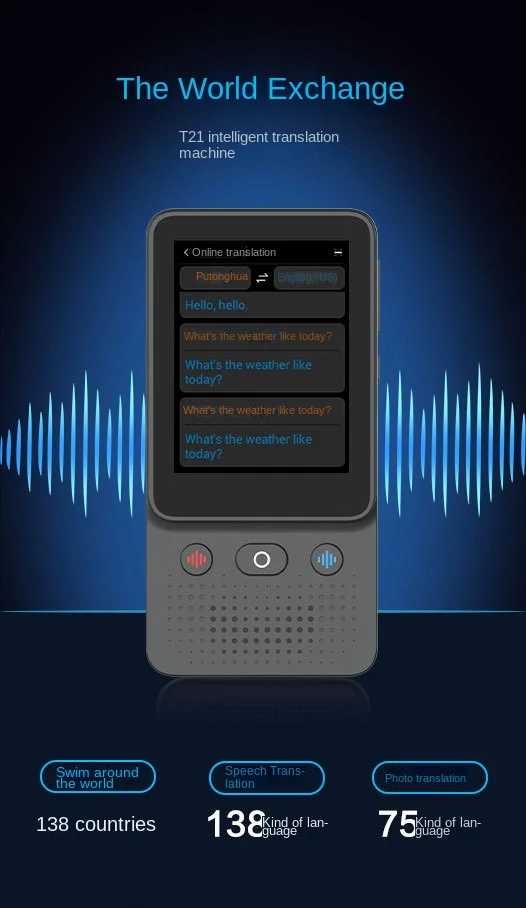
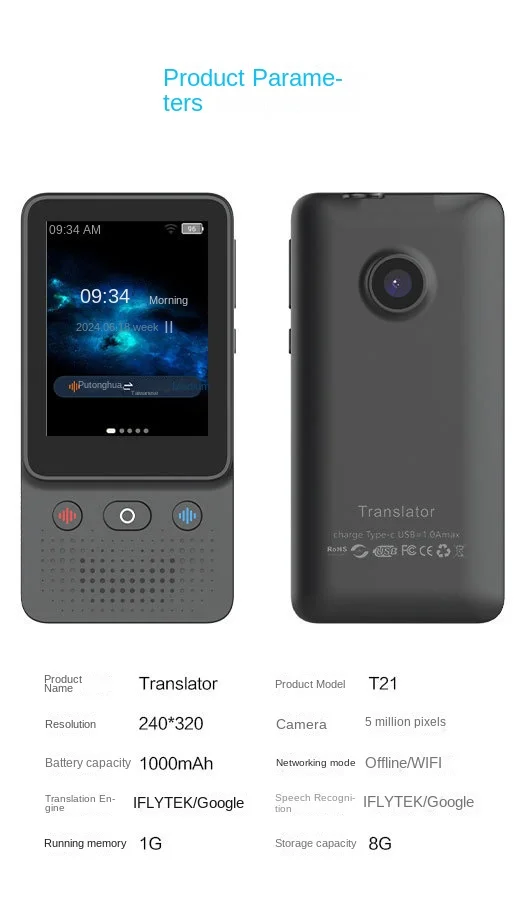
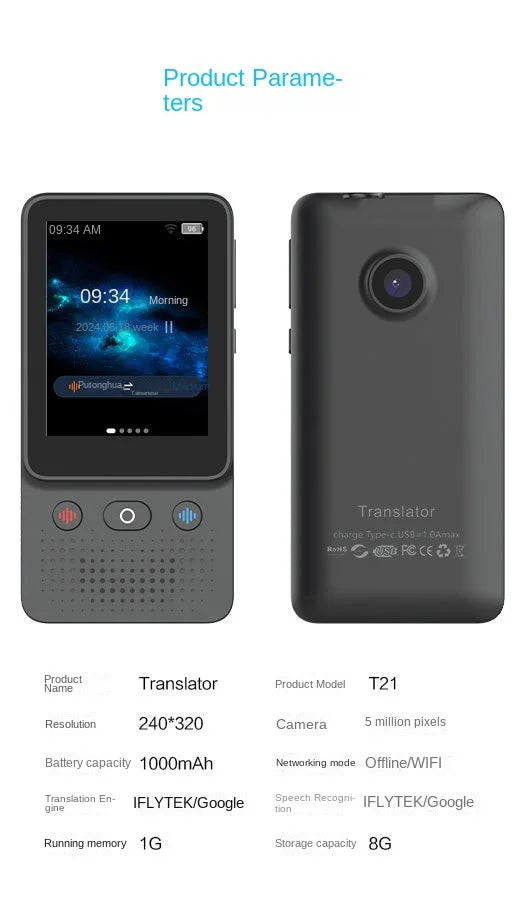
####(1) Product Overview T21 voice translator is a powerful and portable translation tool designed to overcome language barriers. Whether you are traveling abroad, engaged in business negotiations, or studying daily, it can provide you with accurate and efficient translation services.
####(2) Appearance design -**Compact and portable * *: T21 is exquisitely designed, compact and lightweight, and easy to carry. You can simply put it in your pocket or bag and use it anytime, anywhere. -**Fashionable appearance: The appearance is simple and fashionable, with smooth lines and harmonious color matching. It is not only a practical tool, but also a fashionable accessory.
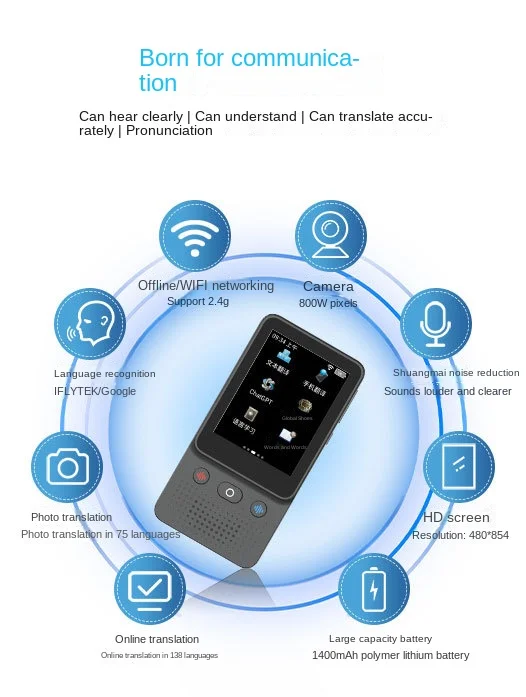
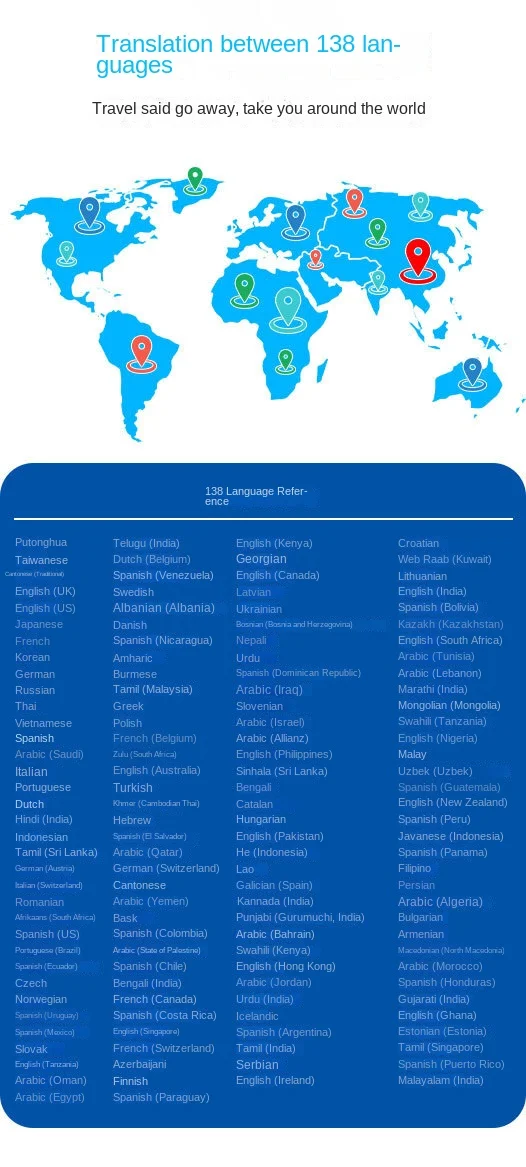
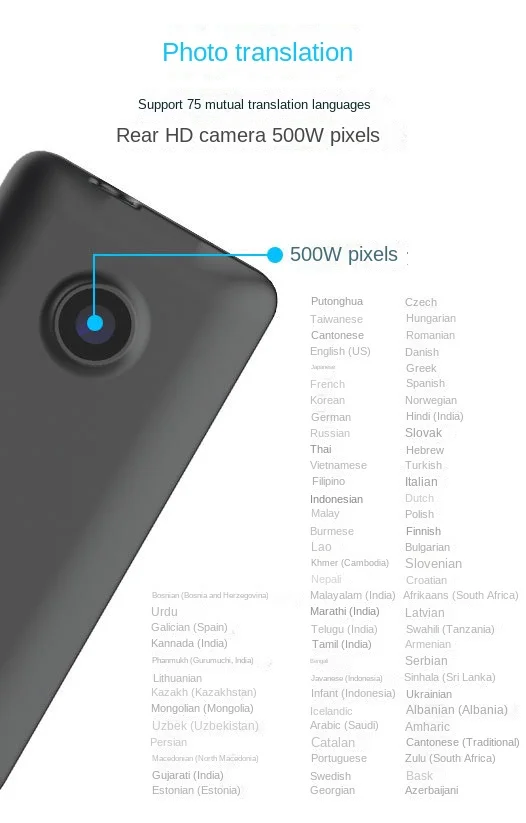
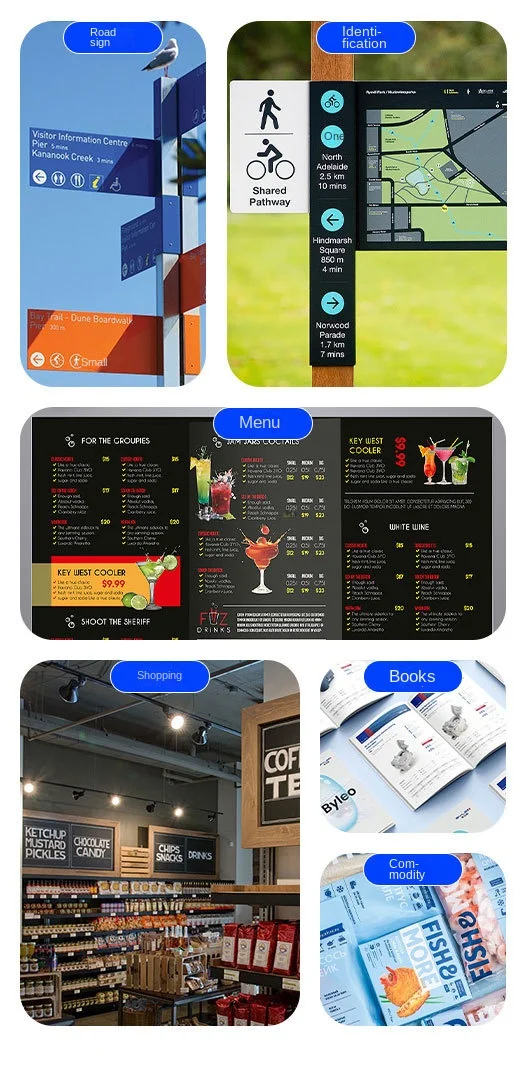
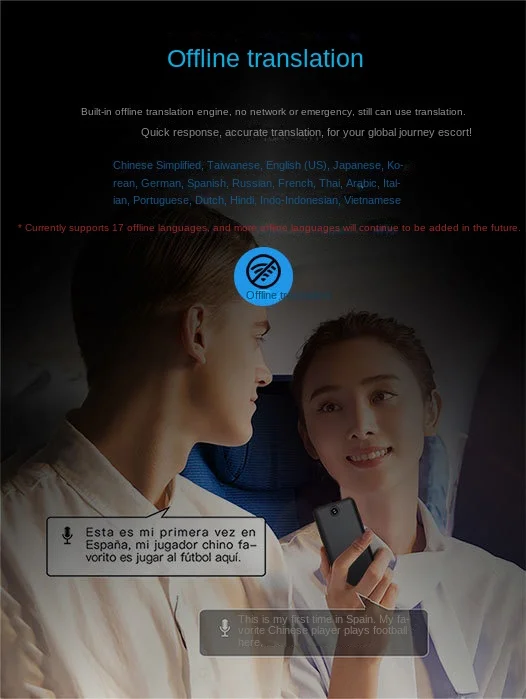
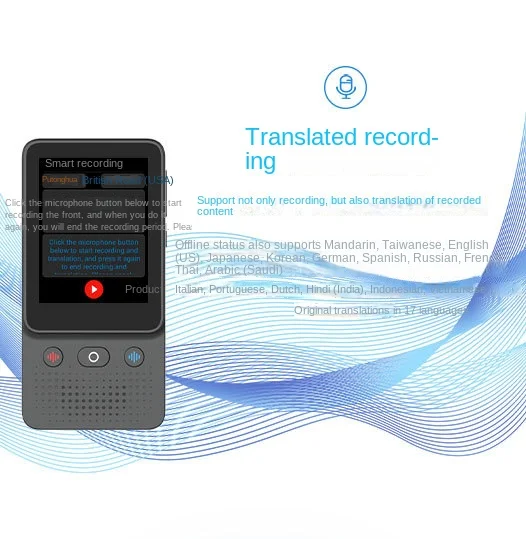
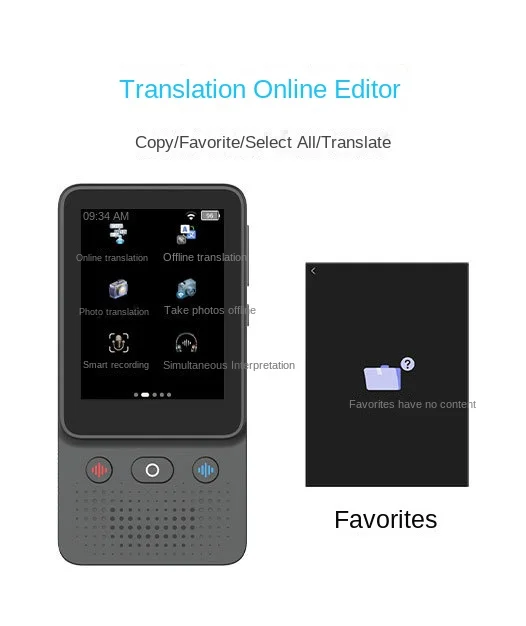
####(3) Function display 1. * * Multilingual Translation** -**Offline Translation * *: Supports offline translation for 17 commonly used languages. Even in areas without internet coverage, such as remote mountainous areas or underground parking lots, you can still translate normally. These languages include English, German, Spanish, French, Japanese, Korean, Russian, Thai, Arabic, Italian, Portuguese, Dutch, Hindi, Chinese, and Taiwanese (dialects in Taiwan). -**Online Translation * *: In online mode, it can support translation in up to 138 languages, covering most countries and regions around the world to meet your translation needs in different scenarios. These languages include English, German, Spanish, Italian, French, Japanese, Korean, Dutch, Portuguese, Russian, Thai, Arabic, Hebrew, Swedish, Finnish, Danish, Polish, Hindi, Norwegian, Catalan, Croatian, Indonesian, Czech, Turkish, Vietnamese, Ukrainian, Slovak, Greek, Hungarian, Romanian, Malay, etc. 2. * * Camera Translation * *: You can use the translator's camera to take photos of any text, and it will immediately provide real-time translation. Whether it's restaurant menus, road signs, product manuals, or book articles, it can quickly and accurately translate them for you.
####(4) Packaging Content -**1 * Elegant Gift Box * *: It is also very suitable as a gift. -**1 * USB charging cable * *: convenient for charging the translator, ensuring its normal operation. -**1 * Translation Host * *: A core product that provides powerful translation functions.
2、 Key selling points 1. * * Rich language support * *: Provides translation for 17 offline languages and 138 online languages to meet the needs of different scenarios and users. It can easily handle daily conversations and professional communication. 2. * * Offline availability * *: The offline translation function allows you to translate without Internet connection, so that you can get rid of network restrictions and achieve more flexible use. 3. * * Camera translation function * *: Real time translation of text captured photos is simple and convenient, greatly improving the efficiency of information acquisition. It is particularly suitable for reading foreign materials and identifying unfamiliar texts. 4. * * Limited time discount * *: The current price is very cost-effective, but the discount only applies to the next 3 days. Afterwards, the price will rise to over $50. Buying now can save you a lot of money.
###3、 Precautions 1. * * Network connection** -Offline translation does not need Internet connection, but some functions, such as online translation and some real-time updated translation data, need network connection. Before using online features, please ensure that the translator is connected to a stable Wi Fi or mobile data network. -If you are using it abroad, please pay attention to international roaming fees. It is recommended to consult your carrier in advance and apply for a suitable package. 2. * * Battery usage** -Please use the USB charging cable provided in the packaging to charge. Avoid using non original or incompatible chargers to prevent damage to the battery or converter. -When the battery level of the translator is low, please charge it promptly to ensure normal use. When not in use for a long time, it is recommended to charge the battery at regular intervals to prevent excessive discharge. 3. * * Camera shooting** -When using the camera translation function, ensure that the captured text is clear, complete, and well lit. Vague or incomplete text may affect the accuracy of recognition and translation. -Avoid shooting in environments with strong reflection or very dim lighting to achieve the best shooting results. 4. * * Software Update * *: Regularly check the software updates of the translator, download and install the latest version in a timely manner to obtain more accurate translation data and better functional experience.
###4、 Usage method
####(1) Power on and Connection 1. Press and hold the power button to turn on the translator and wait for it to start. If you need to use the online feature, please go to the settings menu and select connect to Wi Fi network or turn on mobile data connection.
####(2) Voice translation 1. Open the voice translation function of the translator. 2. Choose the source language and target language. 3. Clearly state the content you need to translate and wait for the translation result to be displayed on the screen.
####(3) Camera translation 1. Turn on the camera pan function. 2. Aim the camera at the text to be translated, ensuring that the text is clearly visible in the viewfinder. 3. Click the shooting button, and the translator will automatically recognize and translate the text, and the results will be displayed on the screen.
####(4) Power outage Press and hold the power button until a shutdown prompt appears on the screen, then select shutdown.