PDG ibma
128G X10 PRO GameStick 4K HD TV Video Game Console 3D Games 40+Simulators S905 x 3 Retro Games Dual 2.4G Controller
128G X10 PRO GameStick 4K HD TV Video Game Console 3D Games 40+Simulators S905 x 3 Retro Games Dual 2.4G Controller
Couldn't load pickup availability
SPECIFICATIONS
Battery Included: No
Bluetooth-compatible: No
Brand Name: DEZORQ
CPU: S905 X 3
Category: Video Game Console
Feature: Game Stick 4K
Feature 1: gamestick
Feature 2: retro game console
Feature 3: retro console
Feature 4: video game
Feature 5: S905 X 3 CPU Game Console
Feature 6: HD Game Station
Feature 7: Mini Game Box
Games included: 50000+
High-concerned chemical: None
Operating System: EmuELEC
Origin: Mainland China
RAM Storage: LPDDR3 2GB
Supporting Language: English
Type of devices: Other
Video Game Controller included: Yes
WIFI: No
Install Step :
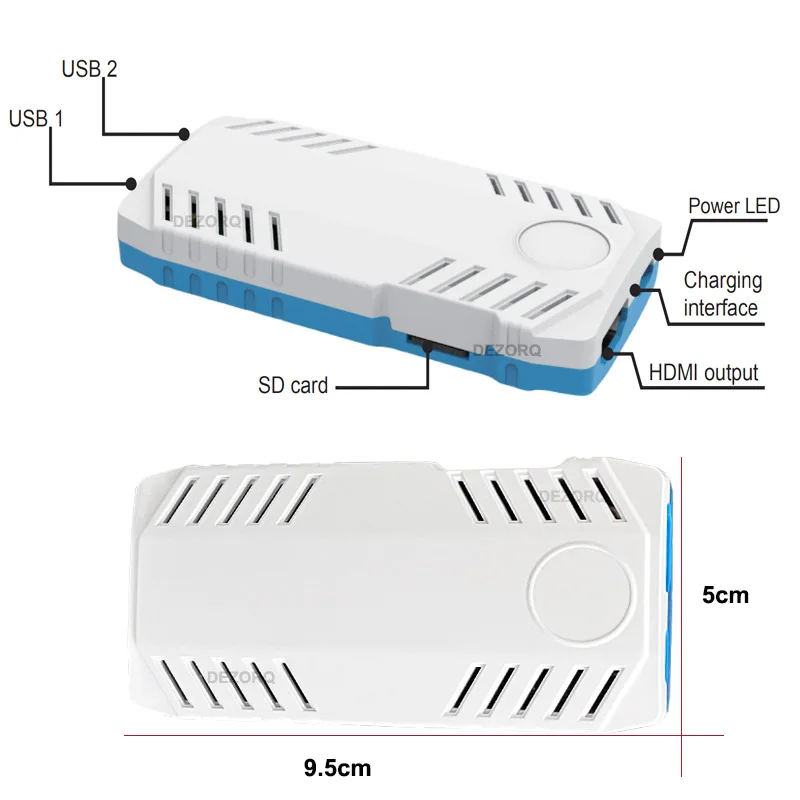
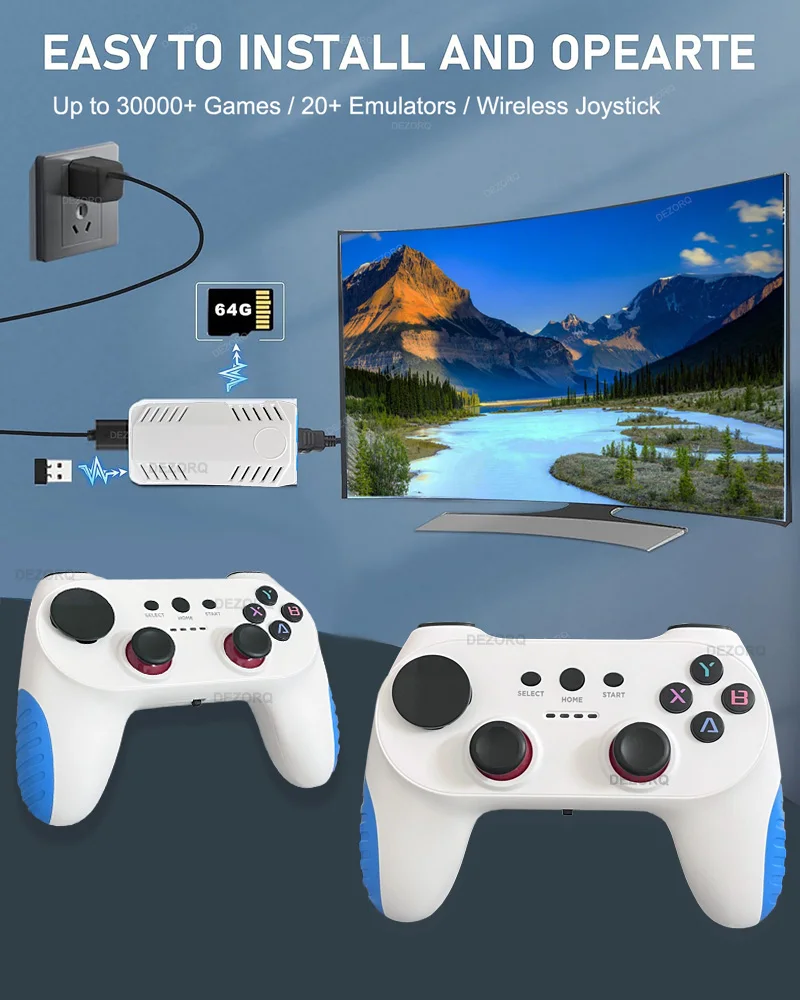
1. Plug USB wireless receiver to USB port on Gamestick
2. plug POWER CABLE to game stick and 5V 2A power source
3.Connect HD cable to game stick and TV HD PORT
4. Set the TV Model to HD version , if your tv have more HD port ,please select the corresponding HD port
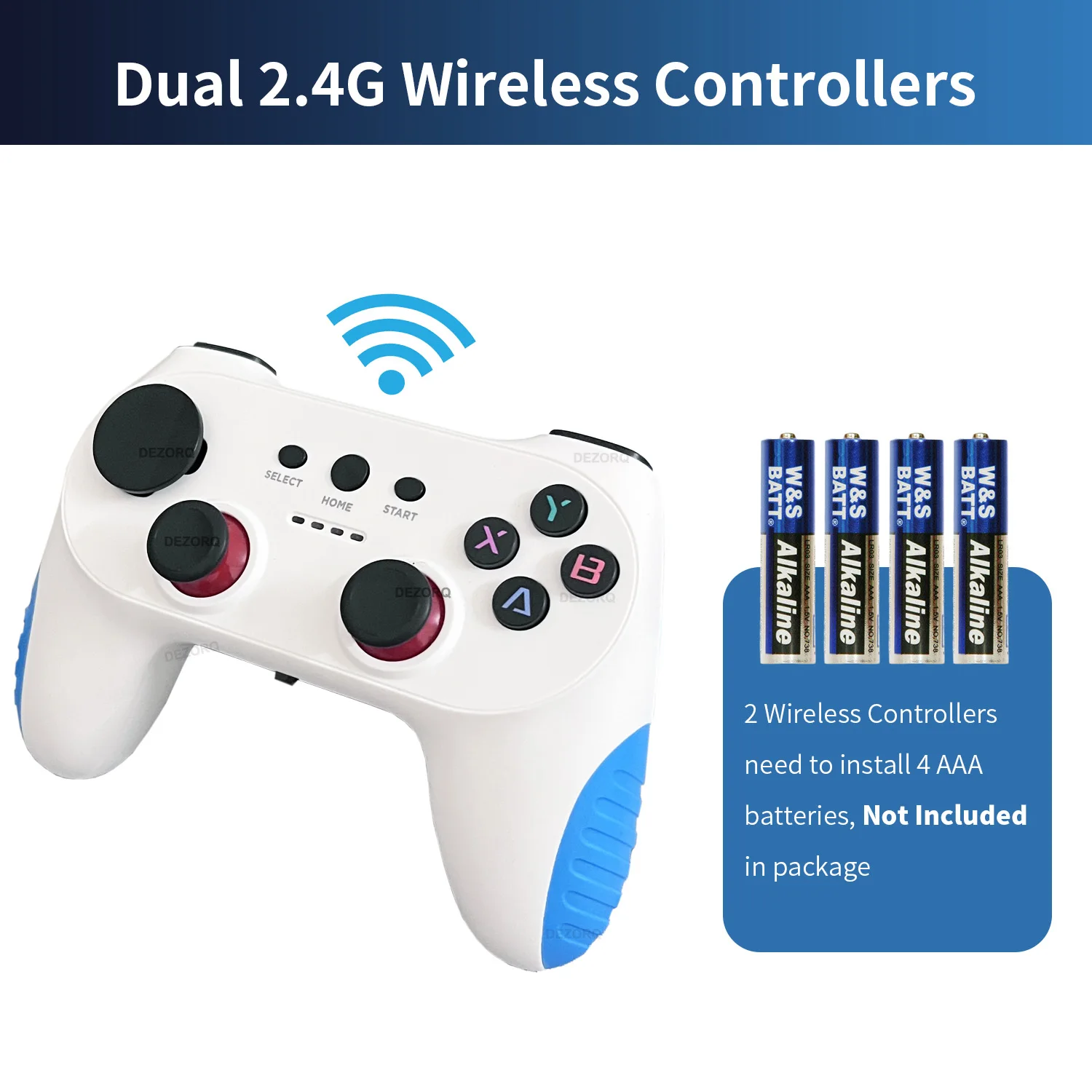
5. Install 2 x AAA batteries to each controller that can play games.
Please Noted :
The arrow keys of this controller are detachable, we install the round arrow keys by default, and the cross-shaped arrow keys will be included in the package and can be replaced according to your needs.
Please pull it out carefully when replacing,do not disassemble violently to avoid damaging the accessories.Hope to understand .
Please follow the default parameter setting , do not adjust / change the resolution or other setting / don't add or delete file from SD card ,in order to avoid the system crash.
After changing the settings, the device cannot boot and only shows the startup logo ,then go to black screen , Please contact us to get the system image file and reinstall it the memory card.
Button Instruction :
Press X button : search games
Press Start button on the homepage : call out setting page
Press Start+ select button at the same time(two times) : Quickly exit the game ,return to game list
Press dual joystick : call out the quick menu for close game ,save,load and other option
X10 PRO GameStick 4K HD TV Video Game Console 3D Games 40+Simulators S905 x 3 Retro Games Dual 2.4G Controller
Model : X10 pro
CPU : S905 x 3, ARM Cortex - A55 2.0GHz
GPU : Mali - G31 MP2 GPU
System : Emuelec 4.3
Built in games : 128GB 50000+ Games
Built in 40+ Simulators
HD output , 1080P/720P
Controller : Dual 2.4G wireless gamepad ,use AAA battery for power (AAA battery is not included )
Support save load games
Support search games