PDG ibma
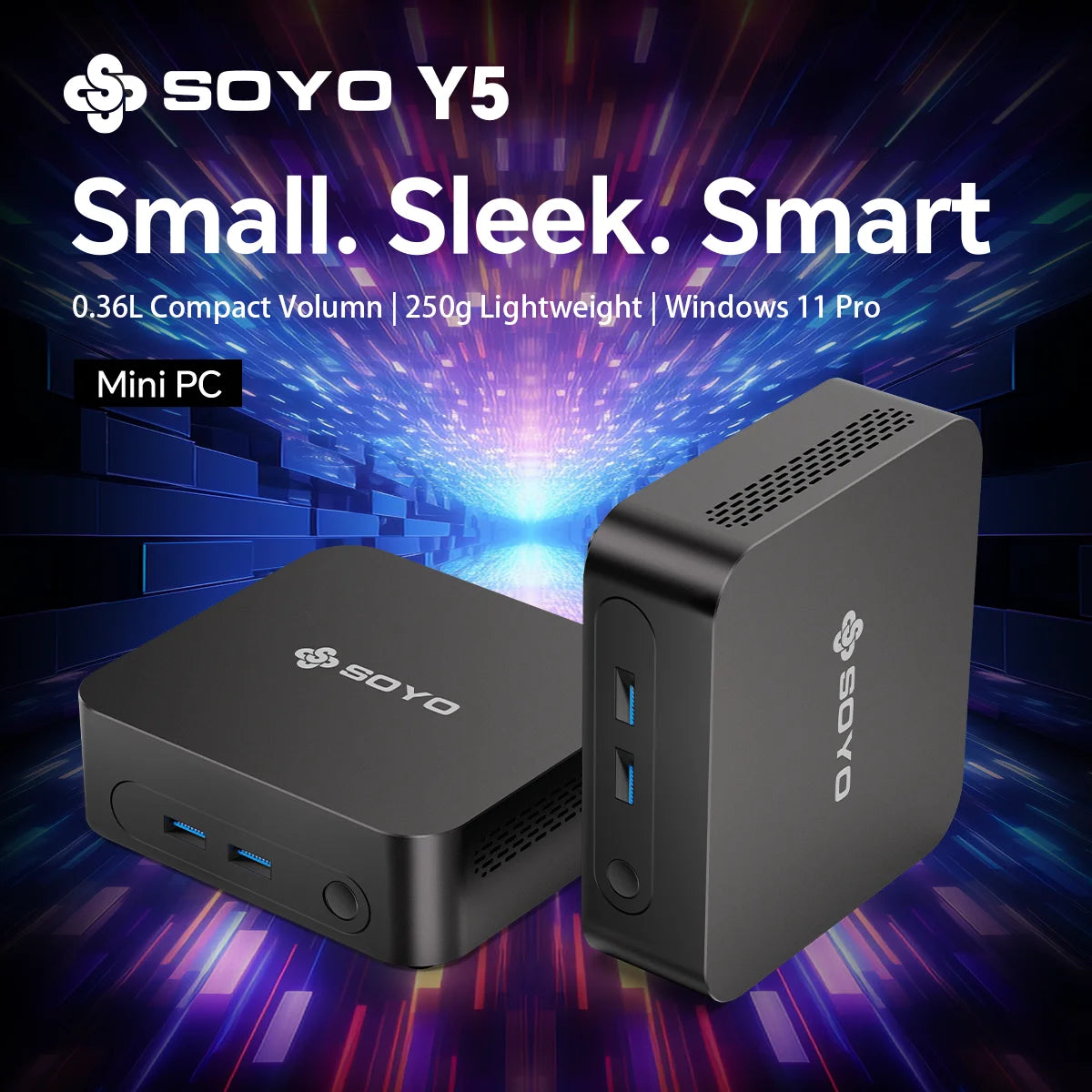
SOYO Mini PC Y5 Intel i3 4th Gen4030U 8GB RAM 128GB ROM Windows 10 WiFi BT4.2 Desktop Computer Multi-screen output
SOYO Mini PC Y5 Intel i3 4th Gen4030U 8GB RAM 128GB ROM Windows 10 WiFi BT4.2 Desktop Computer Multi-screen output
Verfügbarkeit für Abholungen konnte nicht geladen werden
SPECIFICATIONS
Brand Name: SOYO
Graphics Card Type: Integrated Card
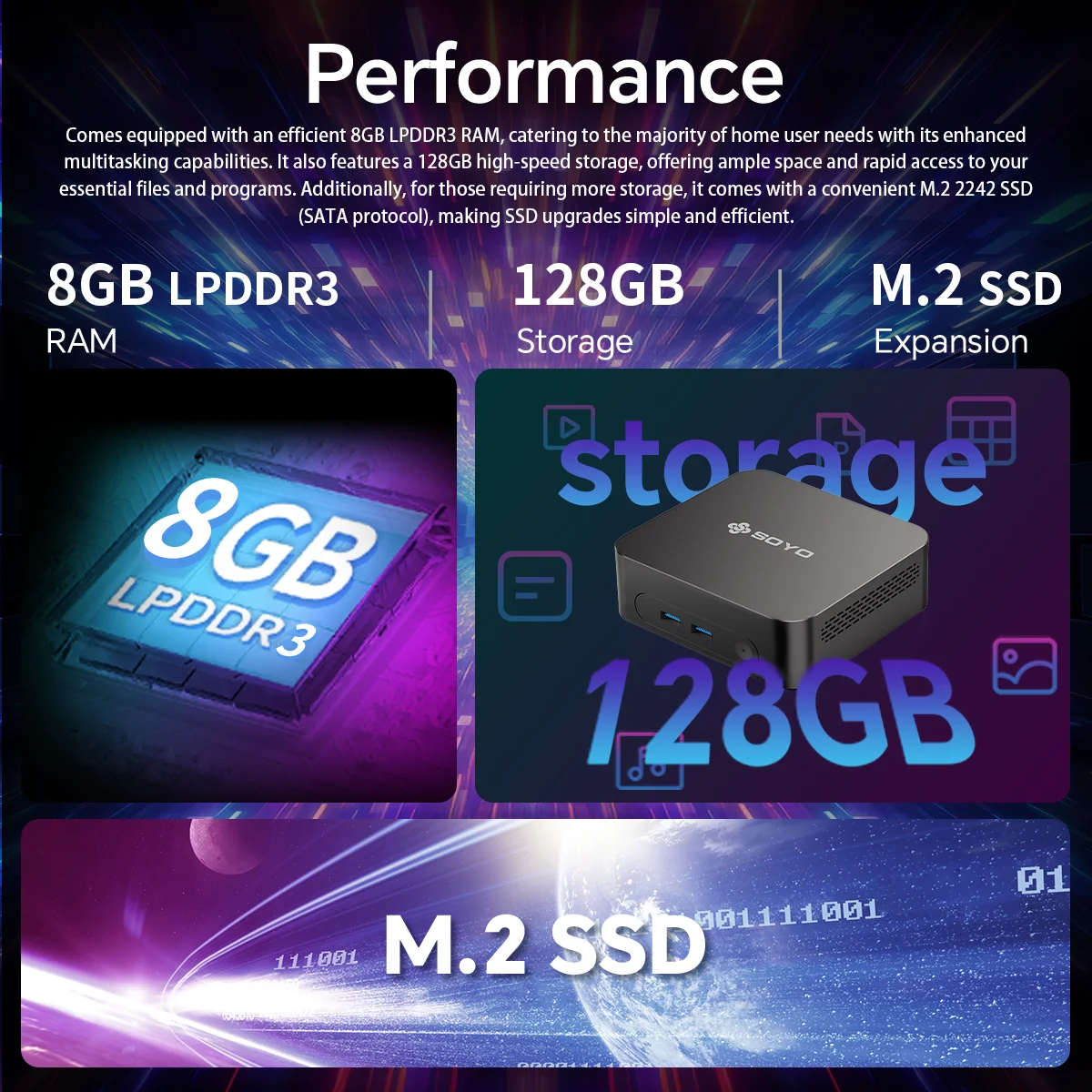
Hard Drive Capacity: 128 GB
Memory Capacity: 8 GB
Model Number: Y5
Origin: Mainland China
Processor Brand: Intel
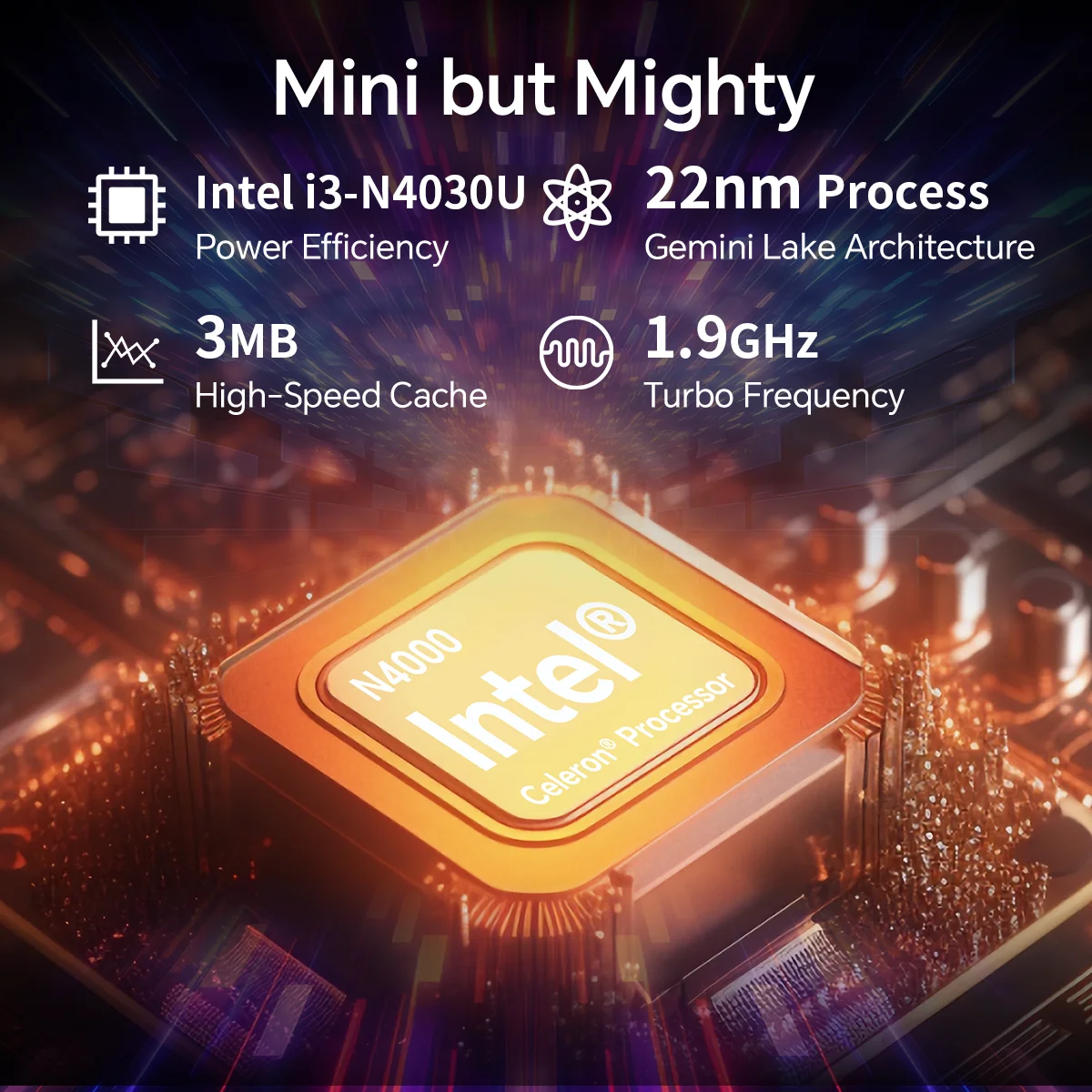
Processor Model: i3 4th Gen
Type: Mini Desktop,Mini PC
Use: Commercial
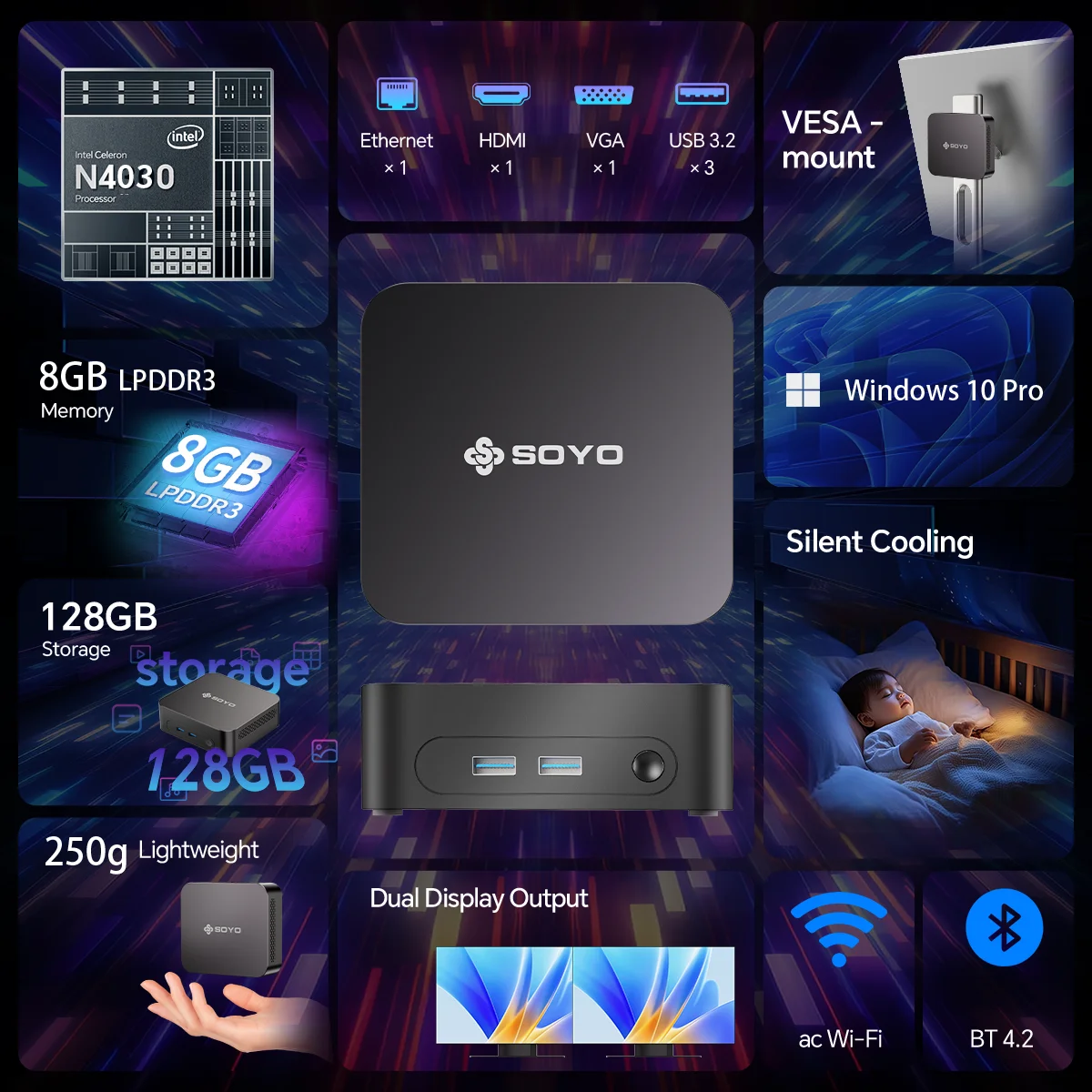
Windows 10 Operating System
Run a wide range of applications on this Mini PC thanks to its reliable Windows 10 operating system.
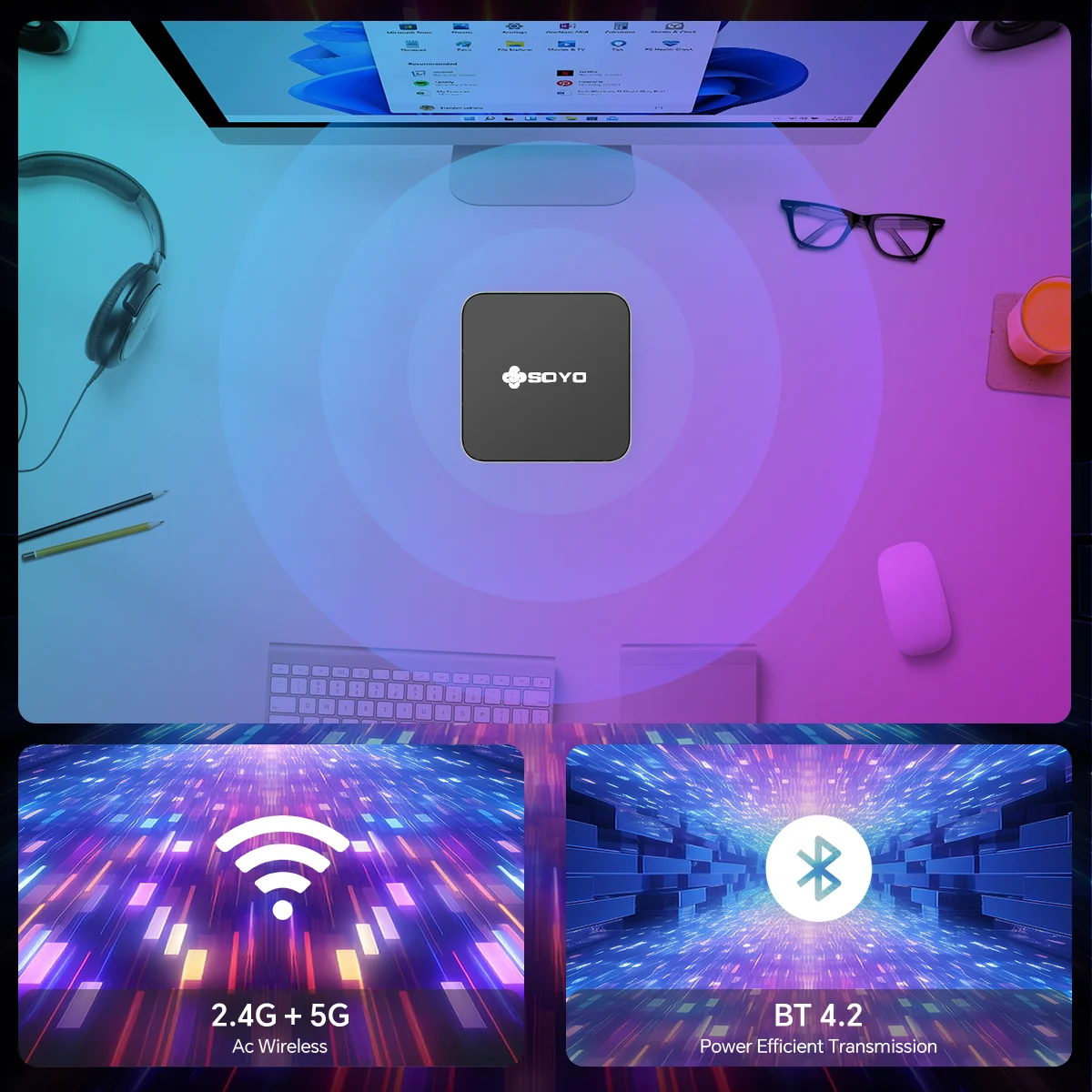
WiFi BT4.2 Connectivity
Enjoy seamless internet access and Bluetooth connectivity with the built-in WiFi BT4.2 feature.
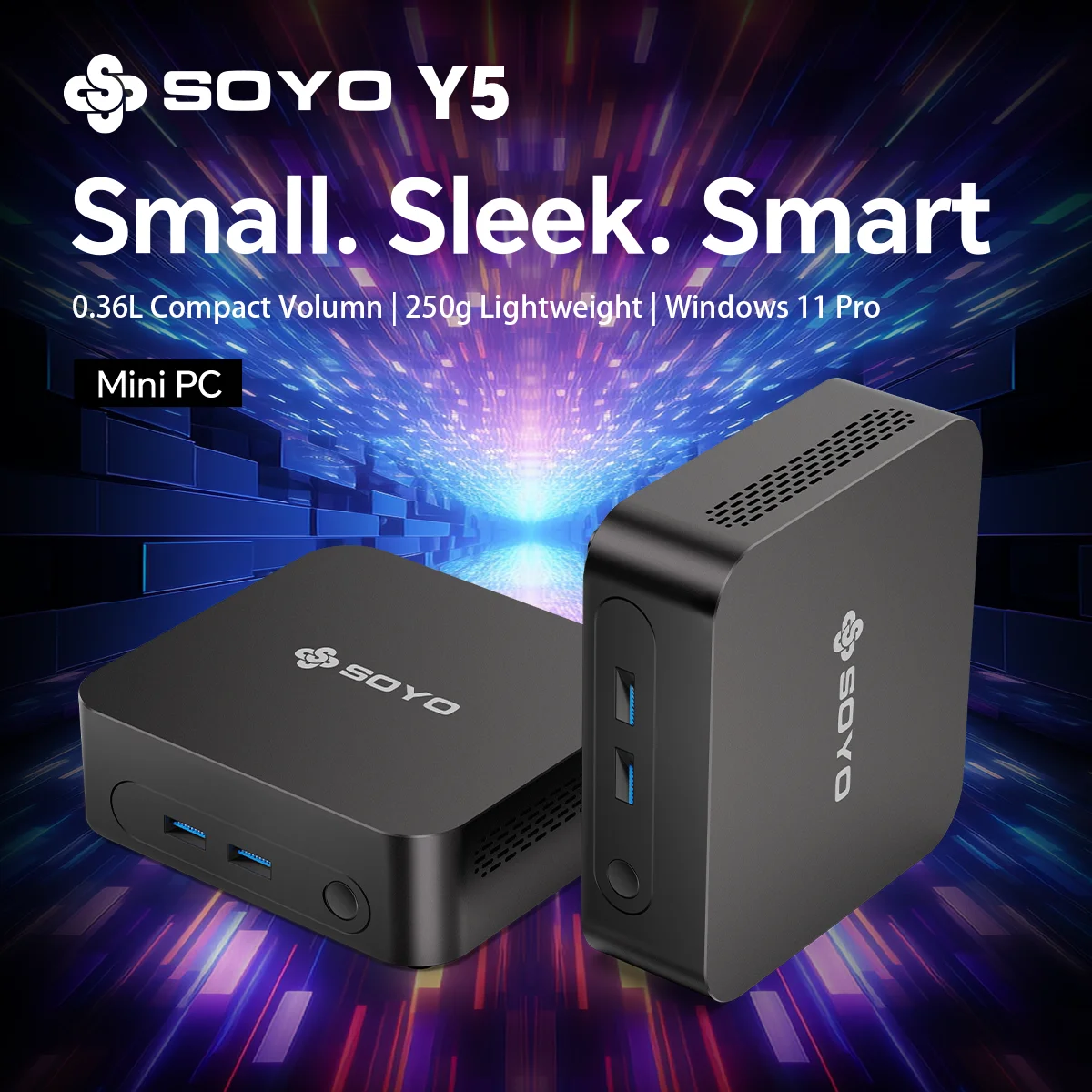
Compact Design
Its compact design makes this Mini PC ideal for space-constrained environments like offices.
Intel i3 4030U Processor
Equipped with the efficient Intel i3 4030U processor, this Mini PC offers swift performance for daily tasks.
Integrated Graphics Card
Featuring an integrated graphics card, this Mini PC delivers smooth visuals for everyday use.

Q&A
Q: Don't turn on?
A: 1.Make sure the AC power adapter is connected to the computer and ithe power cable plugis plugged into a working power outlet.
2.The computer has been started (press the power button again to confirm whether it is started normally).
Q: When the computeris started,nothing is diasplayed?
A: 1.Check whether the HDMI and DP cables are properly connected diasplayed.
2.Check that the diaplay input mode is correct.
Q: A blank screen appears when the computer is running?
A: 1.Check whether the device is in hibernation mode by viewing the appears when the power
indicator status. Press the power button to wake up computer is running.
2.Check whether the monitor sleeps.
Q: Computer unrespensive?
A:1. To force off, press and hold the power button and turn it on again.
2.Check whether the monitor sleeps.
Q: There is no sound from the speaker or headset?
A:1.Check whether the mute function is disabled.
2. To check speakers or earphones are selected as playback